

It's a simple gizmo I made as a test, after a suggestion from Gerardo Schiavone.
It's based on the fps of Nuke and it is completely customizable.
You can copy-paste the tool directly in Nuke from the button below:
Download here
Overview
Really intuitive, this tool allows you to create a simple working clock in Nuke. Select the output format and the clock will be based on the fps of your project.
With the Click Hands checkbox the hands tick, otherwise they move smoothly.
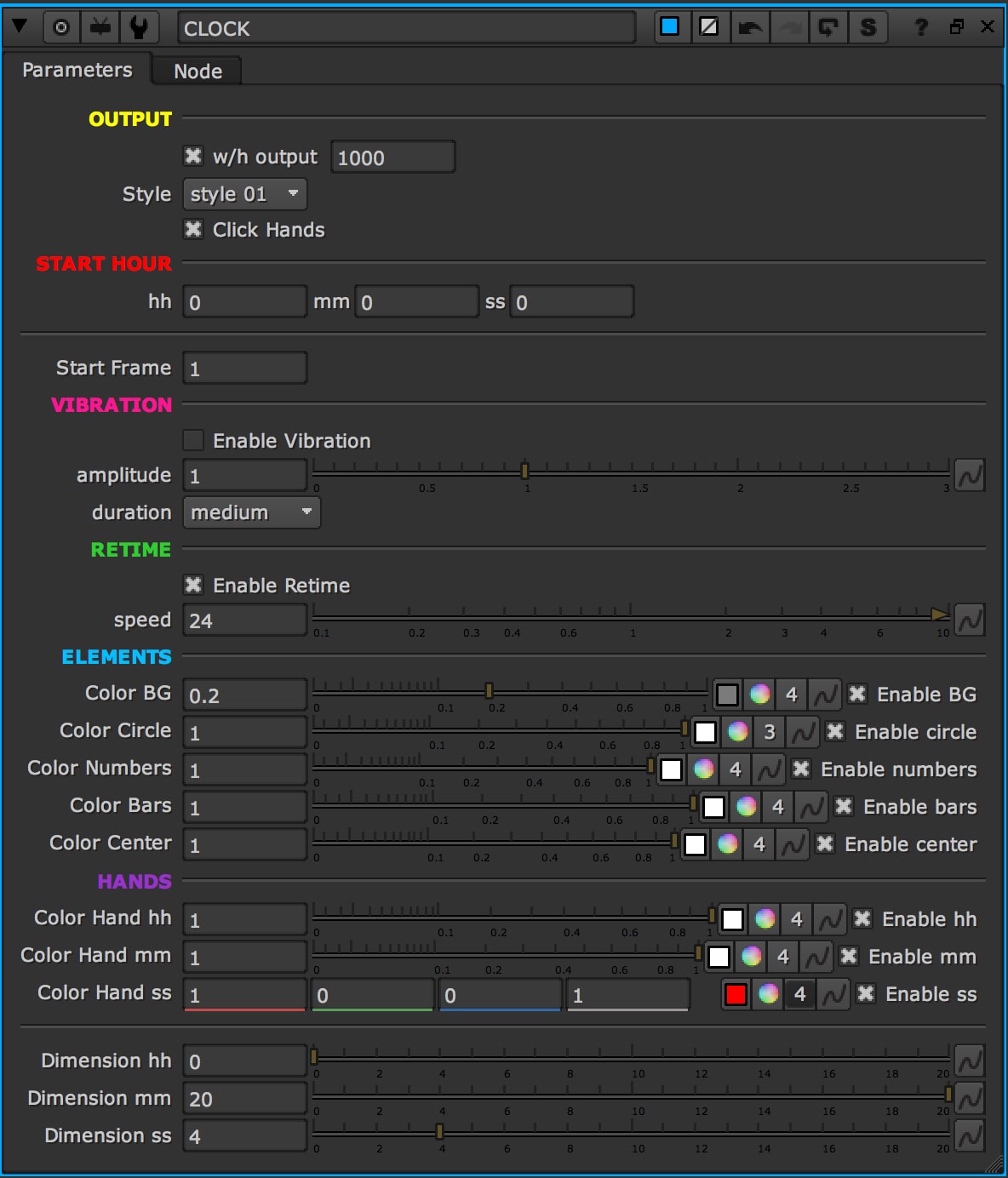
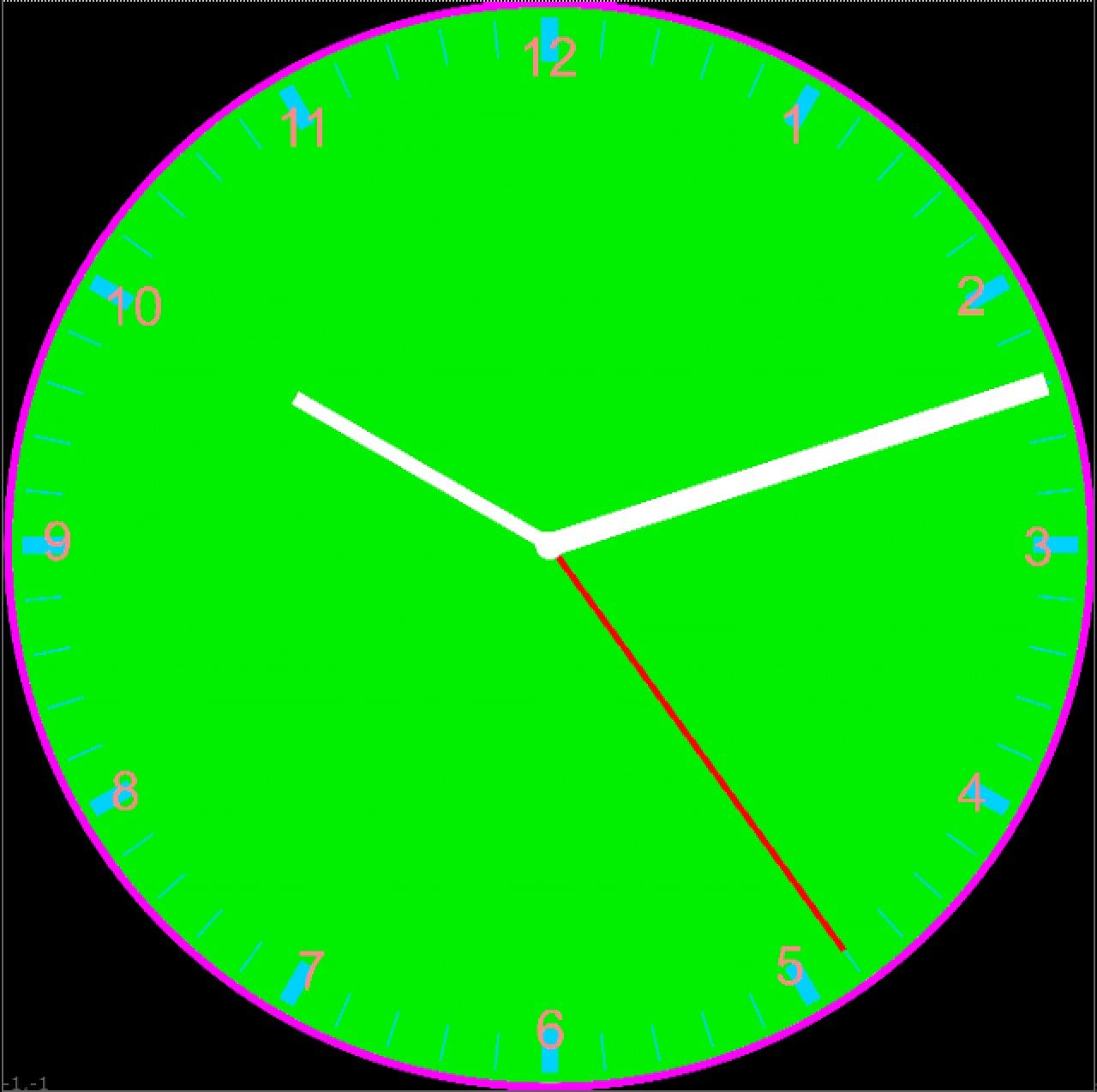
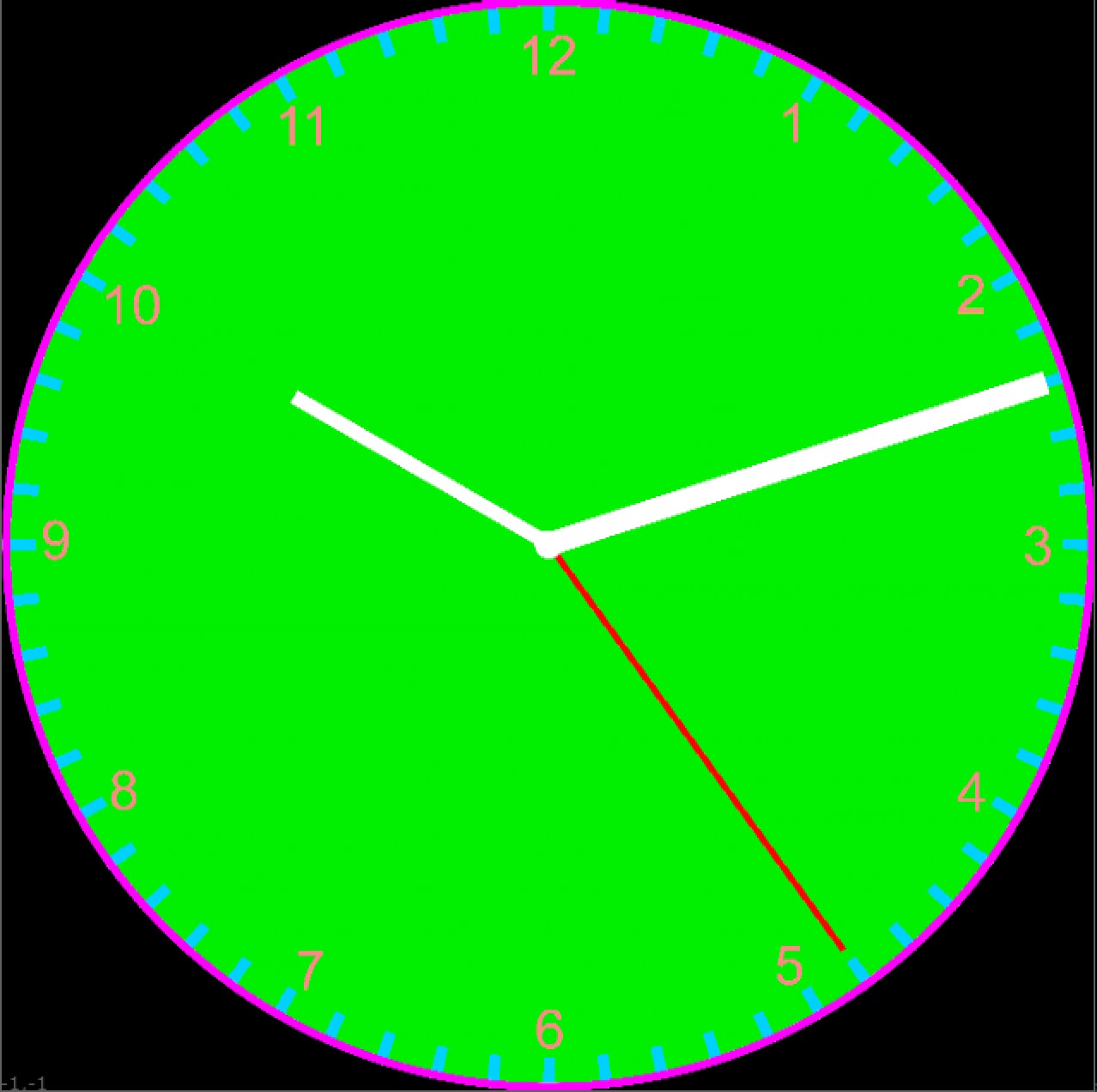
You can change the color of each element of the clock. You can even choose between 2 styles.
What's inside
You can speed up the time as well. In the image below, the time is 24 times faster: 1 frame = 1 sec with 24fps
The Enable Vibration checkbox makes the second hand vibrate.