

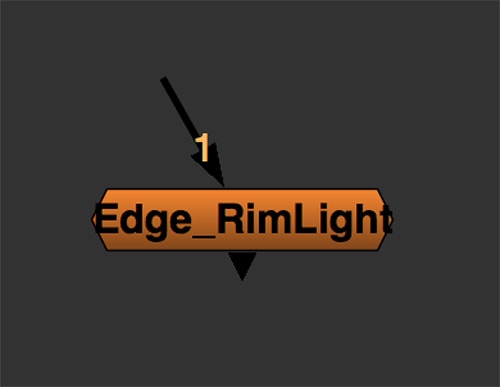
This tutorial can be helpful if you want to create a really fast Rim Light in 2D. You just need the matte of the character/object you want and move the rotate slider.
First of all I would like to thank Sabine Janetzka for introducing me to this technique with the Matrices.
You can download the Gizmo for Nuke here:
Download from Nukepedia
If you want to go deeper with Matrices, have a look here:
Read More
Overview
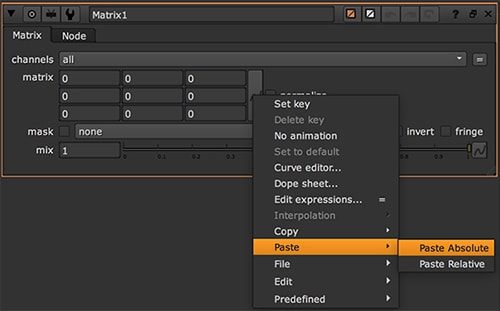
In Nuke, create a Matrix node from here: Filter → Matrix... and select the dimension of the matrix. In this case 3x3.
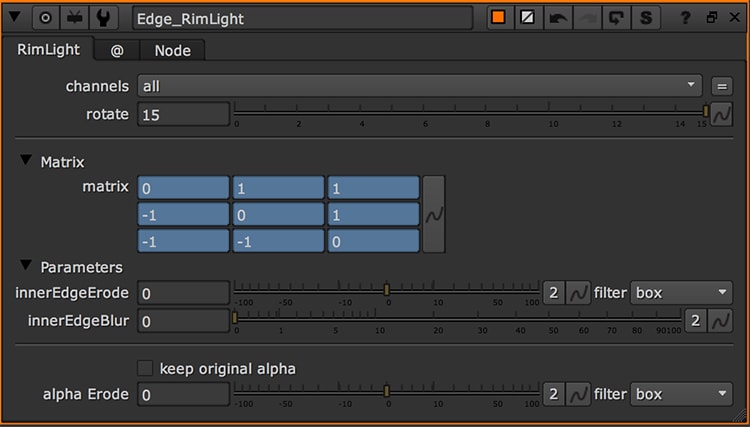
Wherever you find this text field, you can copy and paste the values directly into another Matrix 3x3 node in Nuke.
Easy Solutions
| -1 | 0 | 0 |
| 0 | 0 | 0 |
| 0 | 0 | 1 |
| 1 | 0 | 0 |
| 0 | 0 | 0 |
| 0 | 0 | -1 |
| 0 | 0 | 1 |
| 0 | 0 | 0 |
| -1 | 0 | 0 |
| 0 | 0 | -1 |
| 0 | 0 | 0 |
| 1 | 0 | 0 |
Matrices
- Original Image
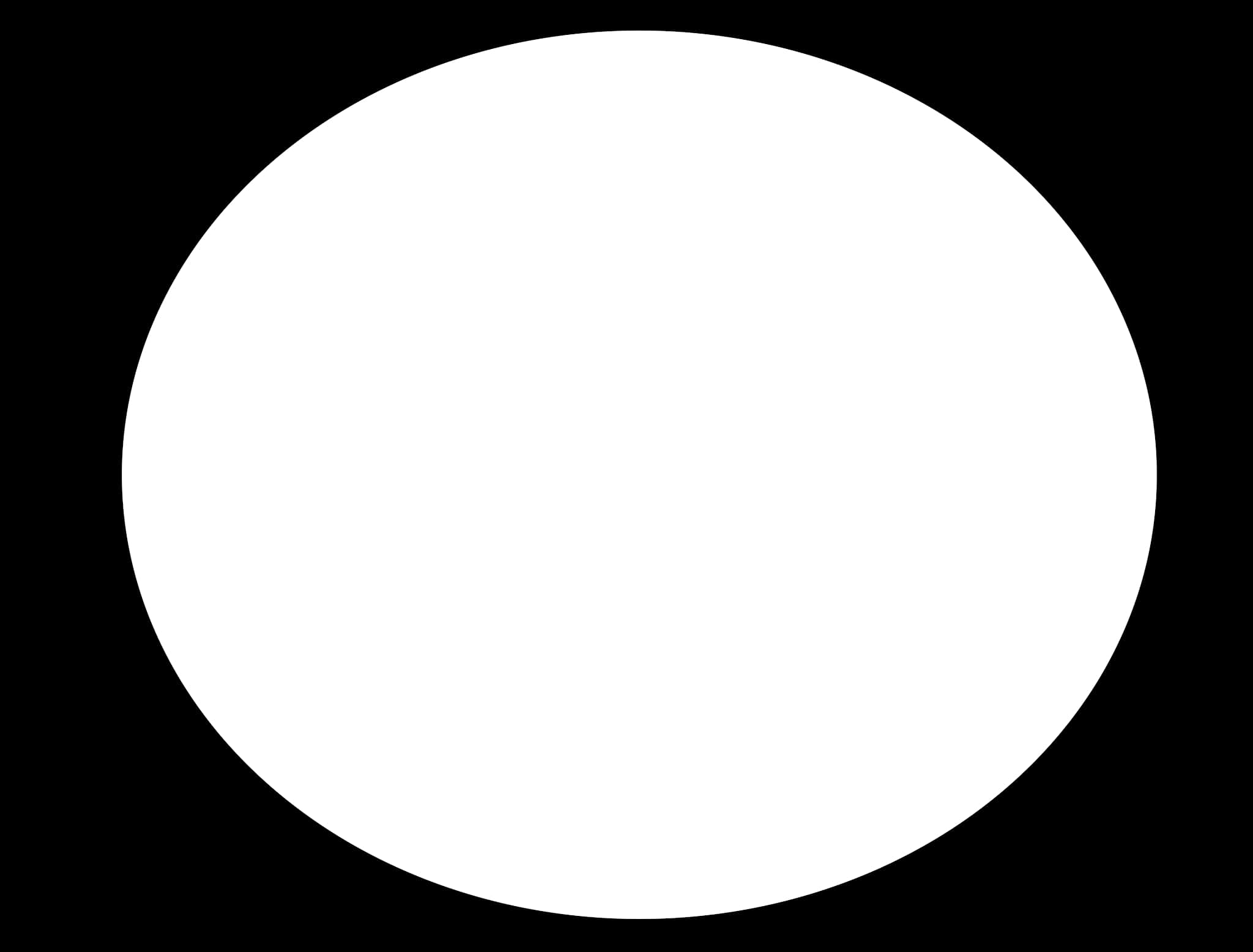
This is our original image: a simple 2D circle. You can get it with the Radial Node in Nuke.
This GIF shows the result of this gizmo: starting from a sphere we will get the Rim Light!
- RIM LIGHT 01
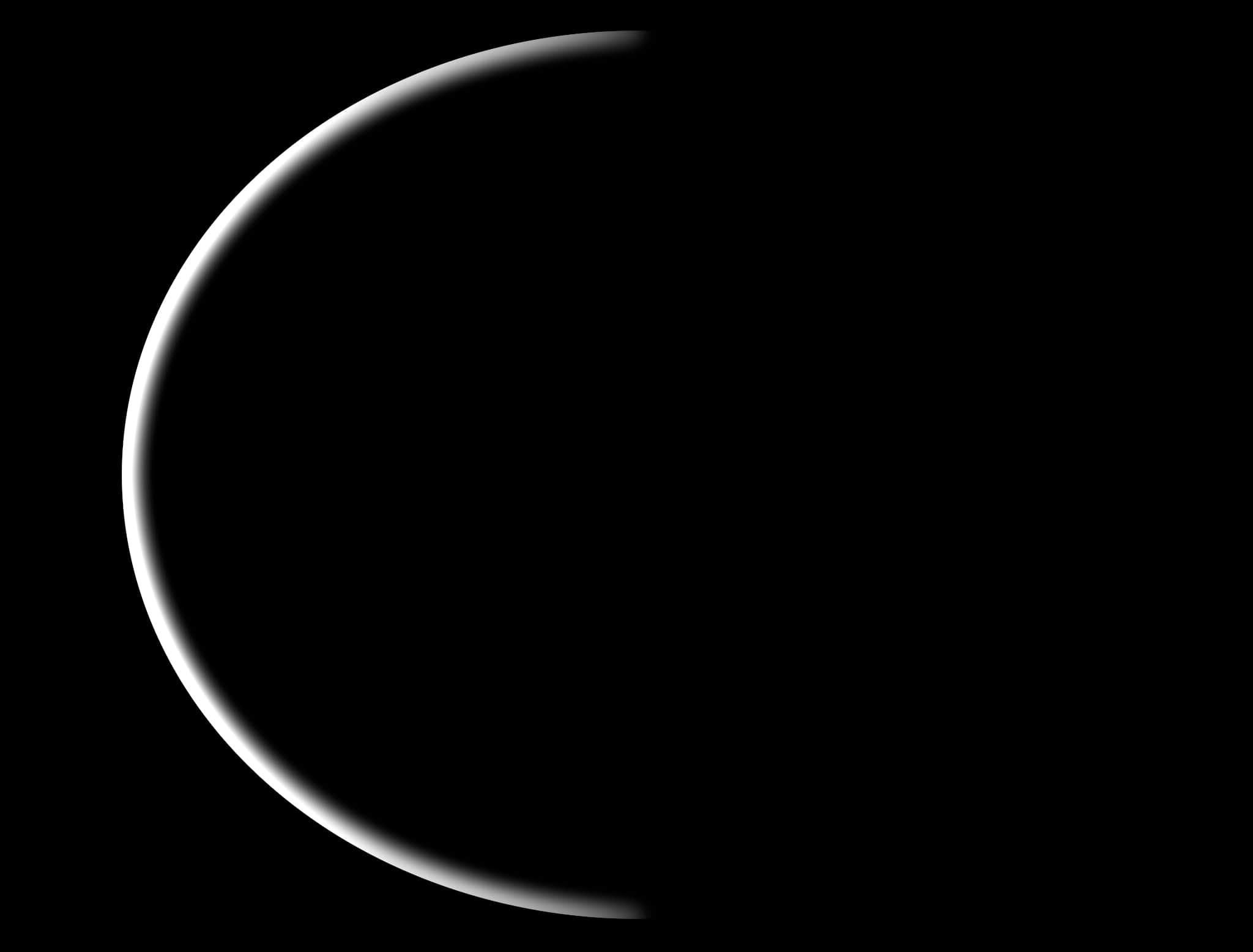
| -1 | 0 | 1 |
| -1 | 0 | 1 |
| -1 | 0 | 1 |
- RIM LIGHT 02
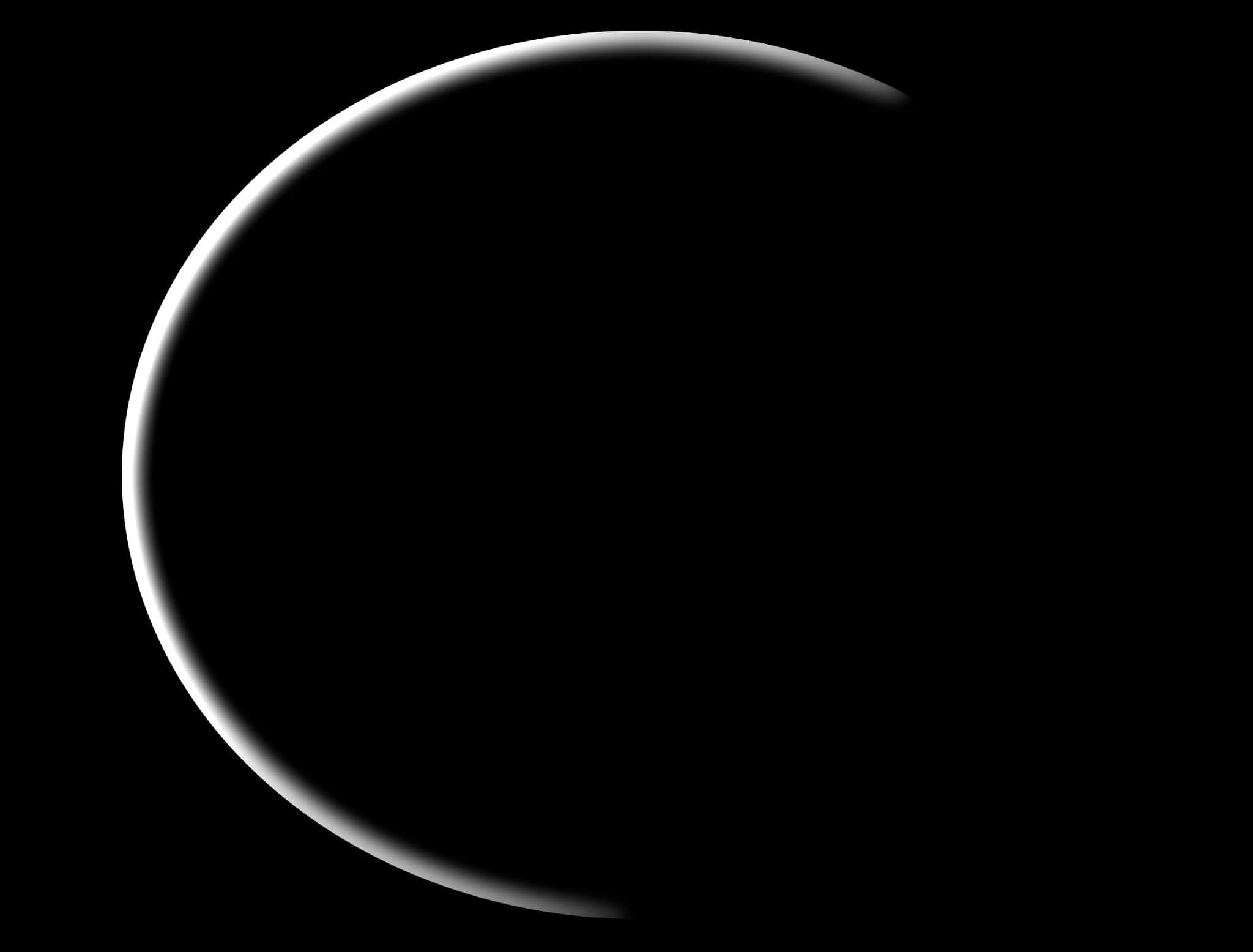
| -1 | -1 | 1 |
| -1 | 0 | 1 |
| -1 | 1 | 1 |
- RIM LIGHT 03
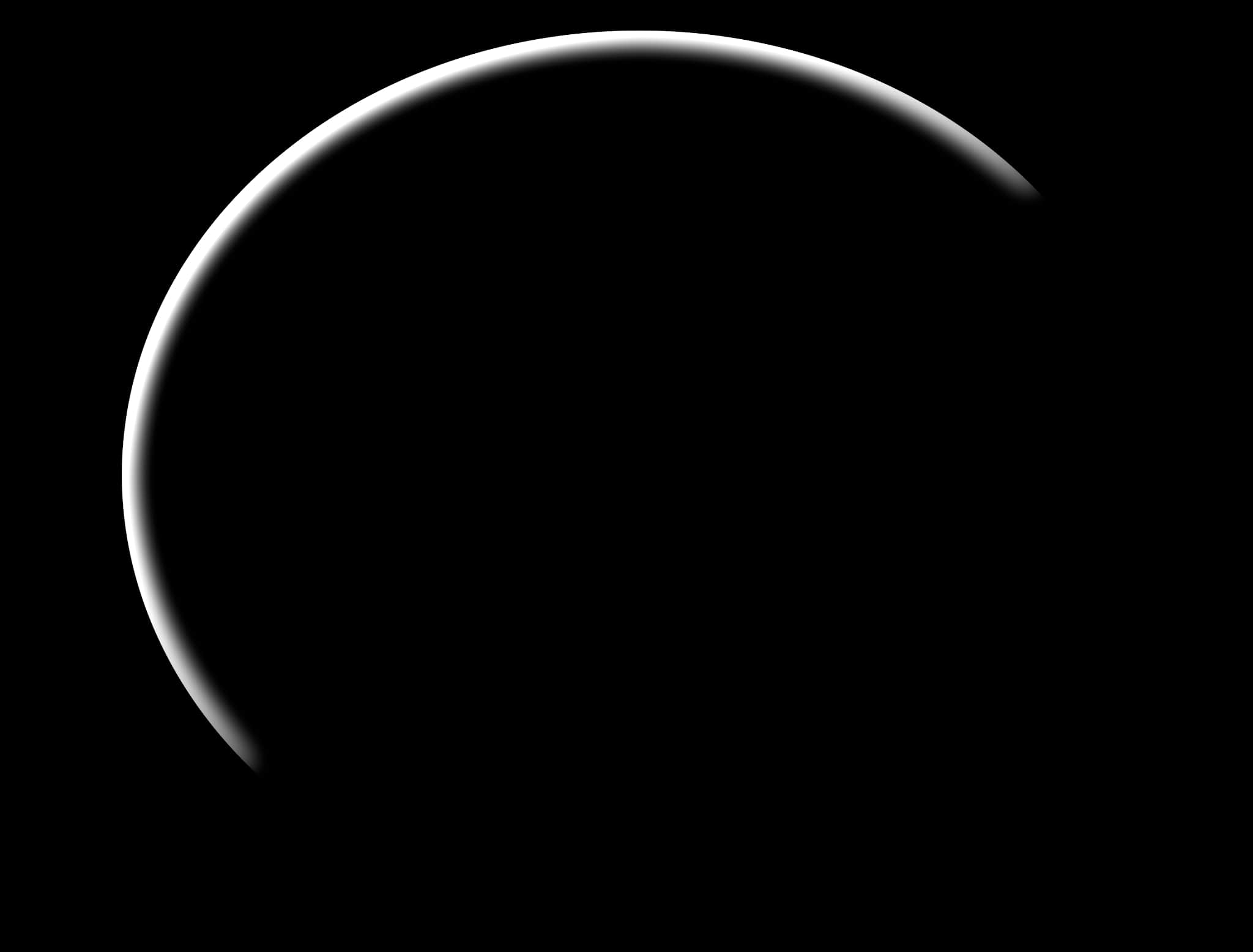
| -1 | -1 | 0 |
| -1 | 0 | 1 |
| 0 | 1 | 1 |
- RIM LIGHT 04
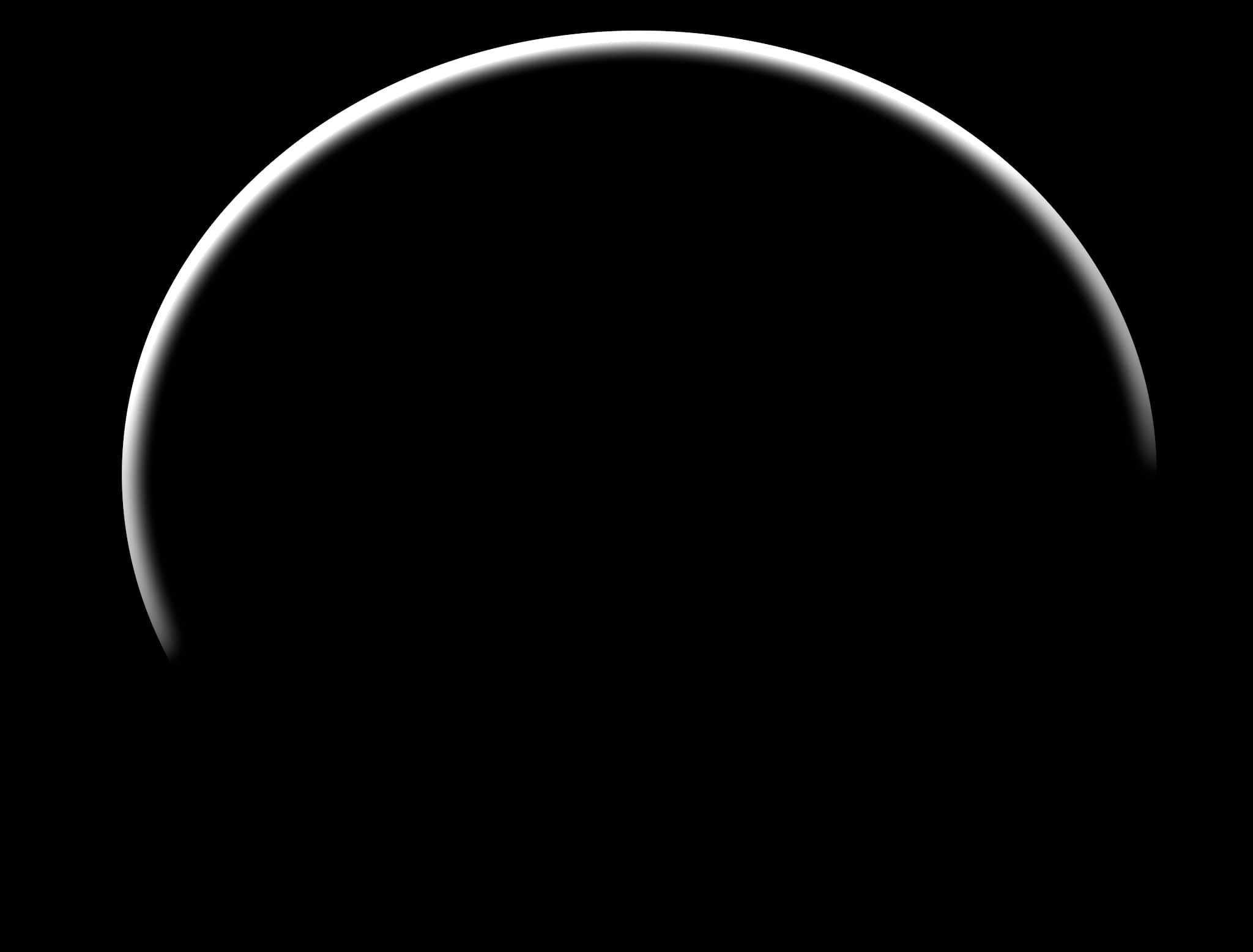
| -1 | -1 | -1 |
| -1 | 0 | 1 |
| 1 | 1 | 1 |
- RIM LIGHT 05
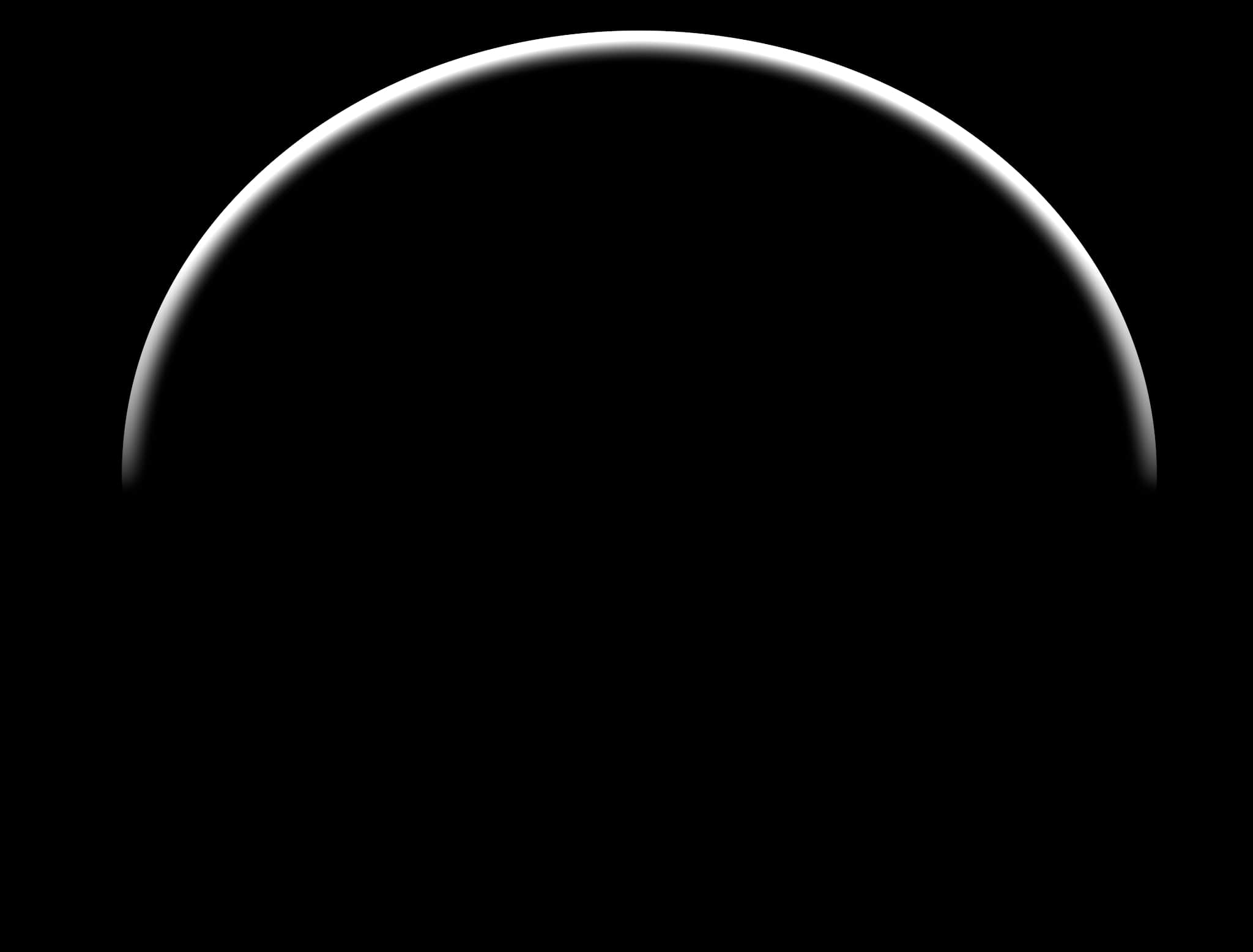
| -1 | -1 | -1 |
| 0 | 0 | 0 |
| 1 | 1 | 1 |
- RIM LIGHT 06
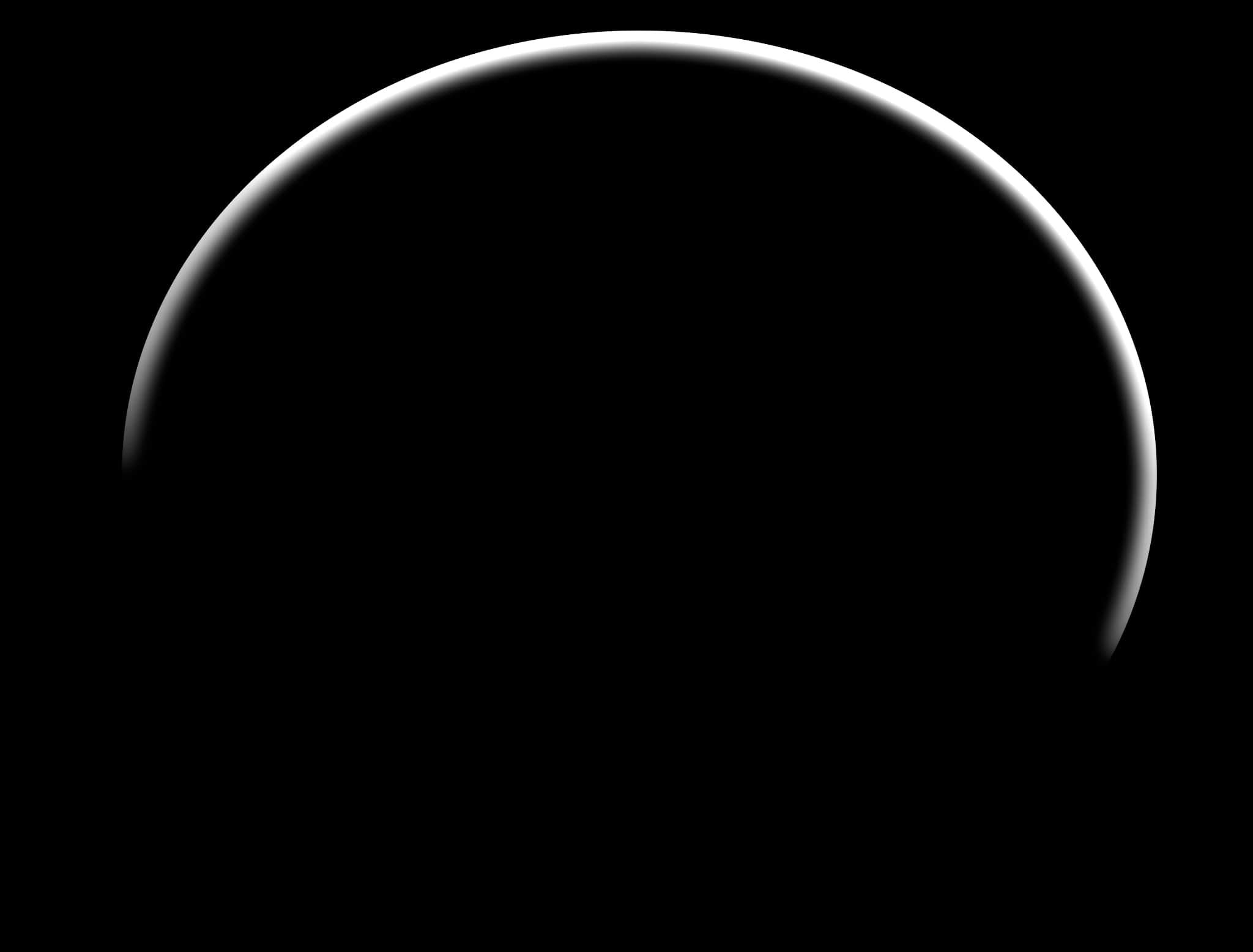
| -1 | -1 | -1 |
| 1 | 0 | -1 |
| 1 | 1 | 1 |
- RIM LIGHT 07
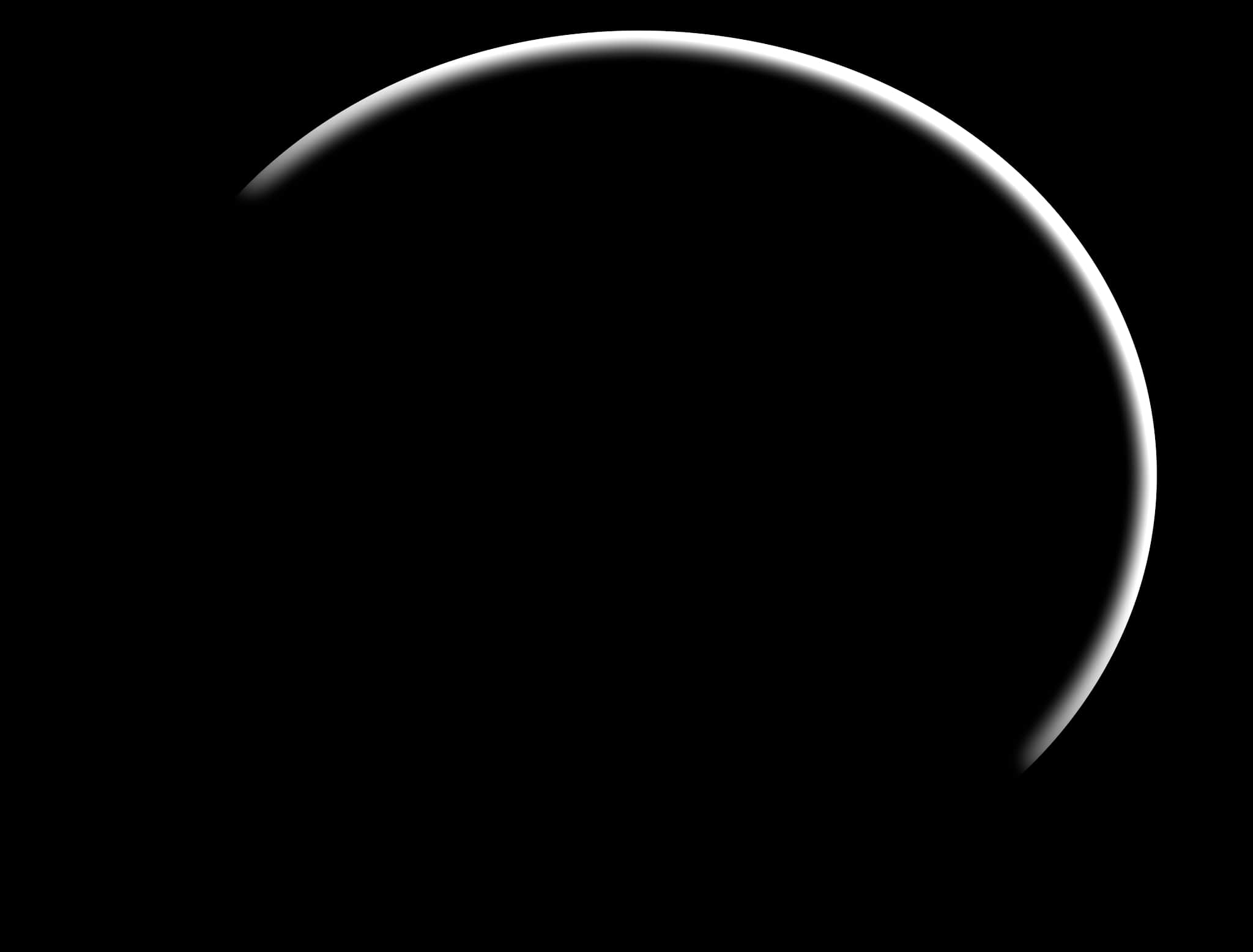
| 0 | -1 | -1 |
| 1 | 0 | -1 |
| 1 | 1 | 0 |
- RIM LIGHT 08
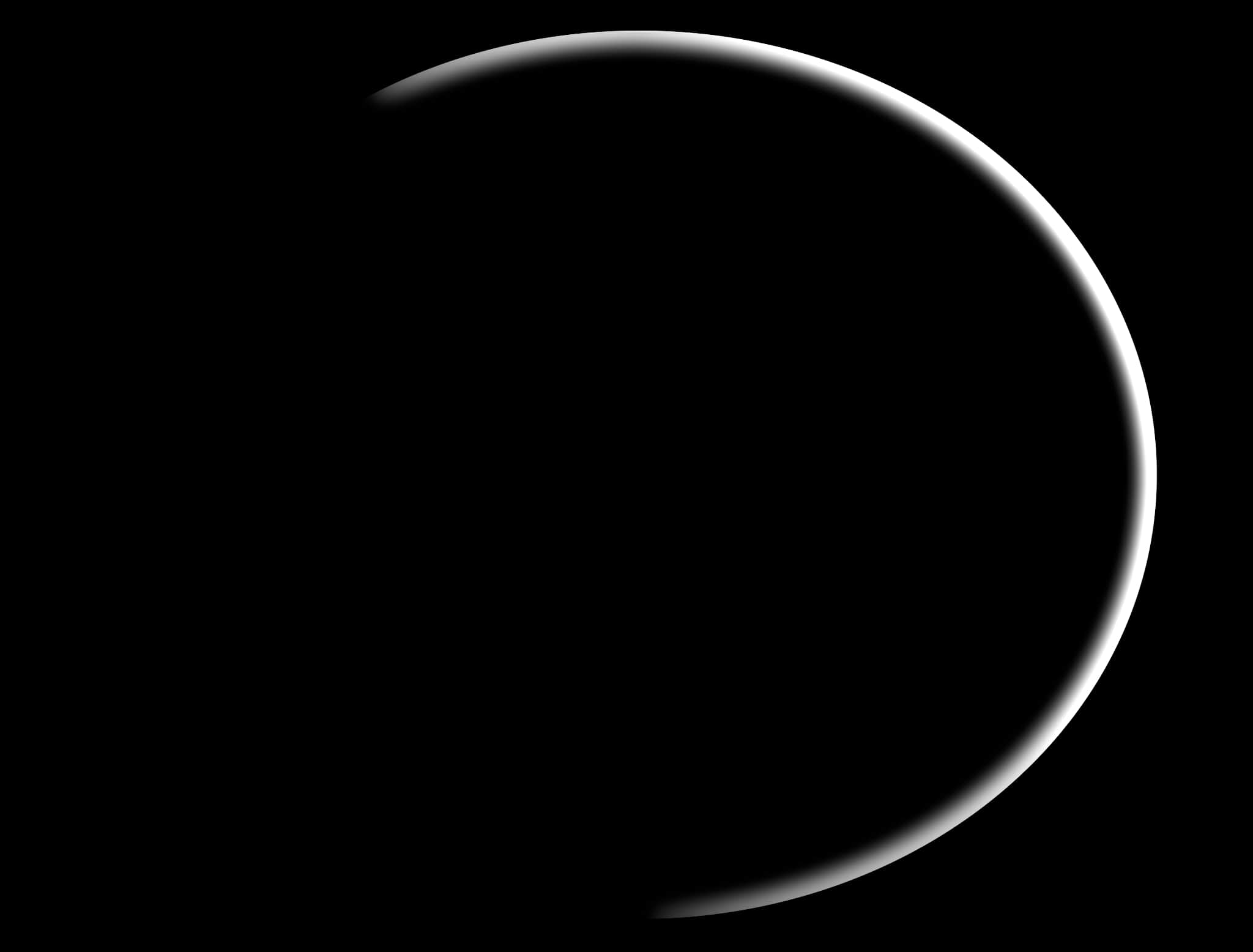
| 1 | -1 | -1 |
| 1 | 0 | -1 |
| 1 | 1 | -1 |
- RIM LIGHT 09
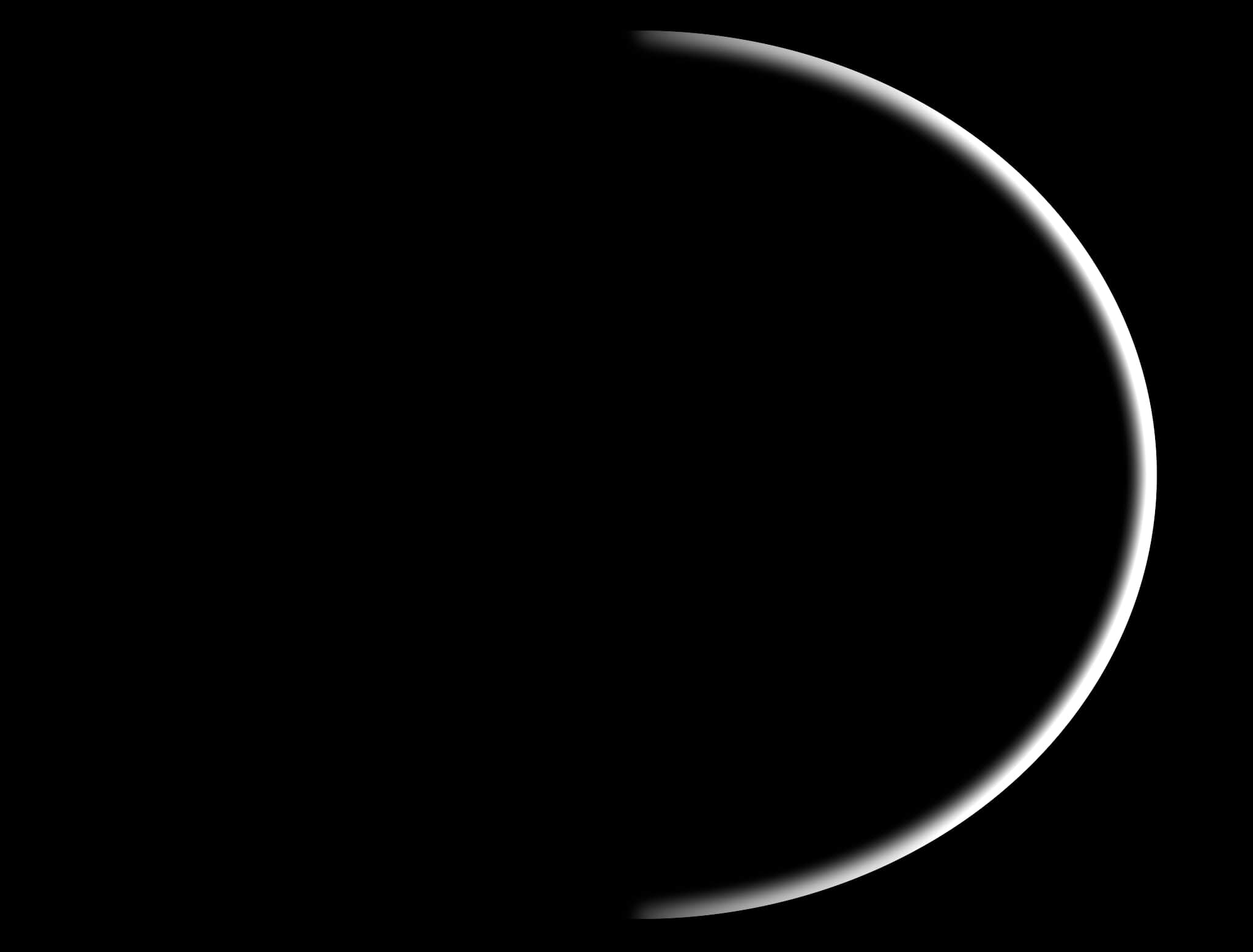
| 1 | 0 | -1 |
| 1 | 0 | -1 |
| 1 | 0 | -1 |
- RIM LIGHT 10
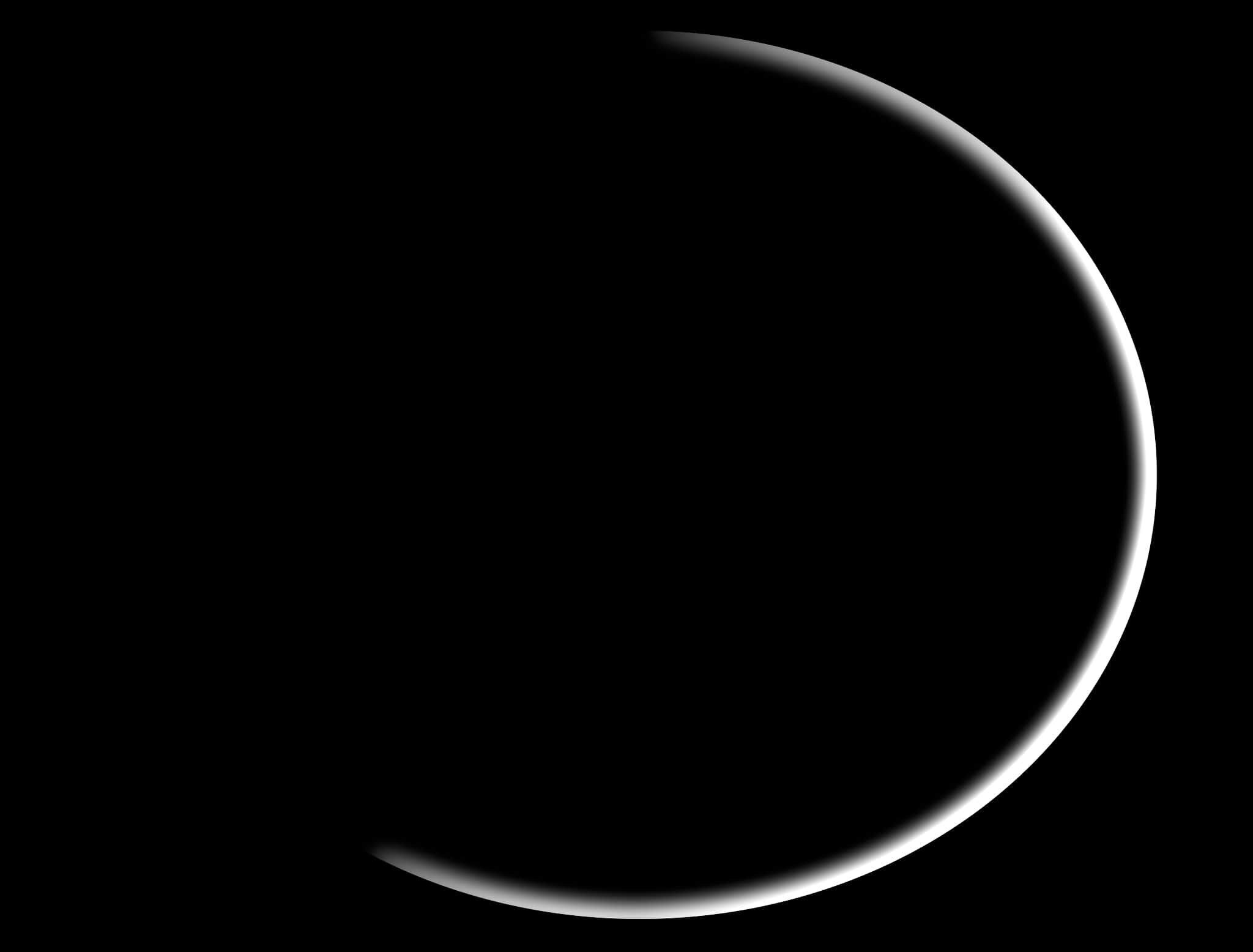
| 1 | 1 | -1 |
| 1 | 0 | -1 |
| 1 | -1 | -1 |
- RIM LIGHT 11
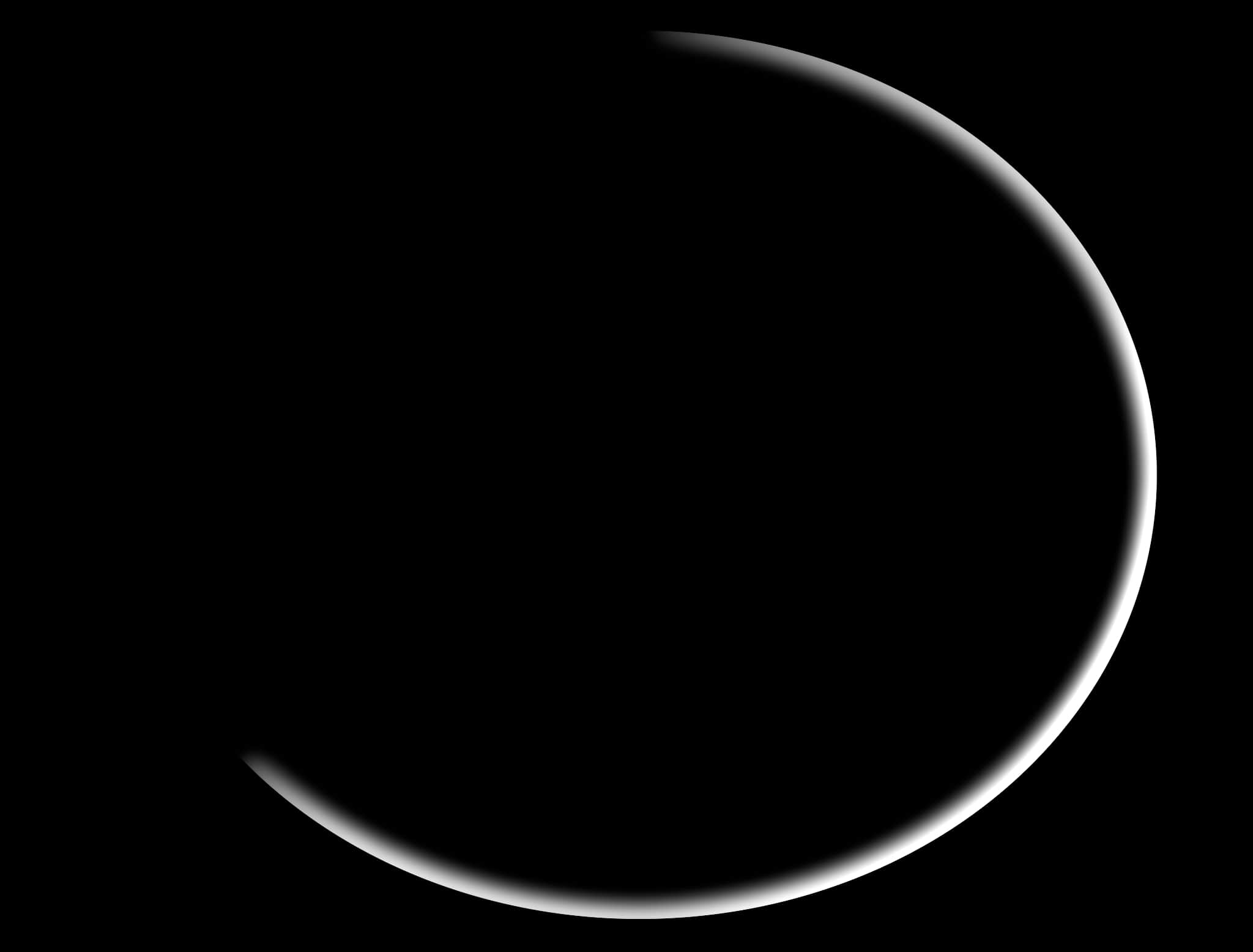
| 1 | 1 | -1 |
| 0 | 0 | 0 |
| 1 | -1 | -1 |
- RIM LIGHT 12
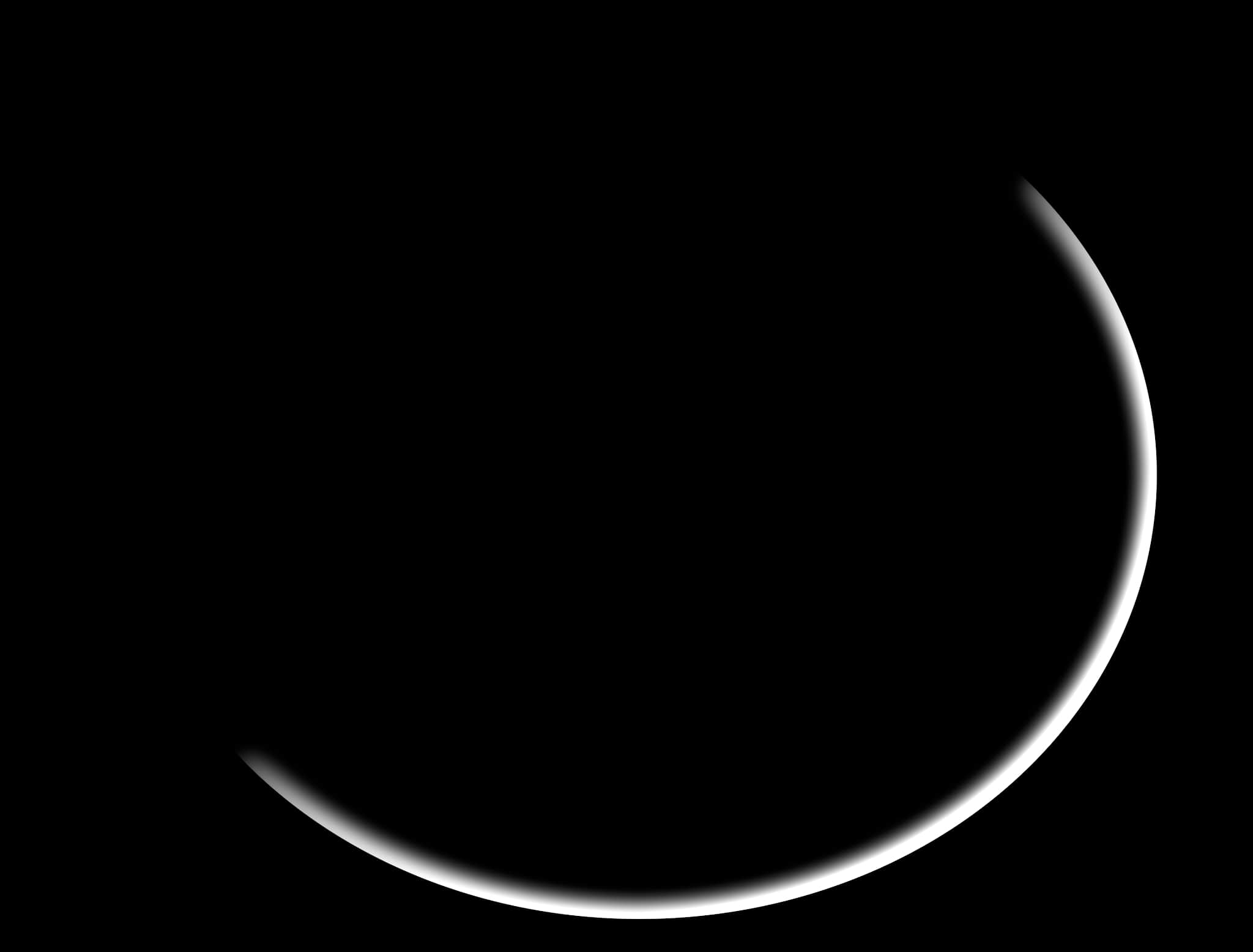
| 1 | 1 | 0 |
| 1 | 0 | -1 |
| 0 | -1 | -1 |
- RIM LIGHT 13
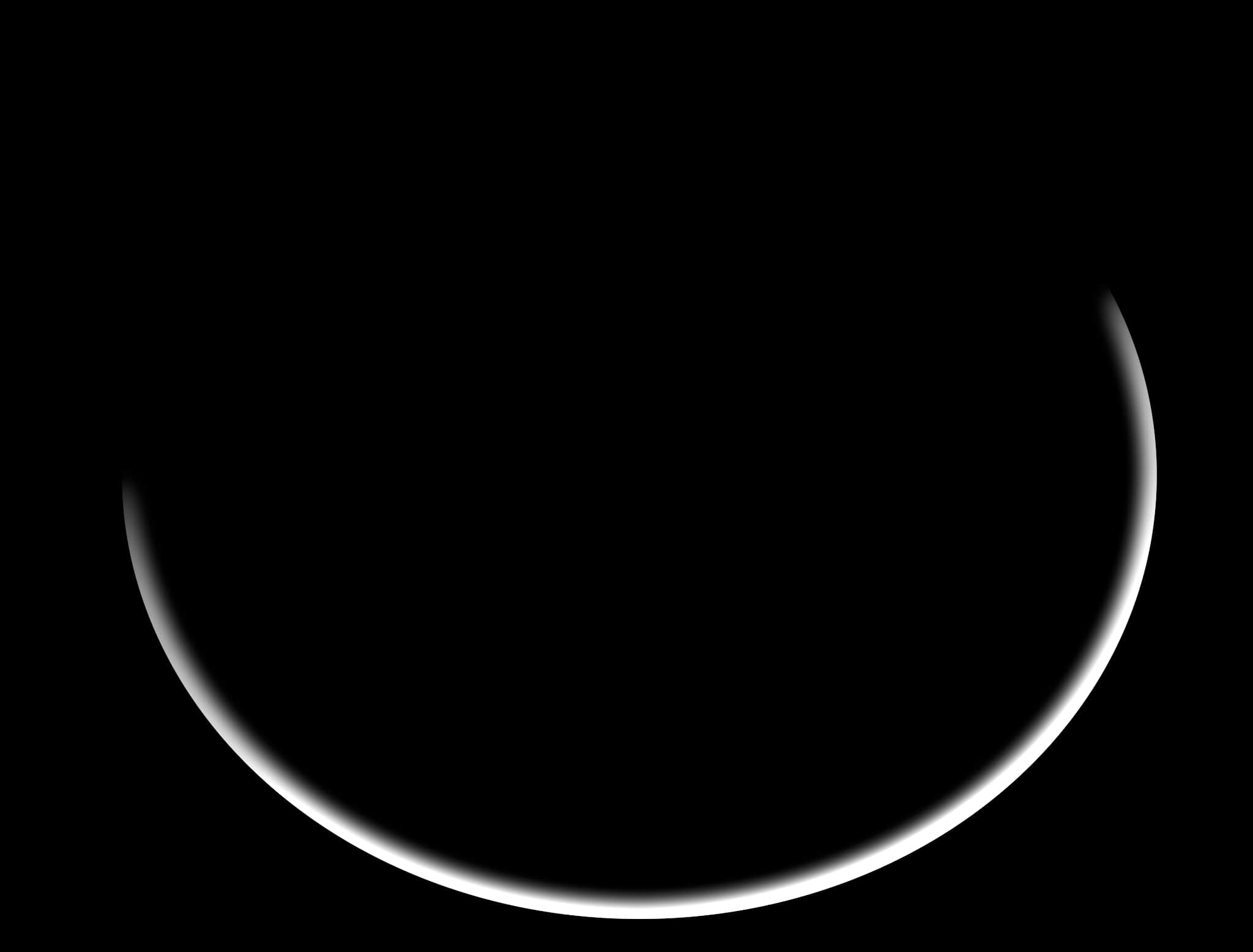
| 1 | 1 | 1 |
| 1 | 0 | -1 |
| -1 | -1 | -1 |
- RIM LIGHT 14
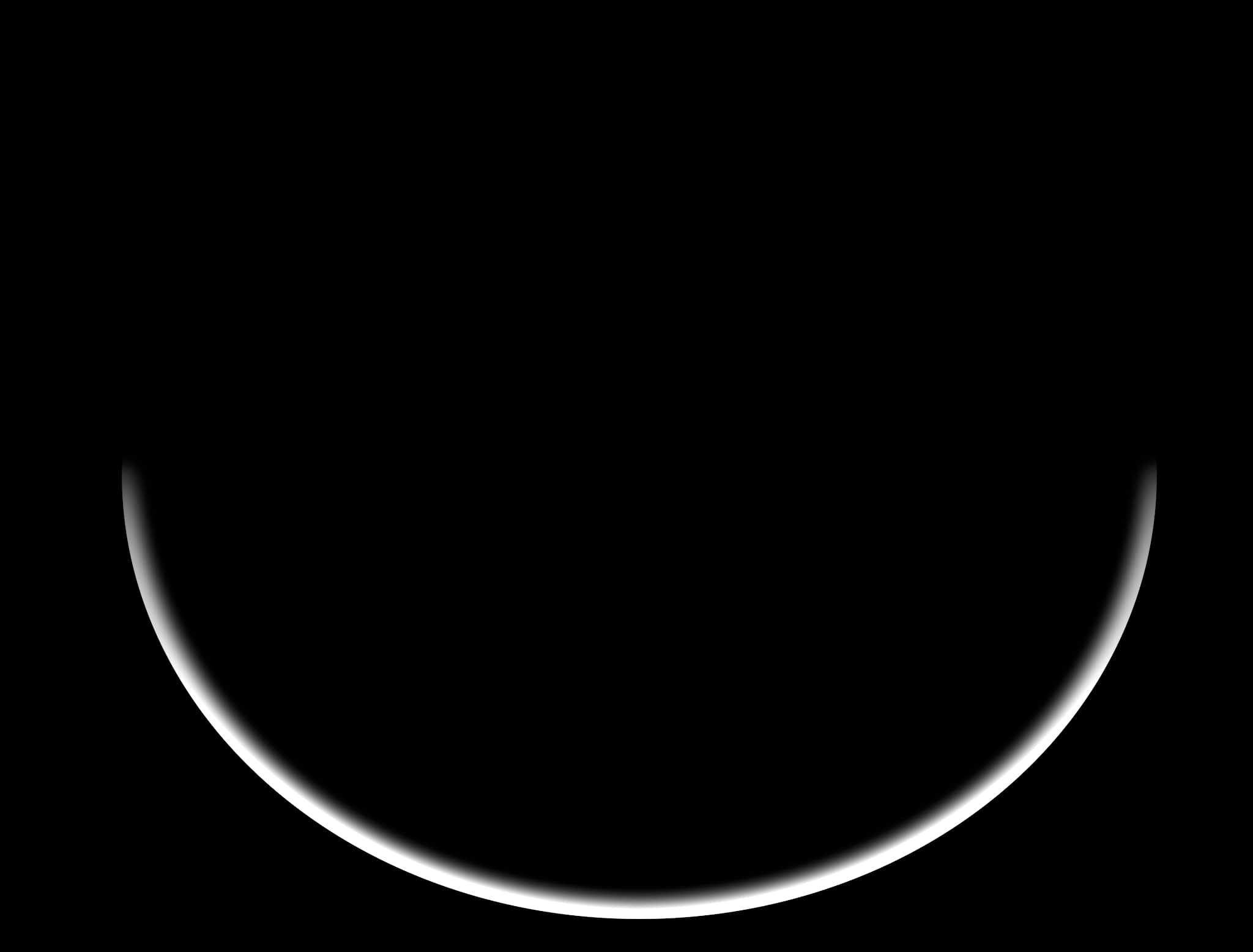
| 1 | 1 | 1 |
| 0 | 0 | 0 |
| -1 | -1 | -1 |
- RIM LIGHT 15
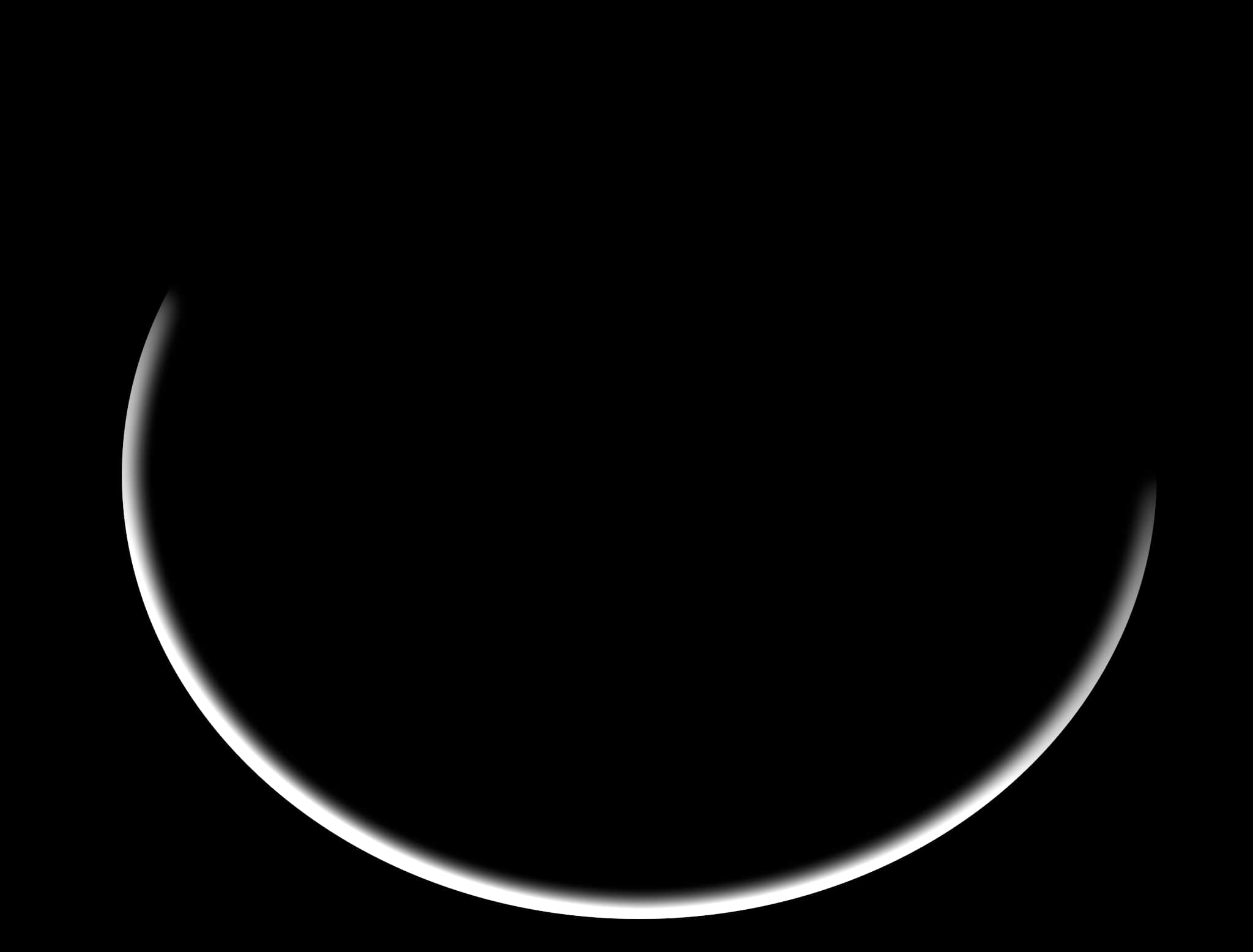
| 1 | 1 | 1 |
| -1 | 0 | 1 |
| -1 | -1 | -1 |
- RIM LIGHT 16
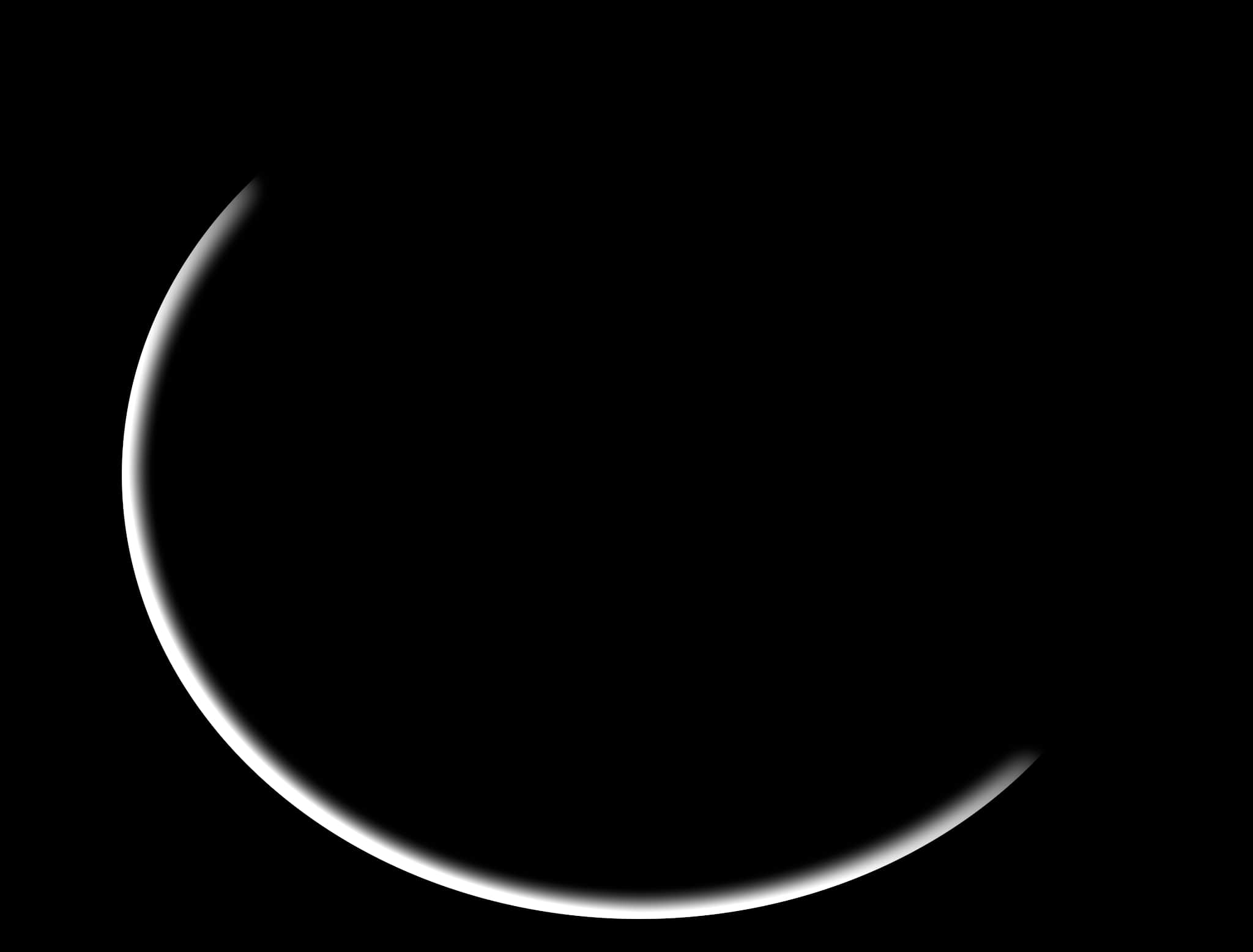
| 0 | 1 | 1 |
| -1 | 0 | 1 |
| -1 | -1 | 0 |