During my work at Trixter, I had to work every day with 3D. Extracting the UVs of a mesh and using them in the script was one of the main tasks. So I decided to create this tool. Nothing complex, but it can speed up your work.
You can download the Gizmo for Nuke here:
Download from Nukepedia
Gizmo Overview
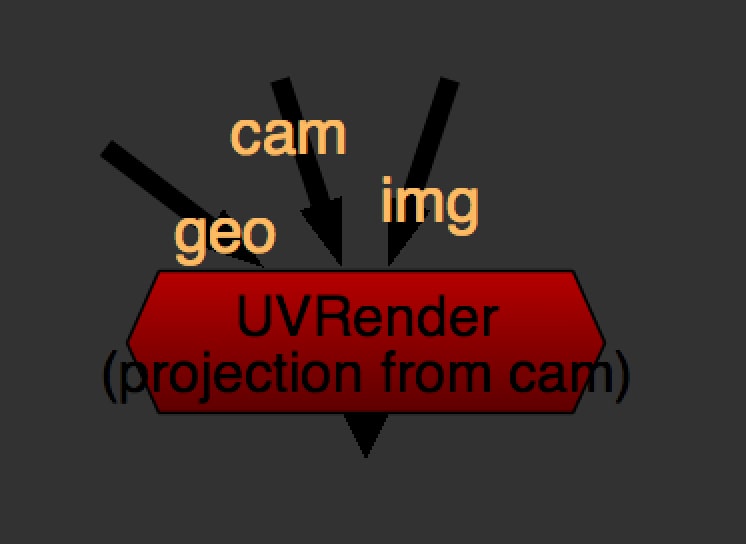
This is the gizmo. As you can see it needs 3 inputs: camera, 3D object and image, but the last one is not always necessary.
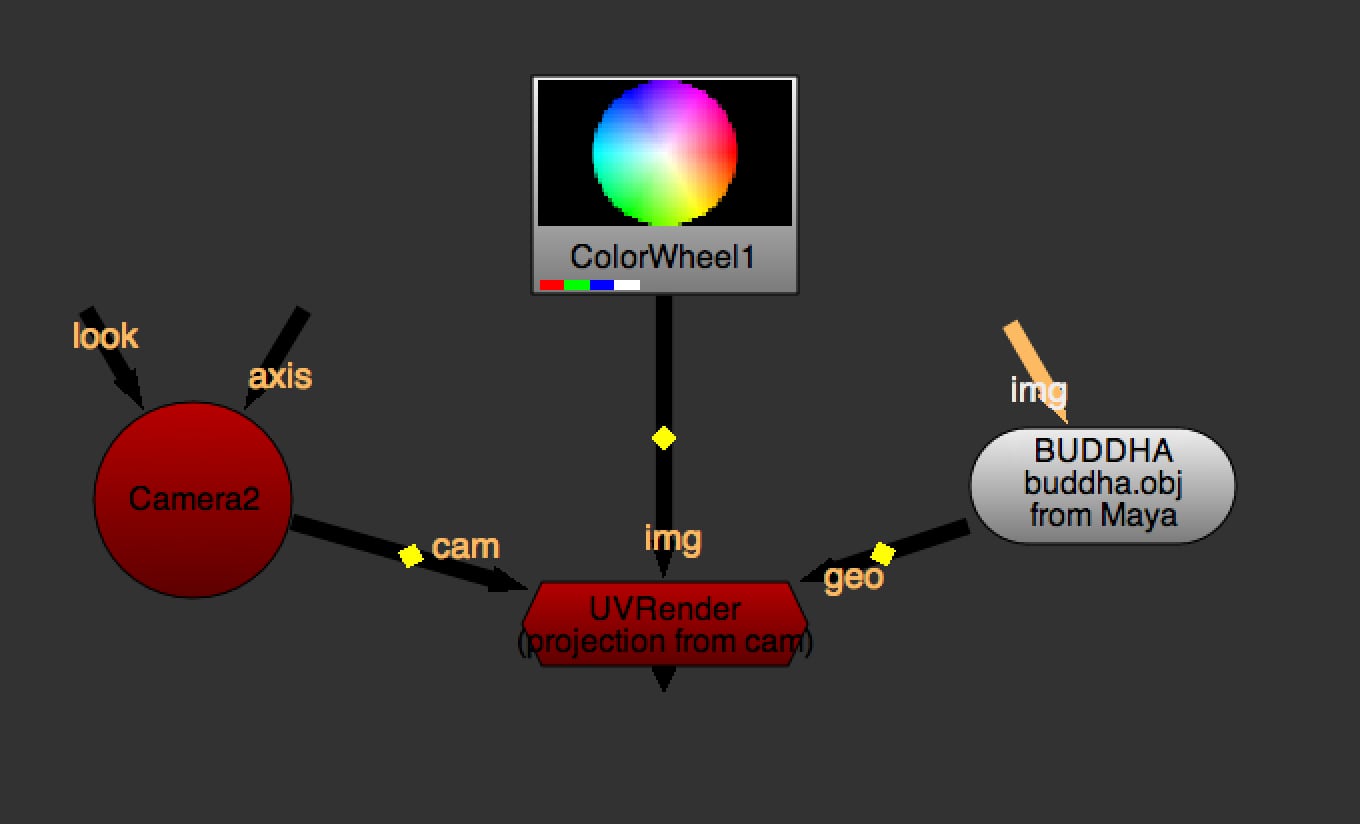
This could be a typical workflow:
Example and Functionalities
In this example we are going to use a Buddha geometry and the classic ColorWheel from Nuke as image.
Download Example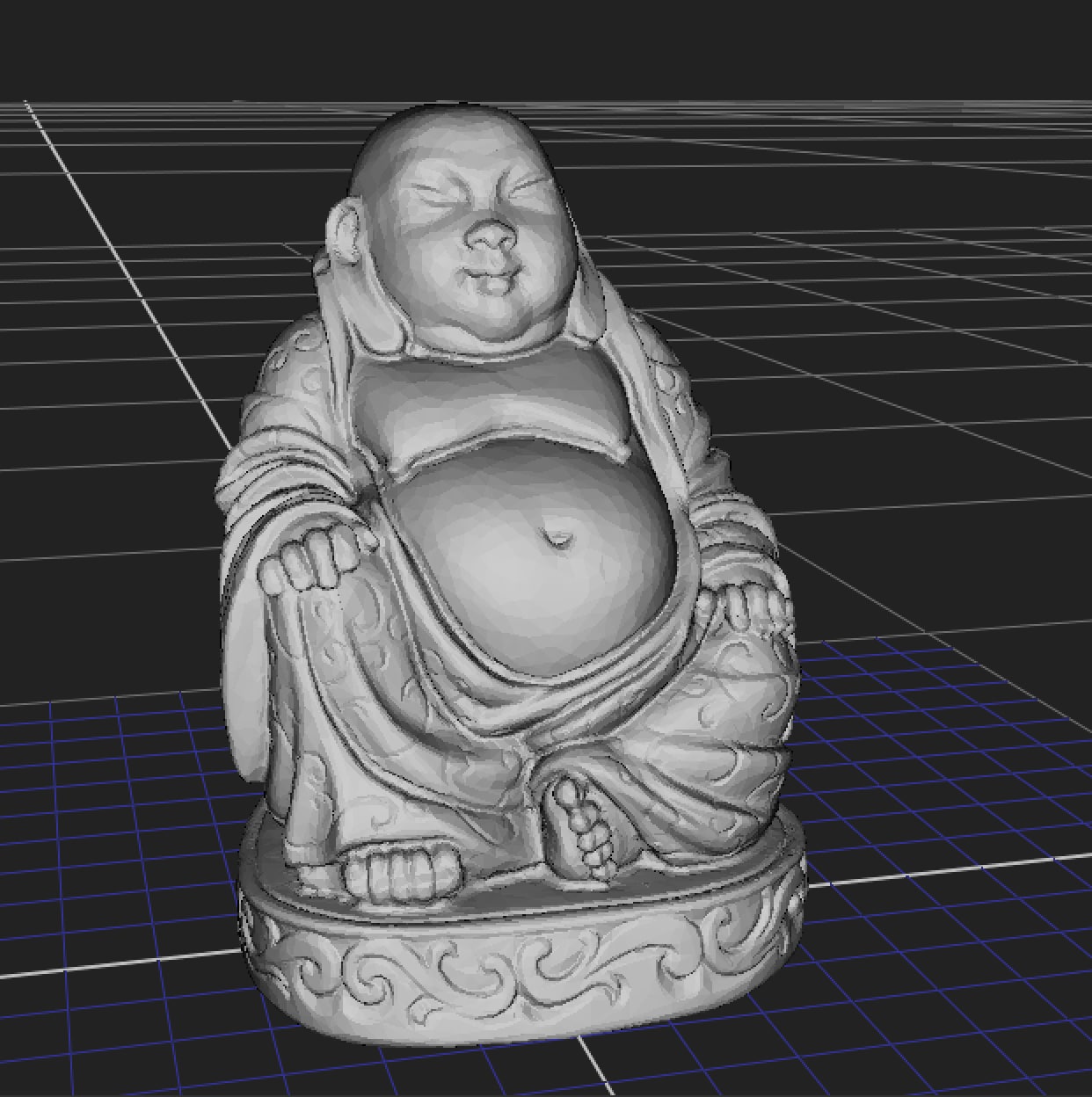
- 01. Projection from Camera
In this first operation you can project the connected image from the camera onto the 3D object. There are the extra options of FrameHold for the Output image and the Camera.
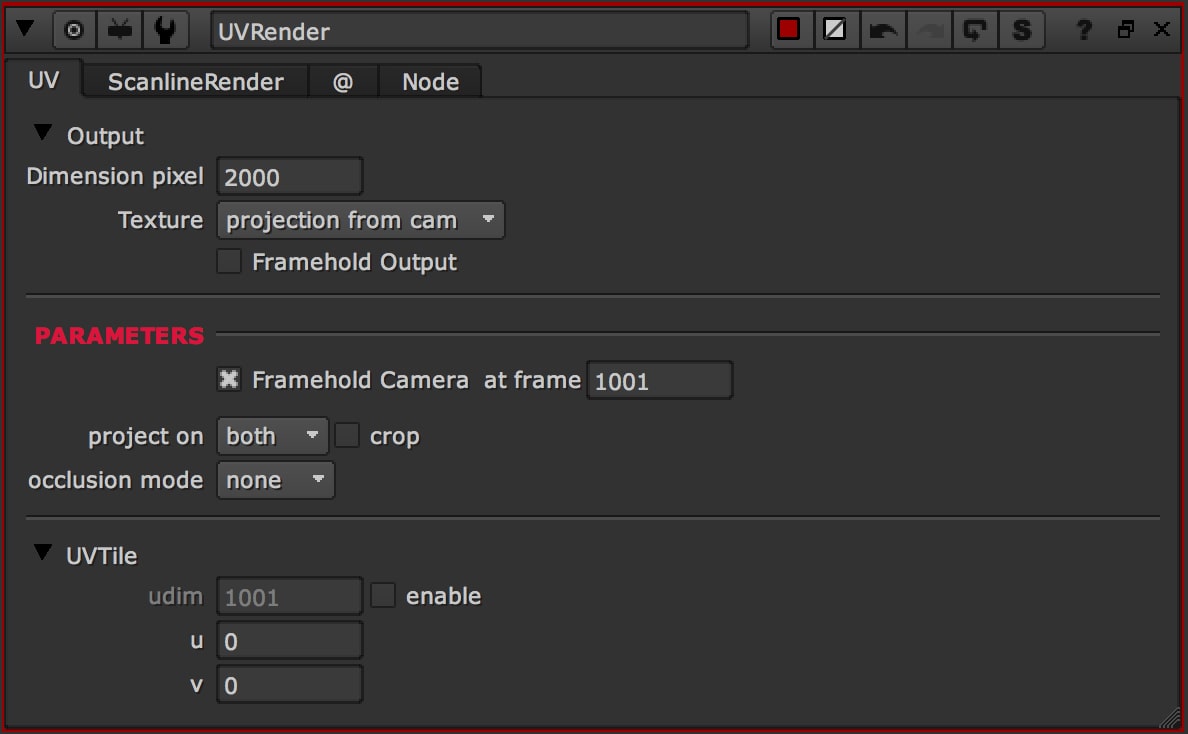
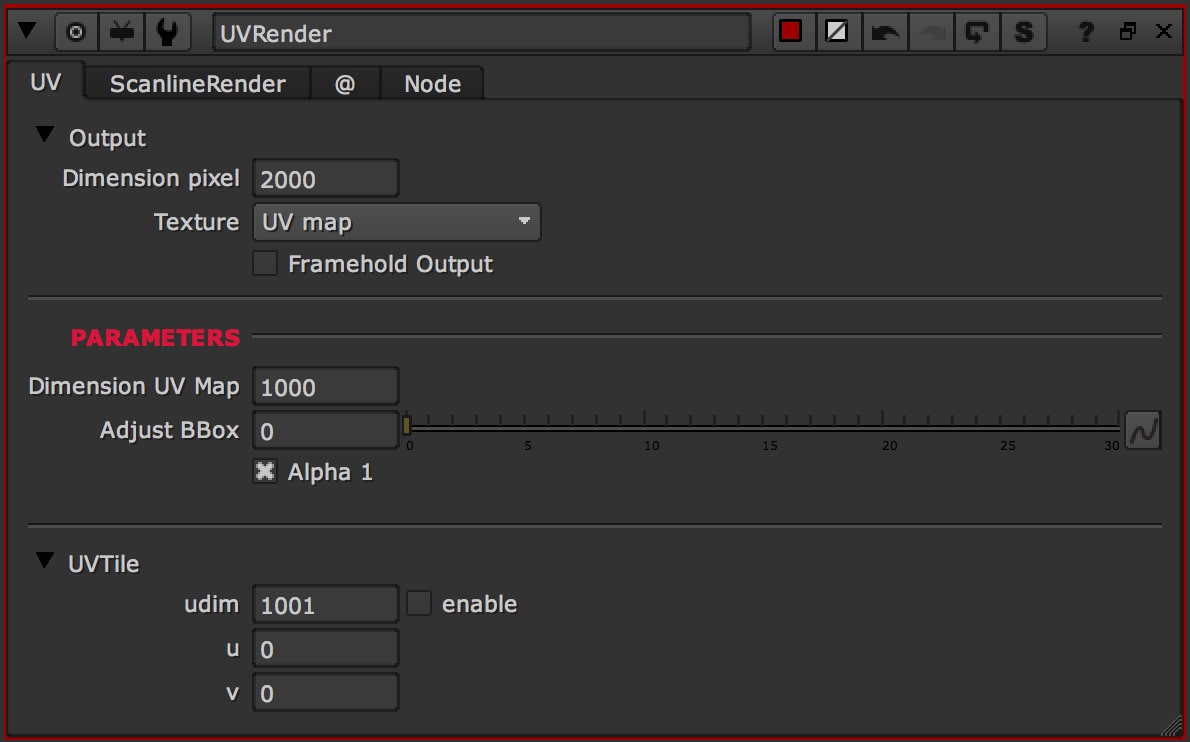
The section Parameters will change according to the operation selected. In this case, as you can see, you can change the FrameHold of the Camera and the options of Projection.
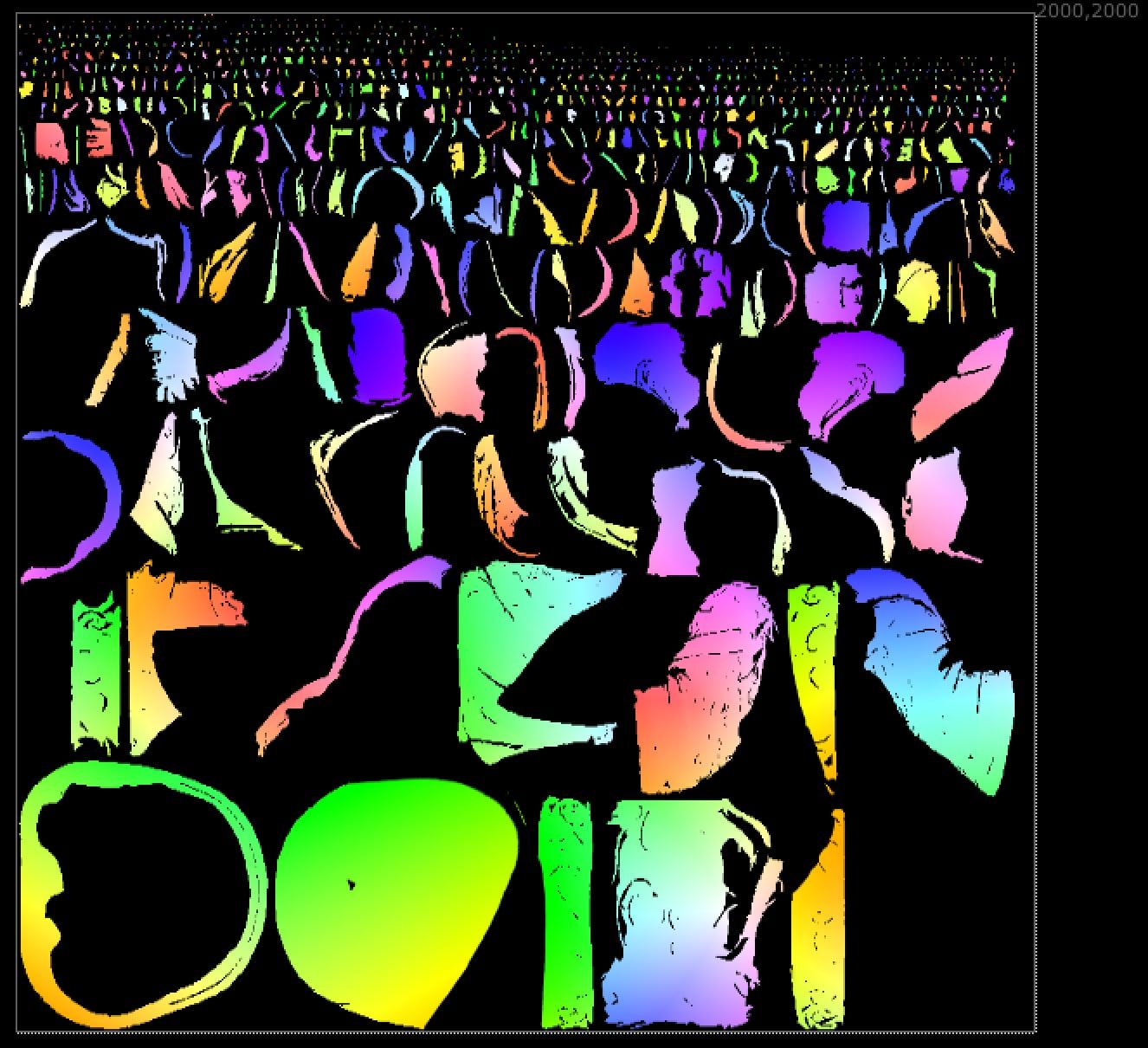
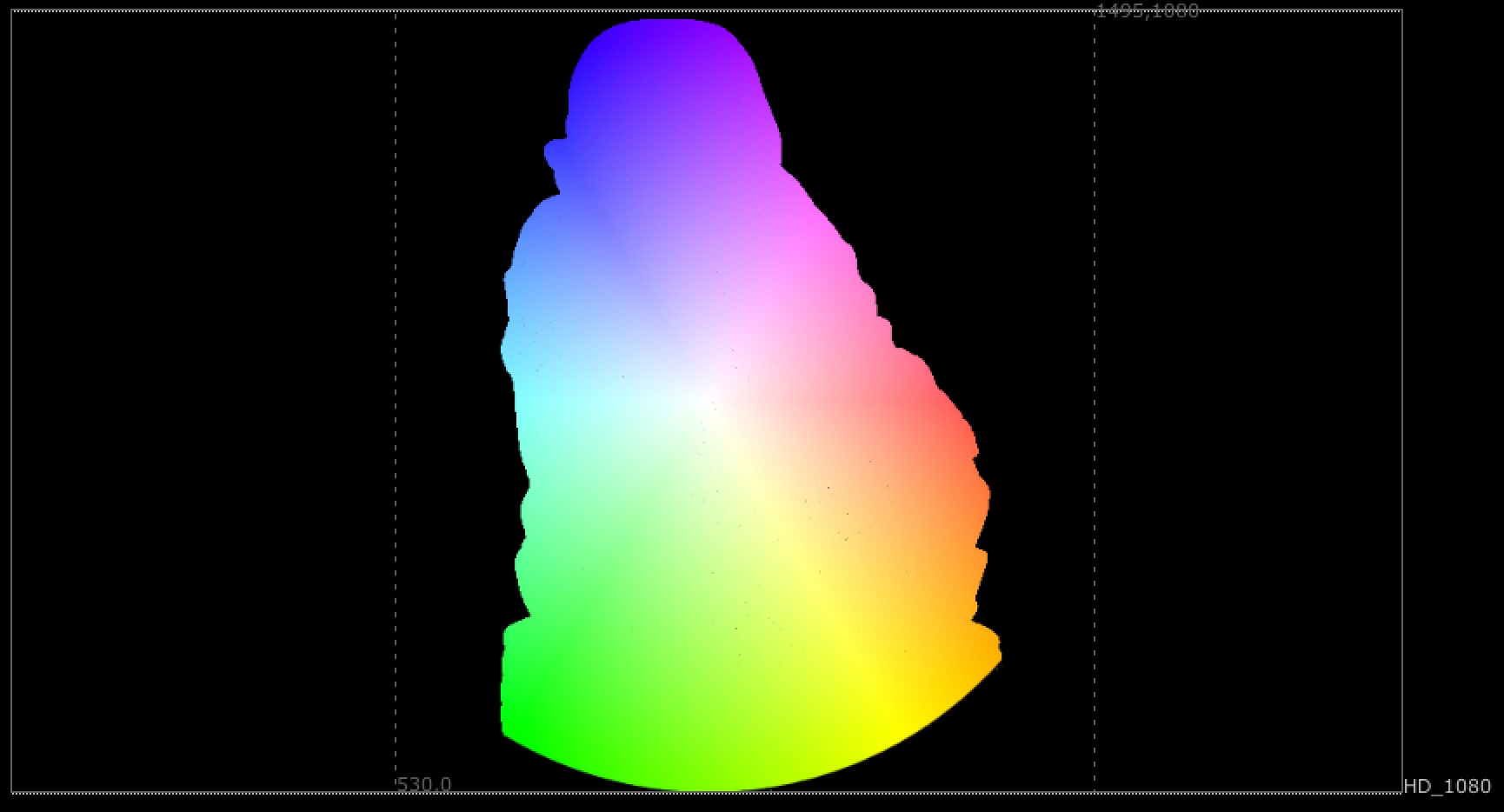
The output from the UVRender is going to be something like in the image below. The image is projected on the mesh from the Camera.
- 02. Wireframe
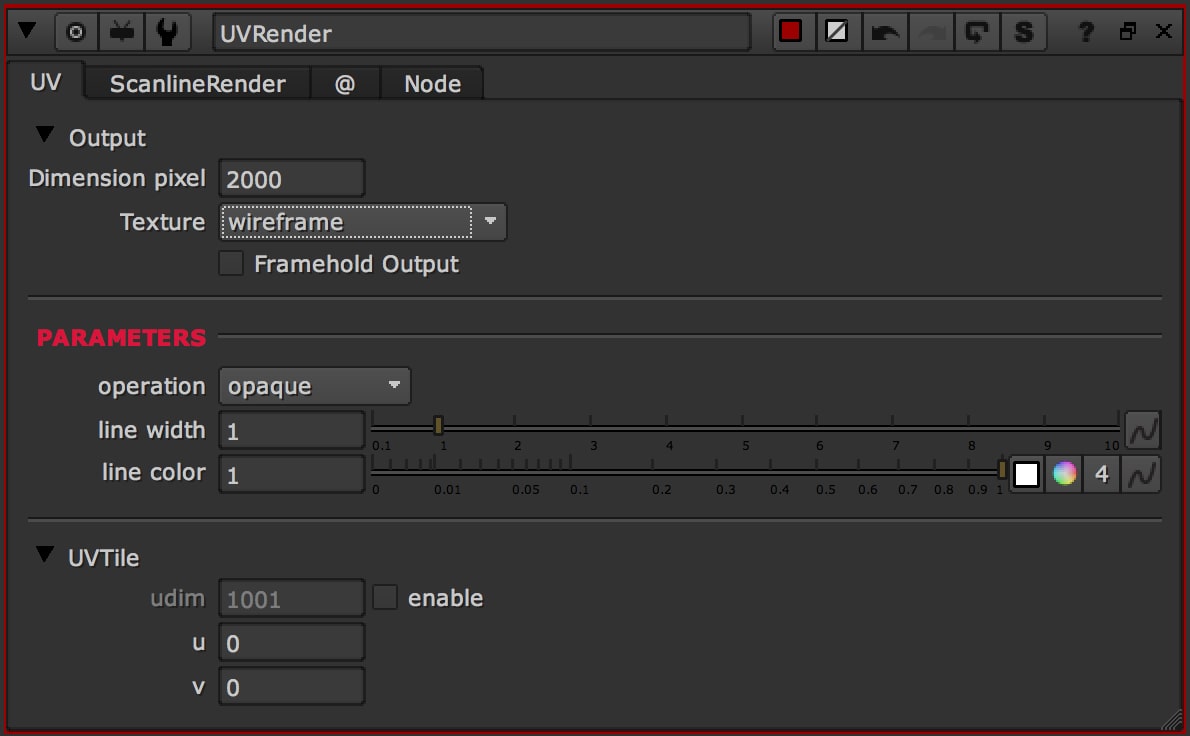
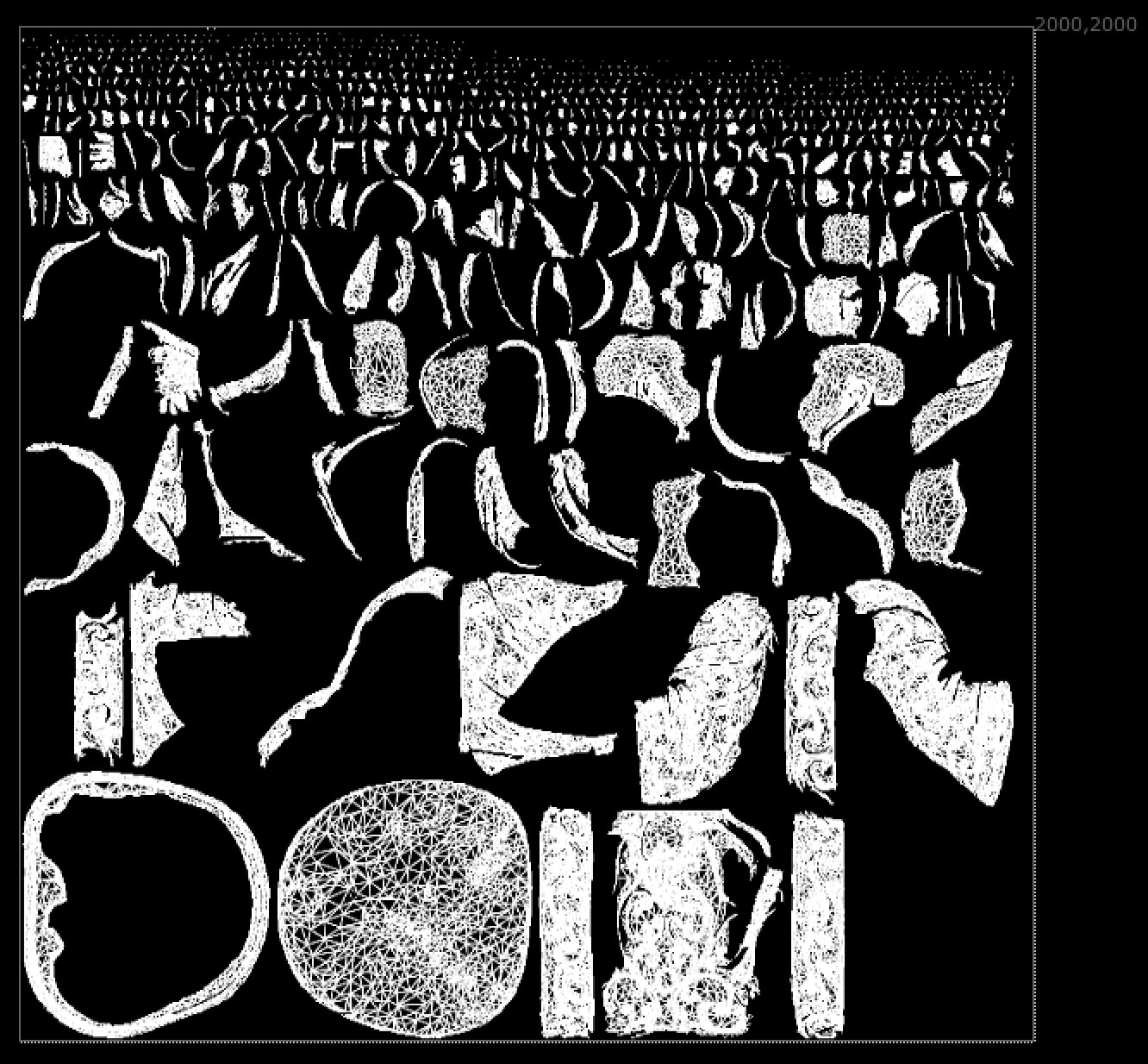
In the second operation, you can visualize immediately the Wireframe. Use the Parameters to tweak the output image
- 03. UV Map
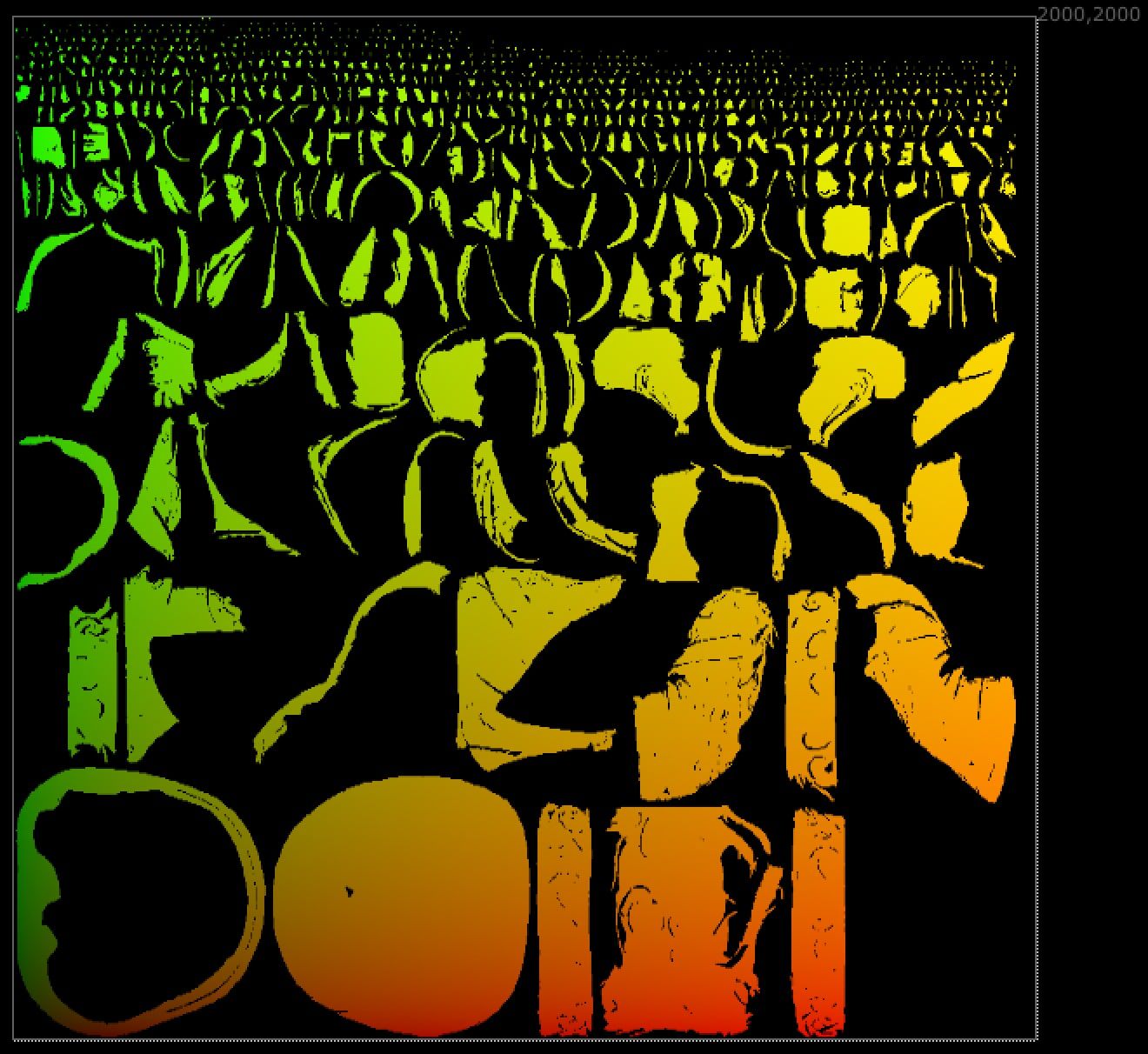
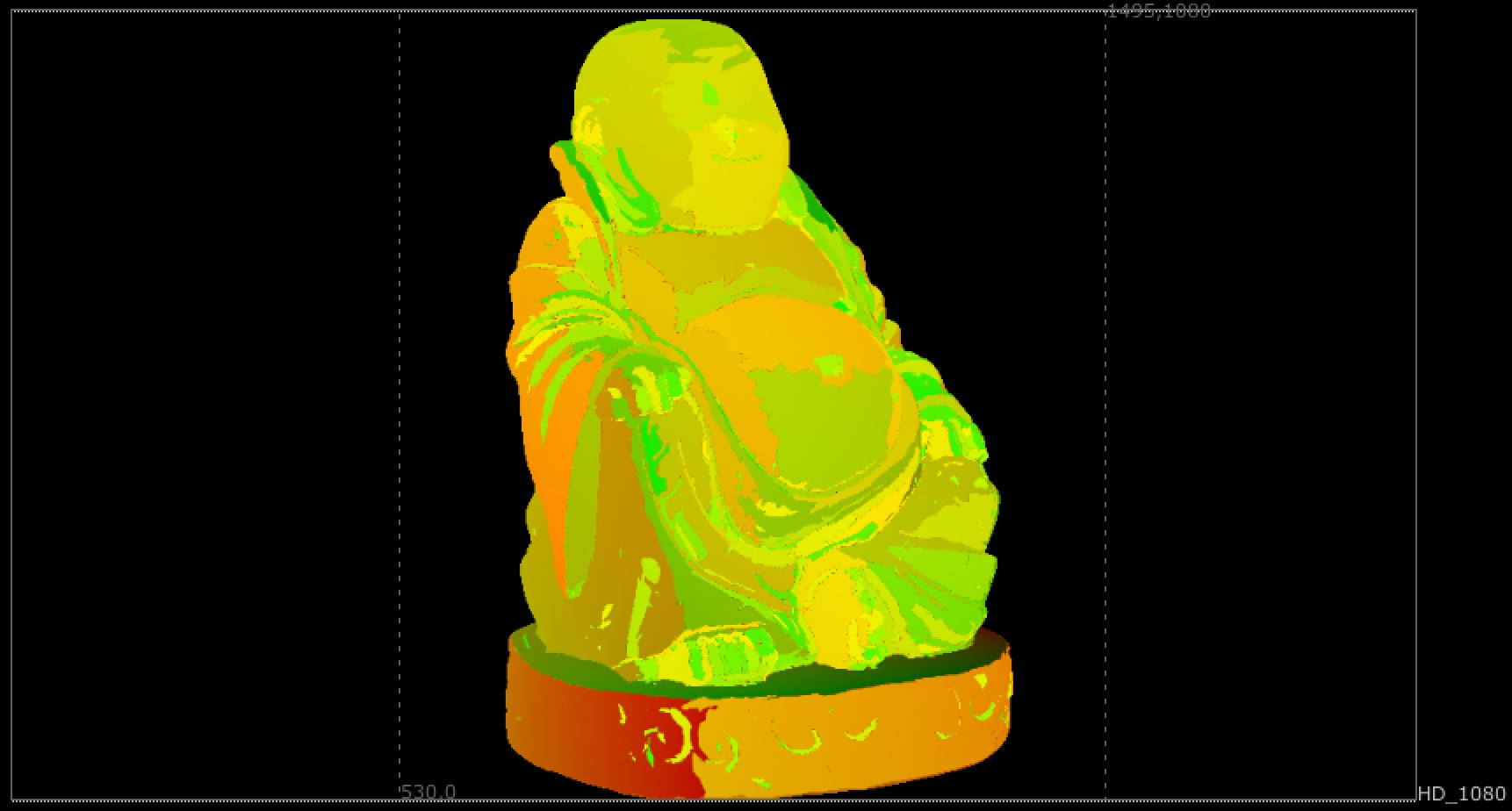
In this case I'm going to use a UVMap on the mesh. We have a red-gradient from right to left and a green-gradient from top to bottom
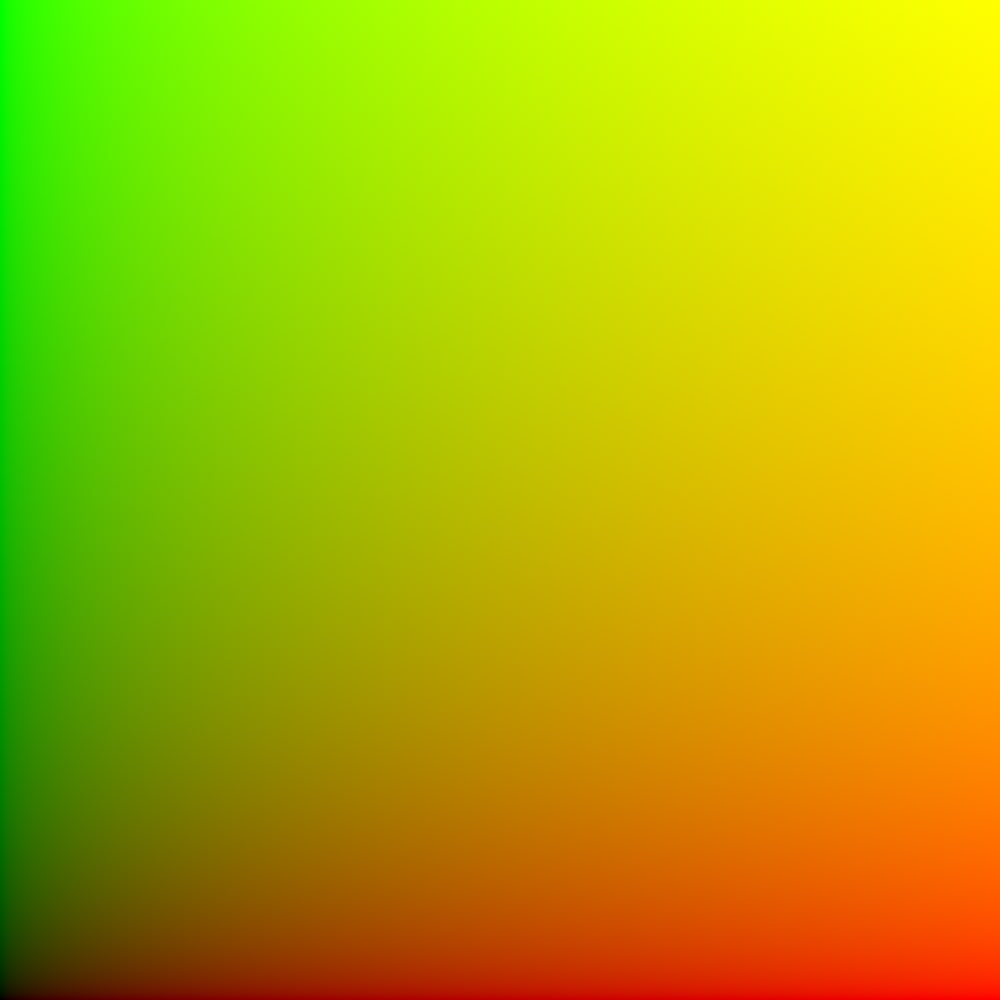
In this case I'm going to use a UVMap on the mesh. We have a red-gradient from right to left and a green-gradient from top to bottom
- 04. Image
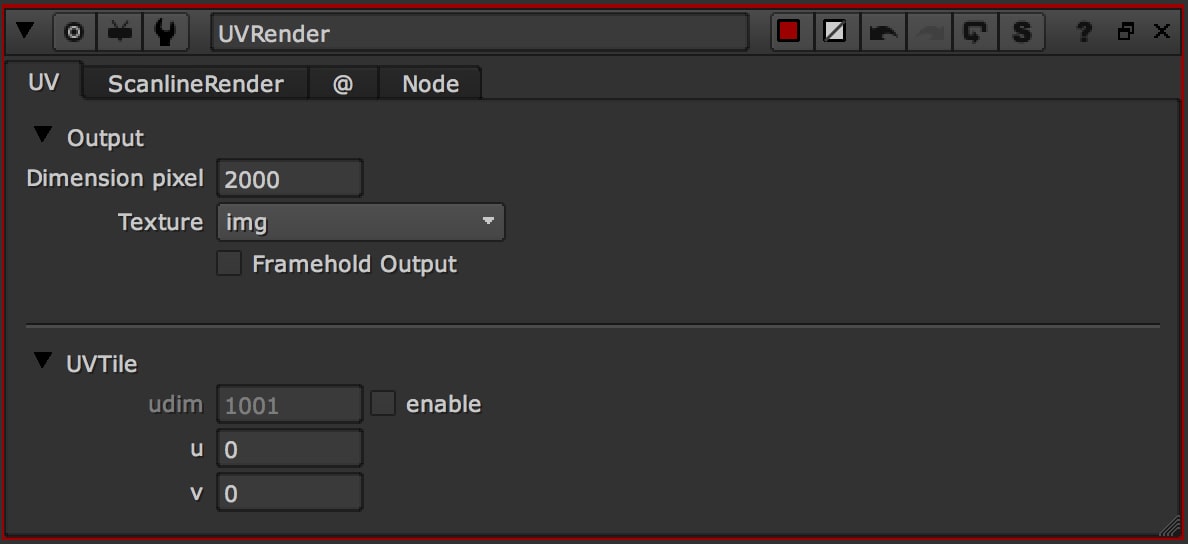
Use the image directly on the UV, without projection or any other operation.
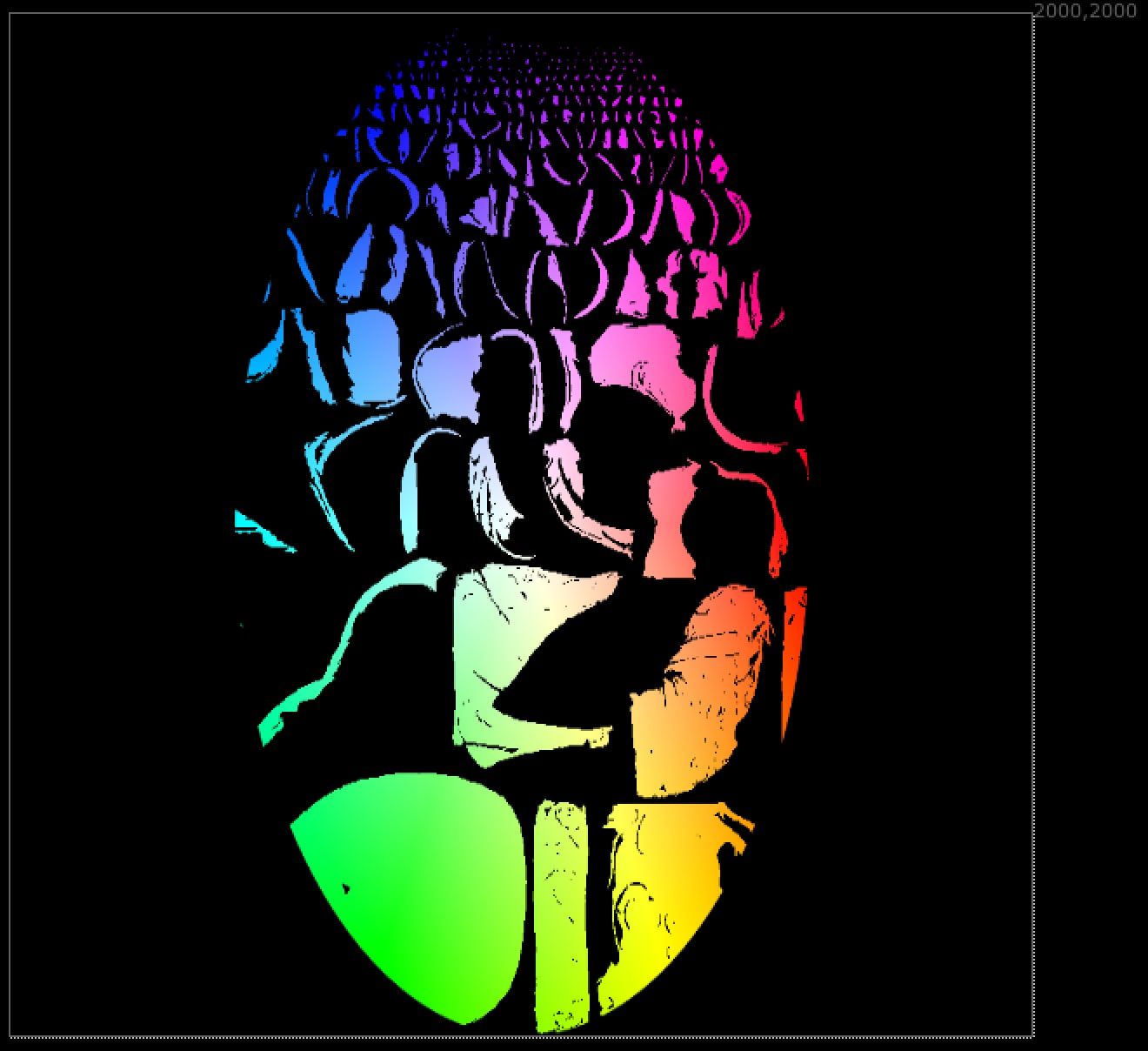
What else?
Now you can use the output from the UVRender node directly as input image for the 3D mesh.
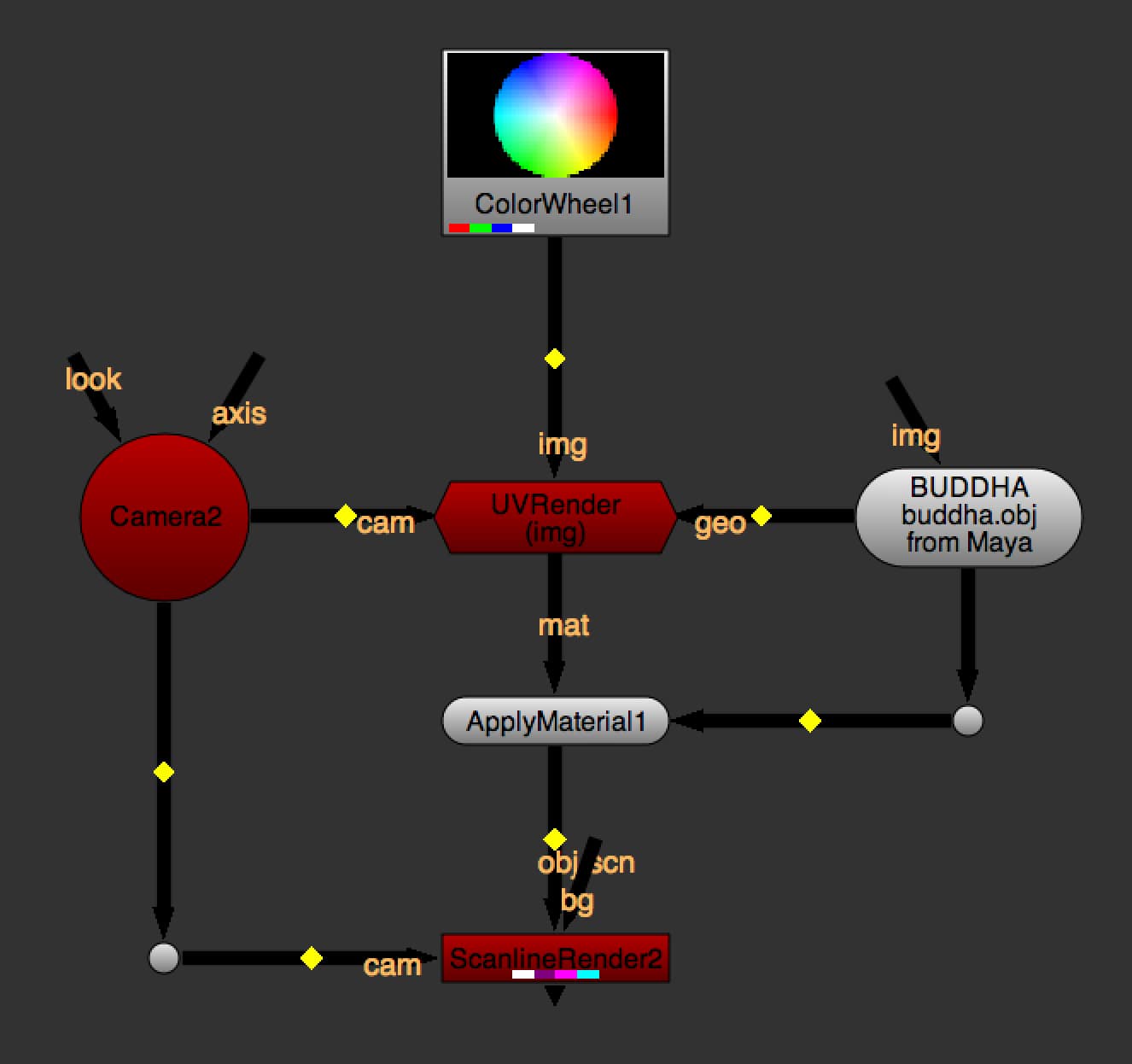
You will get these results:
- 01. Projection from Camera
- 03. UV Map
- 04. Image
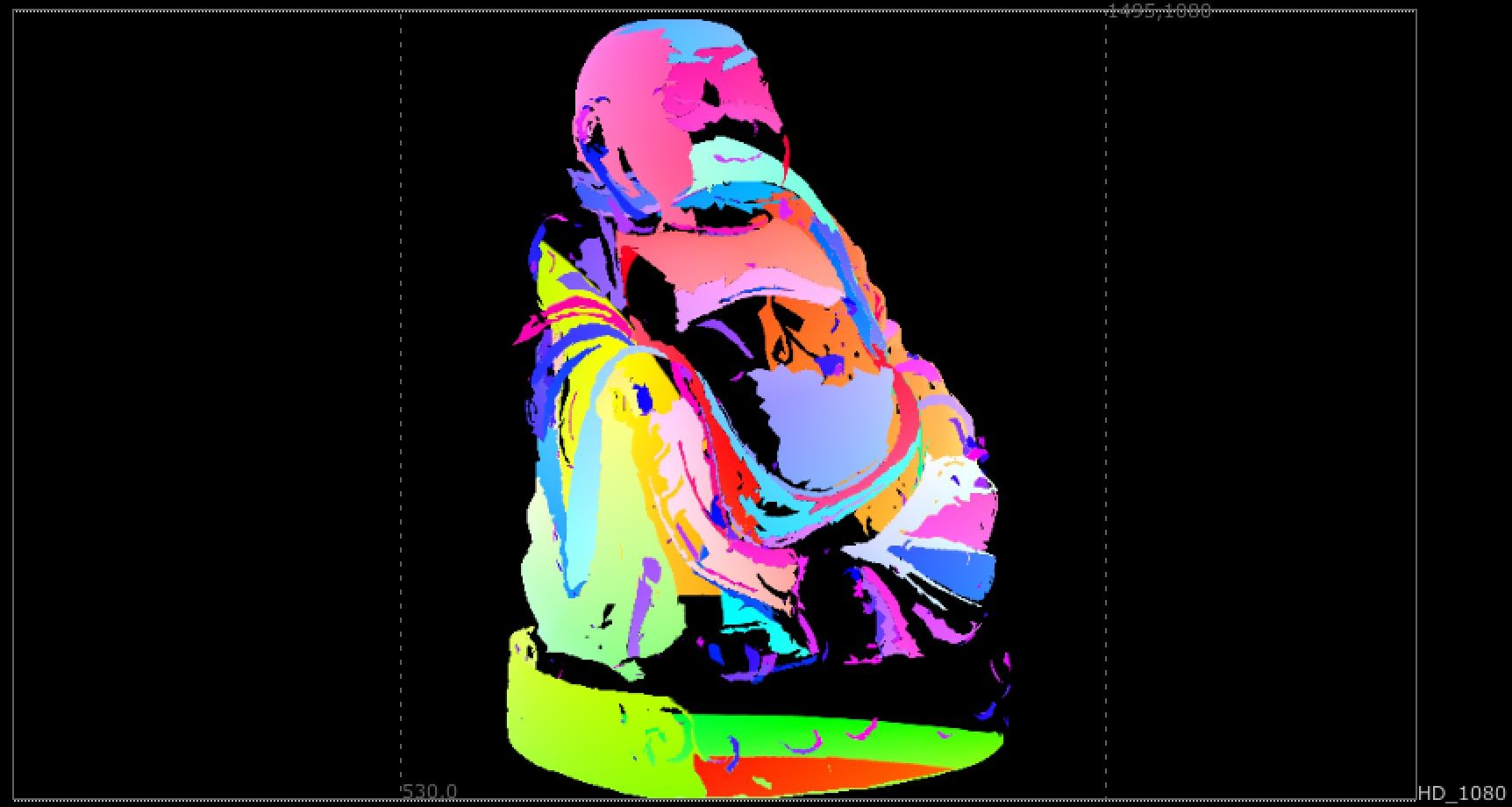
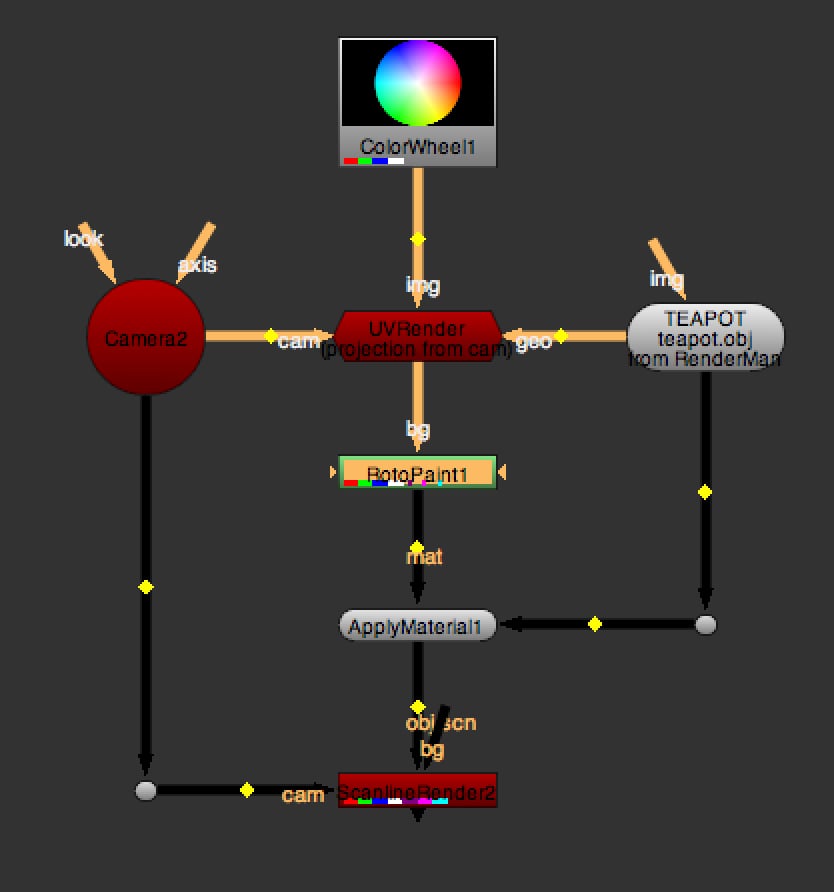
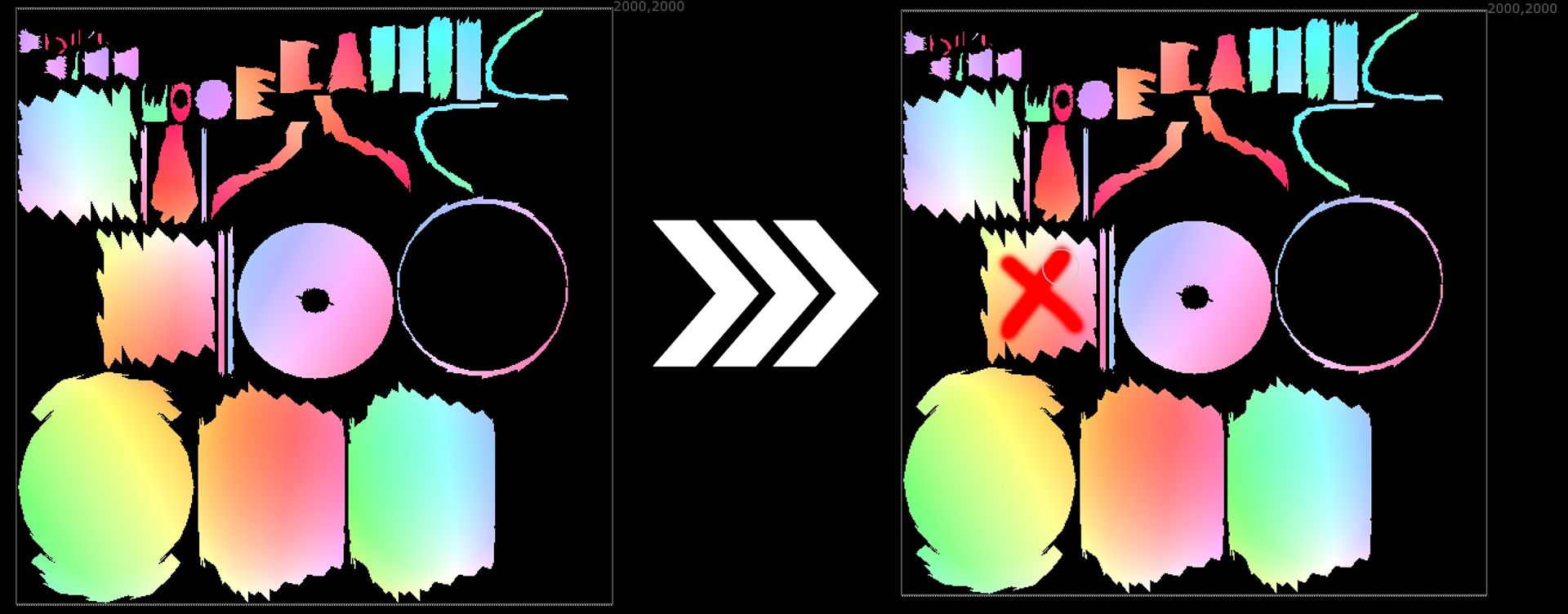
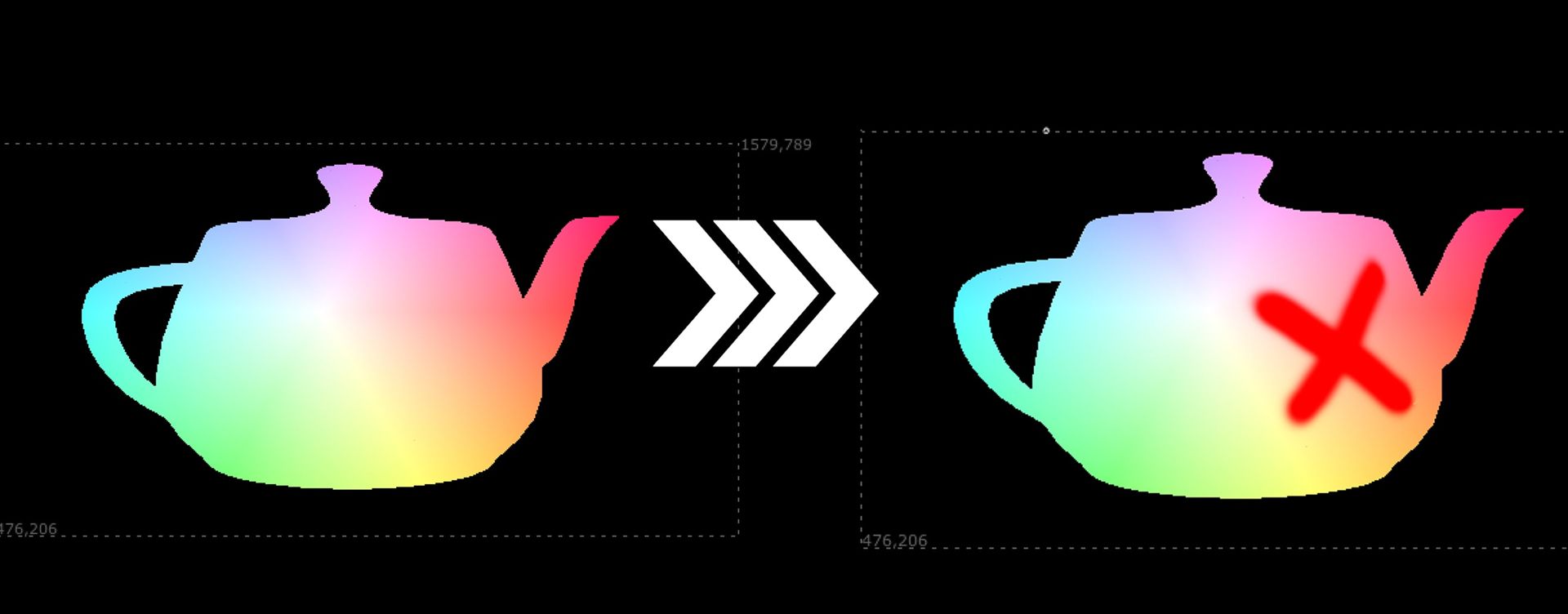
Paint on the UV
Using a RotoPaint node after the UVRender, you can paint directly on the UVs and use it as a texture.