My personal collection of tools with the Expression Node
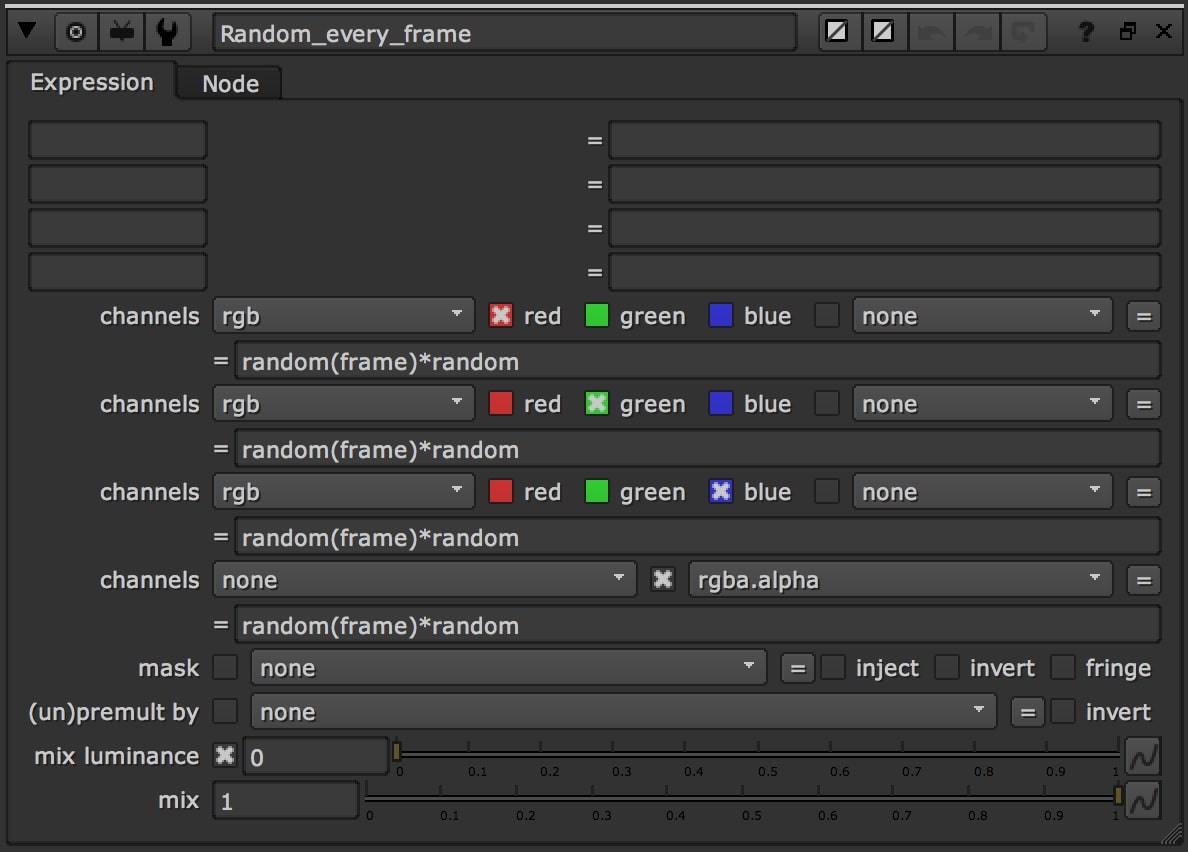
Expression Node
I created this small guide because during my period of work at Trixter, I learnt how powerful the Expression node can be. So I tried to collect as many tools as possible. In the links below you can find all the websites where I found info and code. I would also like to thank the Trixter comp team for the incredible workshops about the Expressions.
Click on it to show/hide the script of each node. Copy and Paste it in the Node Graph of Nuke! If you want the whole collection, download it from Nukepedia at the link above
Click on the links below to go directly to the section you want:
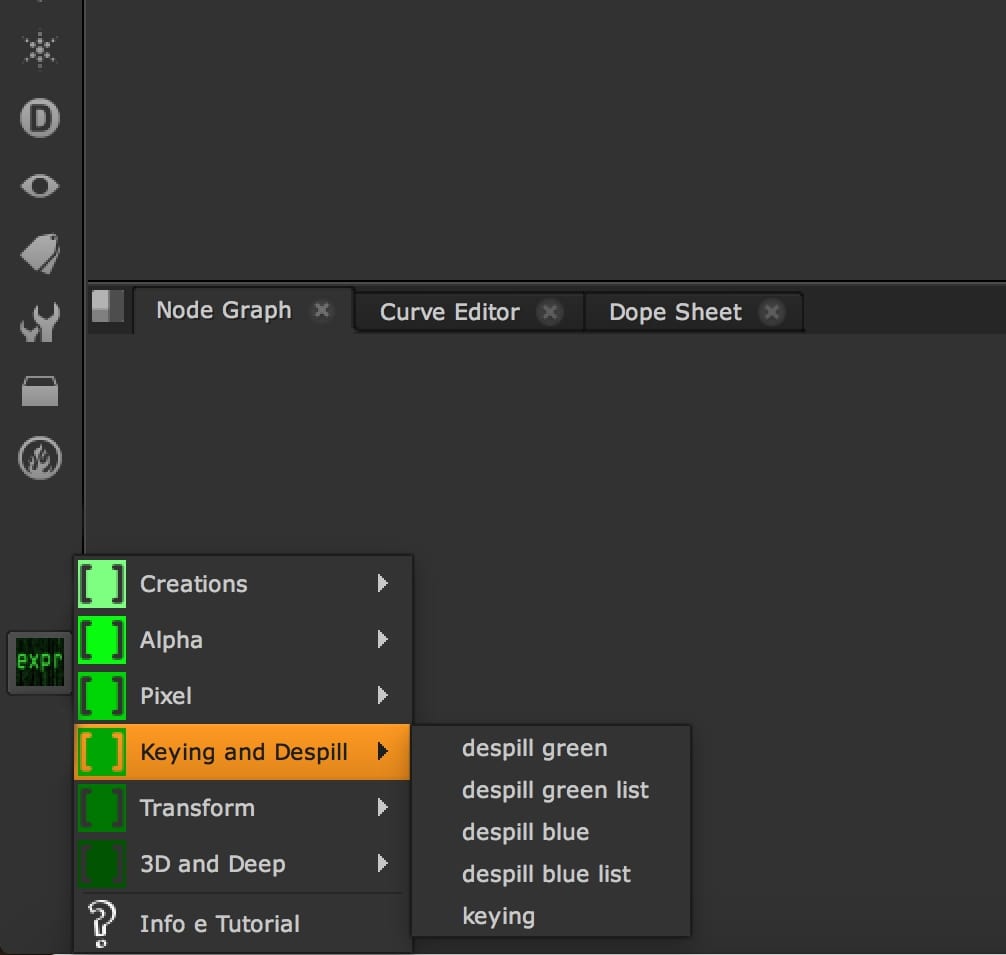
Some useful tools for the Keying and Despill operations.
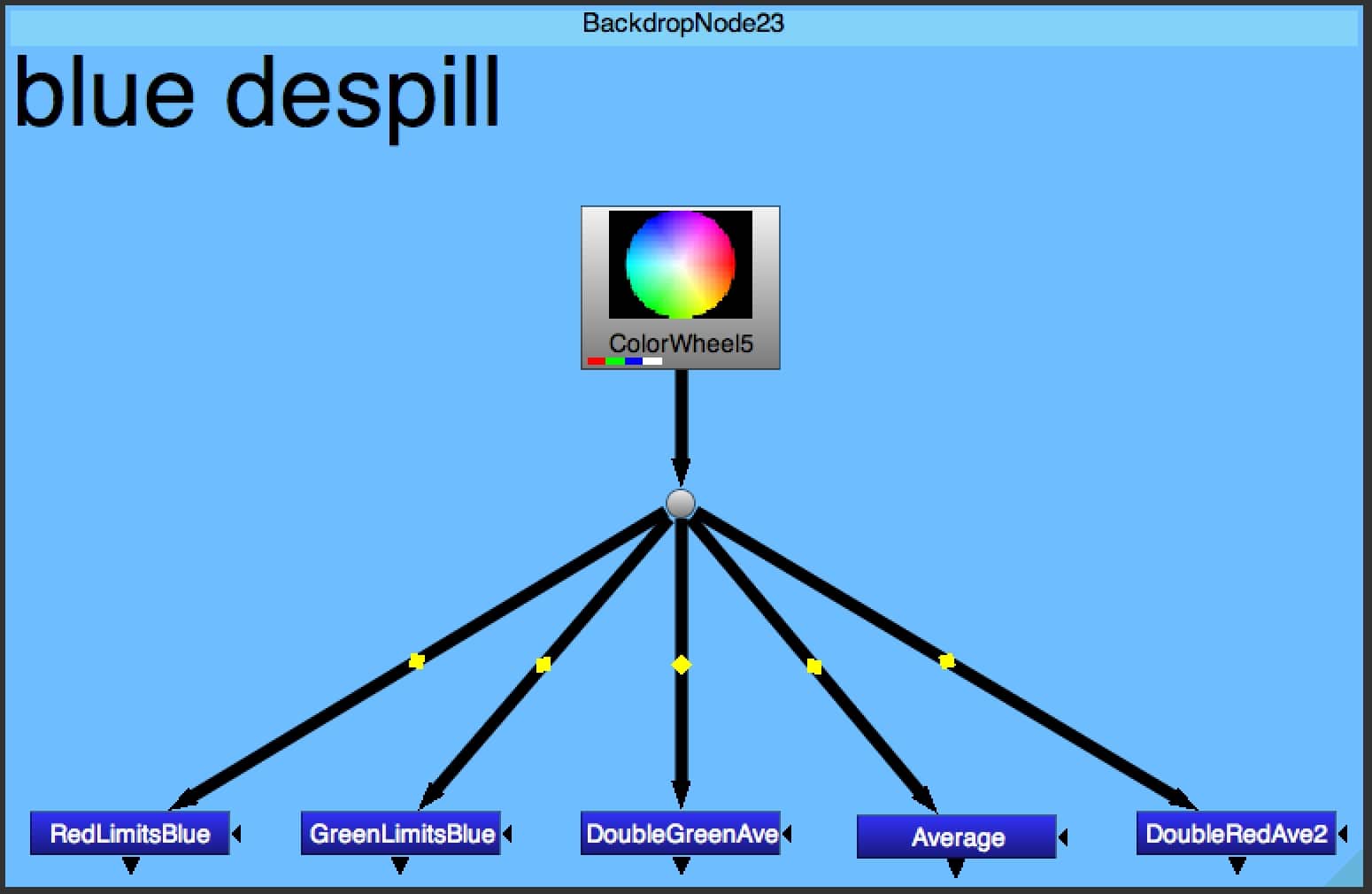
BLUE DESPILL
Different despill techniques for blue screen.
Show/Hide node script
set cut_paste_input [stack 0]
version 10.5 v2
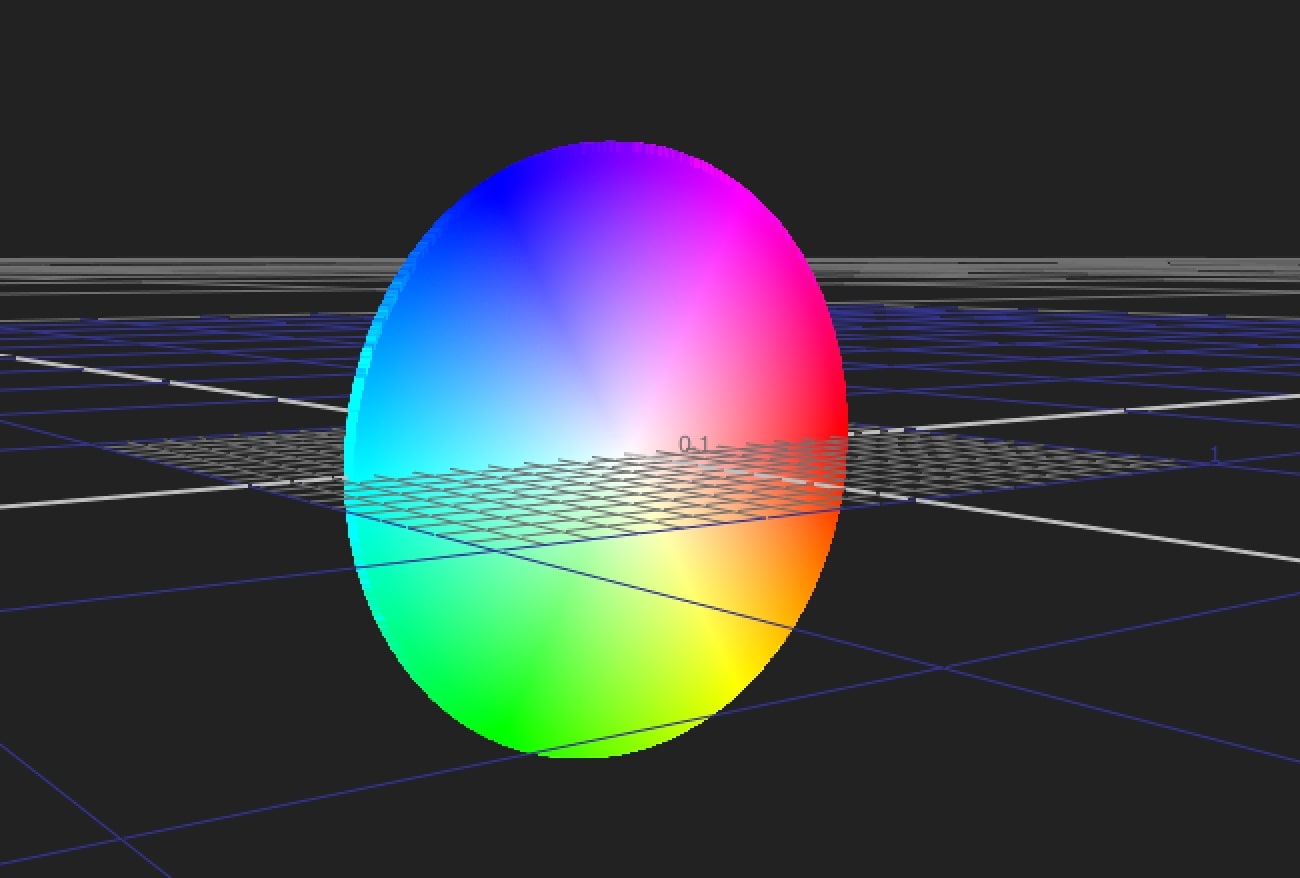
ColorWheel {
 inputs 0
 gamma 0.45
 name ColorWheel3
 selected true
 xpos 1466
 ypos -179
}
Dot {
 name Dot3
 selected true
 xpos 1500
 ypos -66
}
set N2eb56c50 [stack 0]
Expression {
 expr2 b>(g+2*r)/2*LimitPercentage?(g+2*r)/2*LimitPercentage:b
 expr3 b-(2*r+g)*LimitPercentage/2
 name DoubleRedAve2
 tile_color 0xff01
 selected true
 xpos 1688
 ypos 63
 addUserKnob {20 User}
 addUserKnob {7 LimitPercentage l "fine tune" R 0.5 1.5}
 LimitPercentage 1
}
push $N2eb56c50
Expression {
 expr2 b>(g+r)/2*LimitPercentage?(g+r)/2*LimitPercentage:b
 expr3 b-(r+g)*LimitPercentage/2
 name Average
 tile_color 0xff01
 selected true
 xpos 1576
 ypos 64
 addUserKnob {20 User}
 addUserKnob {7 LimitPercentage l "fine tune" R 0.5 1.5}
 LimitPercentage 1
}
push $N2eb56c50
Expression {
 expr2 b>(2*g+r)/2*LimitPercentage?(2*g+r)/2*LimitPercentage:b
 expr3 b-(r+2*g)*LimitPercentage/2
 name DoubleGreenAve
 tile_color 0xff01
 selected true
 xpos 1466
 ypos 63
 addUserKnob {20 User}
 addUserKnob {7 LimitPercentage l "fine tune" R 0.5 1.5}
 LimitPercentage 1
}
push $N2eb56c50
Expression {
 expr2 b>g*LimitPercentage?g*LimitPercentage:b
 expr3 b-g*LimitPercentage
 name GreenLimitsBlue
 tile_color 0xff01
 selected true
 xpos 1354
 ypos 63
 addUserKnob {20 User}
 addUserKnob {7 LimitPercentage l "fine tune" R 0.5 1.5}
 LimitPercentage 1
}
push $N2eb56c50
Expression {
 expr2 b>r*LimitPercentage?r*LimitPercentage:b
 expr3 b-r*LimitPercentage
 name RedLimitsBlue
 tile_color 0xff01
 selected true
 xpos 1246
 ypos 63
 addUserKnob {20 User}
 addUserKnob {7 LimitPercentage l "fine tune" R 0.5 1.5}
 LimitPercentage 1
}
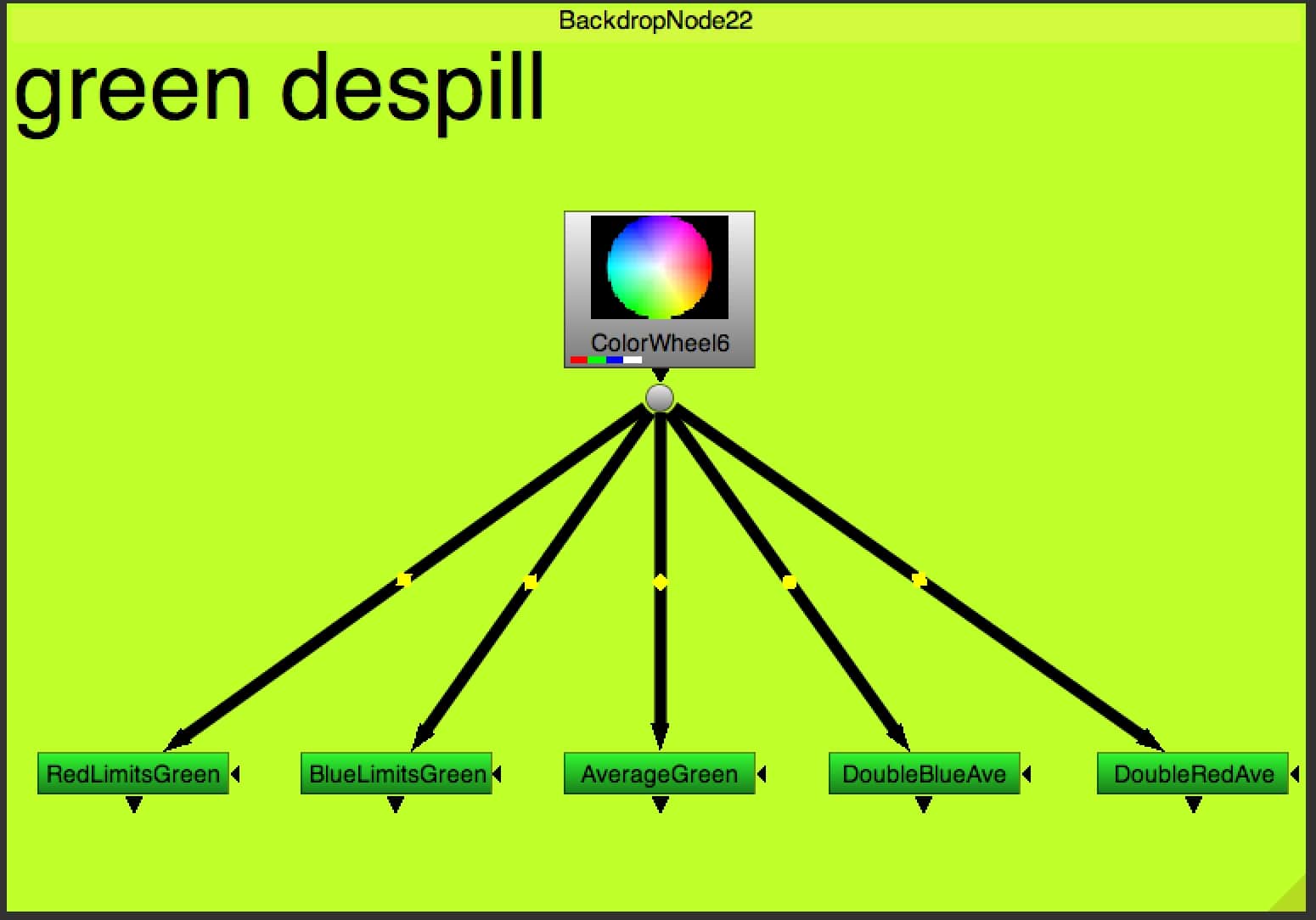
GREEN DESPILL
Different despill techniques for green screen.
Show/Hide node script
set cut_paste_input [stack 0]
version 10.5 v2
ColorWheel {
 inputs 0
 gamma 0.45
 name ColorWheel2
 selected true
 xpos 869
 ypos -127
}
Dot {
 name Dot2
 selected true
 xpos 903
 ypos -11
}
set N2eb50ba0 [stack 0]
Expression {
 expr1 g>(b+2*r)/3*LimitPercentage?(b+2*r)/3*LimitPercentage:g
 expr3 g-(r+b)*LimitPercentage/2
 name DoubleRedAve
 tile_color 0xff0001
 selected true
 xpos 1091
 ypos 143
 addUserKnob {20 User}
 addUserKnob {7 LimitPercentage l "fine tune" R 0.5 1.5}
 LimitPercentage 1
}
push $N2eb50ba0
Expression {
 expr1 g>(2*b+r)/3*LimitPercentage?(2*b+r)/3*LimitPercentage:g
 expr3 g-(r+b)*LimitPercentage/2
 name DoubleBlueAve
 tile_color 0xff0001
 selected true
 xpos 979
 ypos 143
 addUserKnob {20 User}
 addUserKnob {7 LimitPercentage l "fine tune" R 0.5 1.5}
 LimitPercentage 1
}
push $N2eb50ba0
Expression {
 expr1 g>(b+r)/2*LimitPercentage?(b+r)/2*LimitPercentage:g
 expr3 g-(r+b)*LimitPercentage/2
 name AverageGreen
 tile_color 0xff0001
 selected true
 xpos 869
 ypos 143
 addUserKnob {20 User}
 addUserKnob {7 LimitPercentage l "fine tune" R 0.5 1.5}
 LimitPercentage 1
}
push $N2eb50ba0
Expression {
 expr1 g>b*LimitPercentage?b*LimitPercentage:g
 expr3 g-b*LimitPercentage
 name BlueLimitsGreen
 tile_color 0xff0001
 selected true
 xpos 759
 ypos 143
 addUserKnob {20 User}
 addUserKnob {7 LimitPercentage l "fine tune" R 0.5 1.5}
 LimitPercentage 1
}
push $N2eb50ba0
Expression {
 expr1 g>r*LimitPercentage?r*LimitPercentage:g
 expr3 g-r*LimitPercentage
 name RedLimitsGreen
 tile_color 0xff0001
 selected true
 xpos 650
 ypos 143
 addUserKnob {20 User}
 addUserKnob {7 LimitPercentage l "fine tune" R 0.5 1.5}
 LimitPercentage 1
}
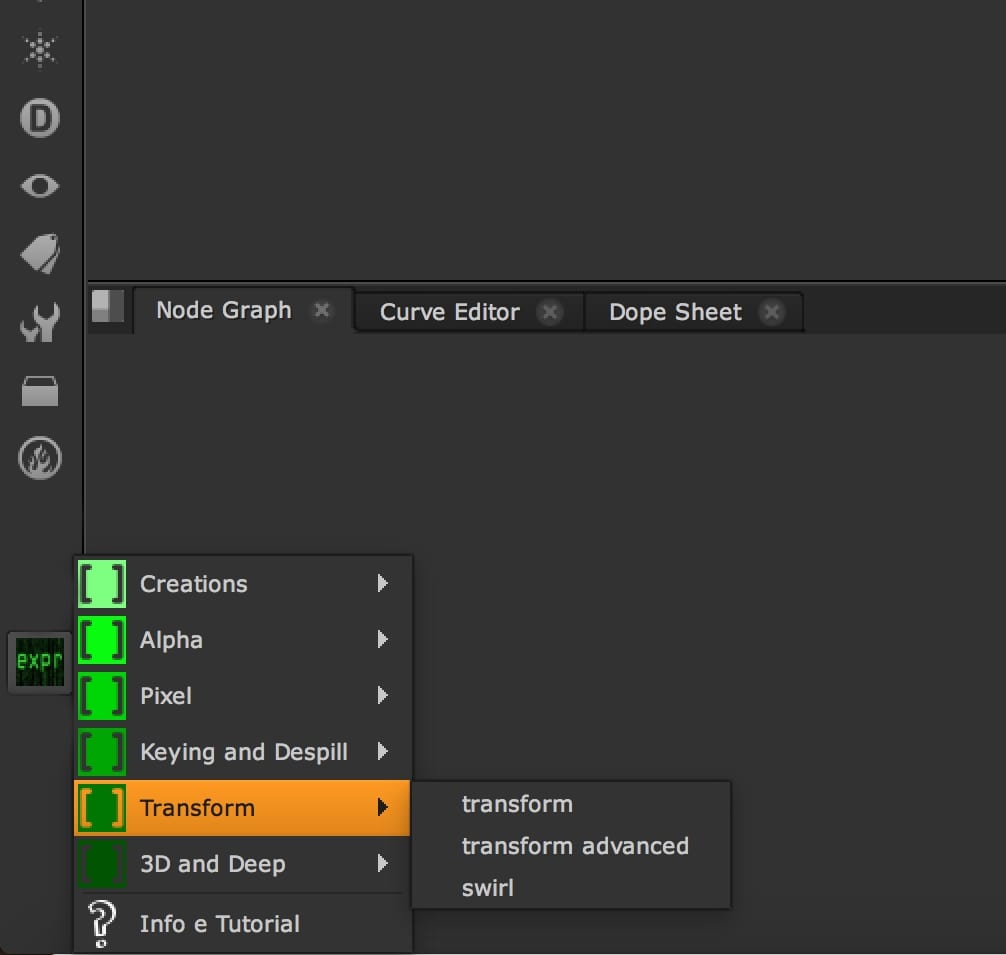
05. Transform
Tools you can use to transform and manipulate your image.
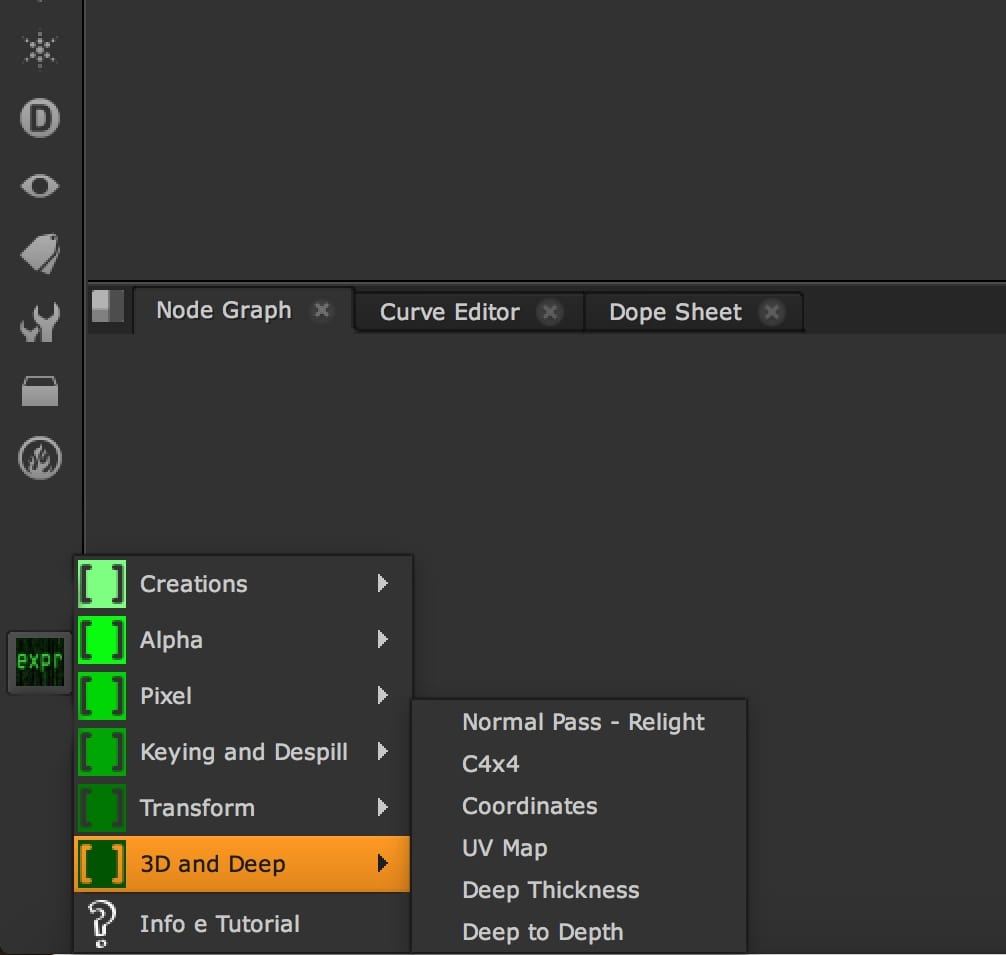
06. 3D and Deep
Some useful tools for 3D space and Deep Compositing.
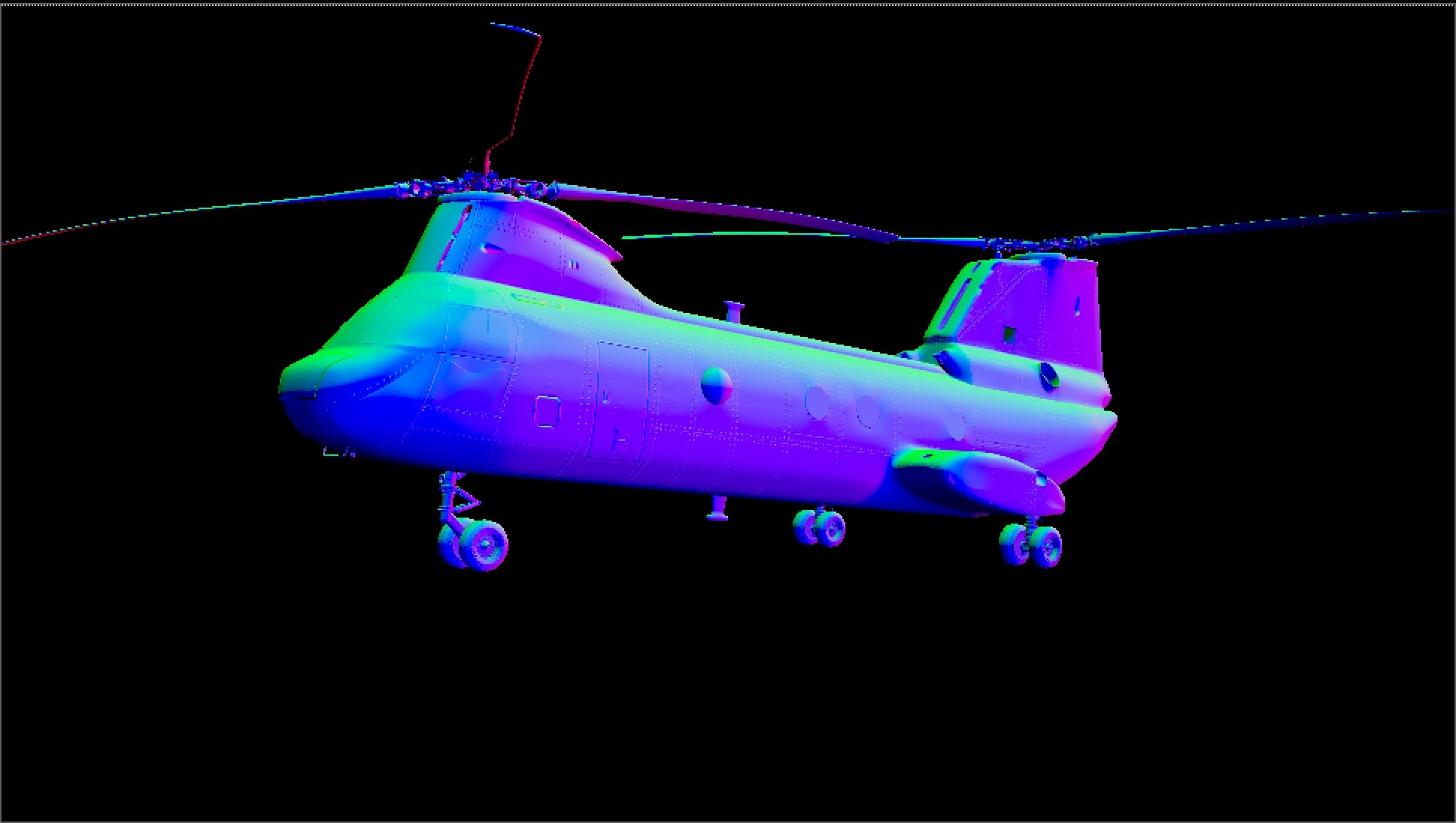
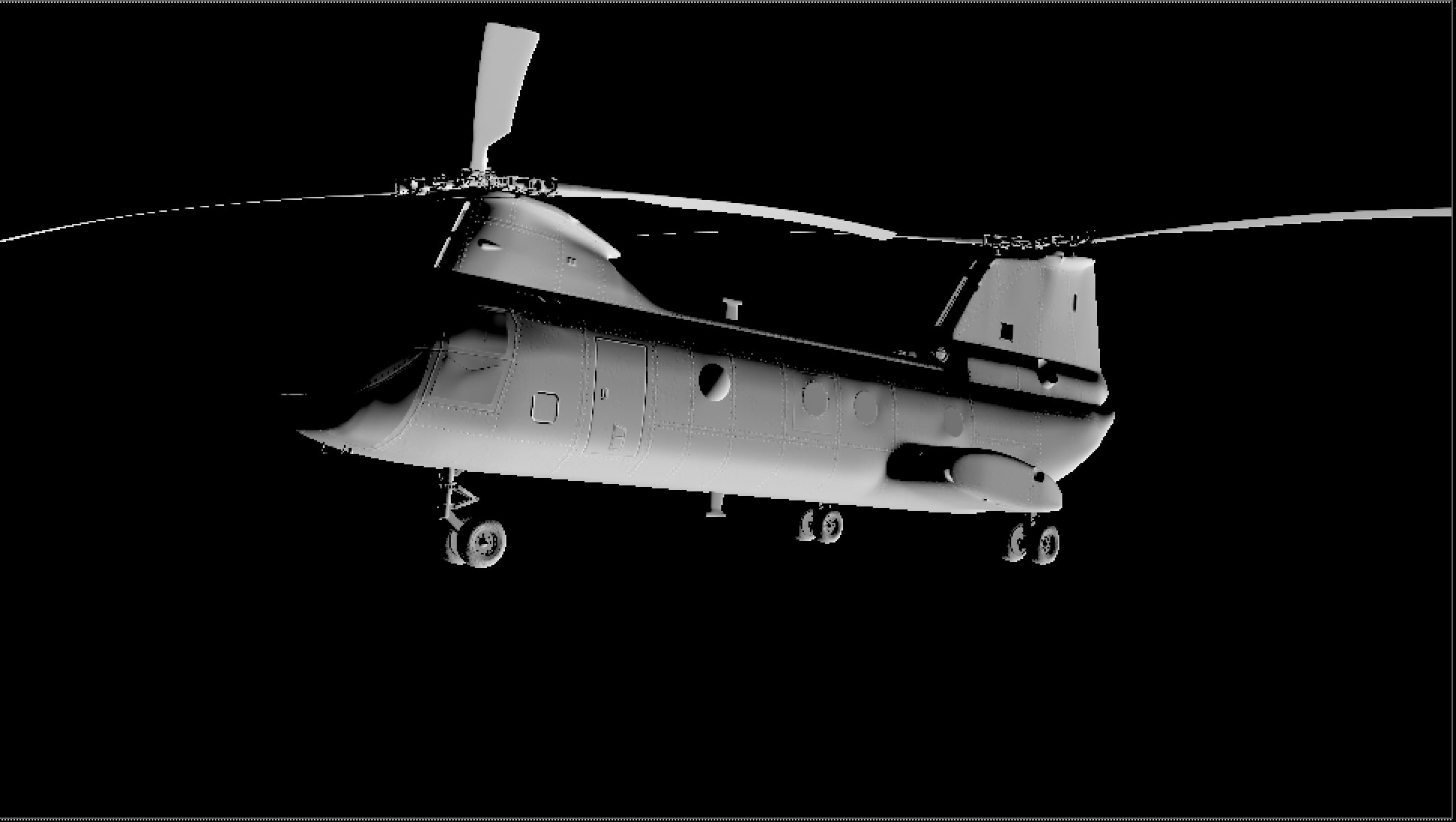
NORMAL PASS - RELIGHT
Use the Normal Pass to create a new light in the alpha channel.
Show/Hide node script
set cut_paste_input [stack 0]
version 10.5 v2
push $cut_paste_input
add_layer {normal normal.red normal.green normal.blue normal.alpha}
Shuffle {
 in normal
 name Shuffle2
 label "\[value in]"
 selected true
 xpos 1370
 ypos 205
}
Expression {
 expr3 max((r*norm.r)+(g*norm.g)+(b*norm.b),0)
 name Expression1
 label RELIGHT
 selected true
 xpos 1370
 ypos 259
 addUserKnob {20 User}
 addUserKnob {7 round l left/right R -100 100}
 round 1
 addUserKnob {7 around l up/down R -100 100}
 around 1
 addUserKnob {26 ""}
 addUserKnob {7 rad}
 rad {{cos(radians(around))}}
 addUserKnob {7 lx}
 lx {{rad*cos(radians(round))}}
 addUserKnob {7 ly}
 ly {{sin(radians(around))}}
 addUserKnob {7 lz}
 lz {{rad*sin(radians(round))}}
 addUserKnob {18 norm}
 norm {{lx/sqrt(pow2(lx)+pow2(ly)+pow2(lz))} {ly/sqrt(pow2(lx)+pow2(ly)+pow2(lz))} {lz/sqrt(pow2(lx)+pow2(ly)+pow2(lz))}}
 addUserKnob {6 norm_panelDropped l "panel dropped state" -STARTLINE +HIDDEN}
}
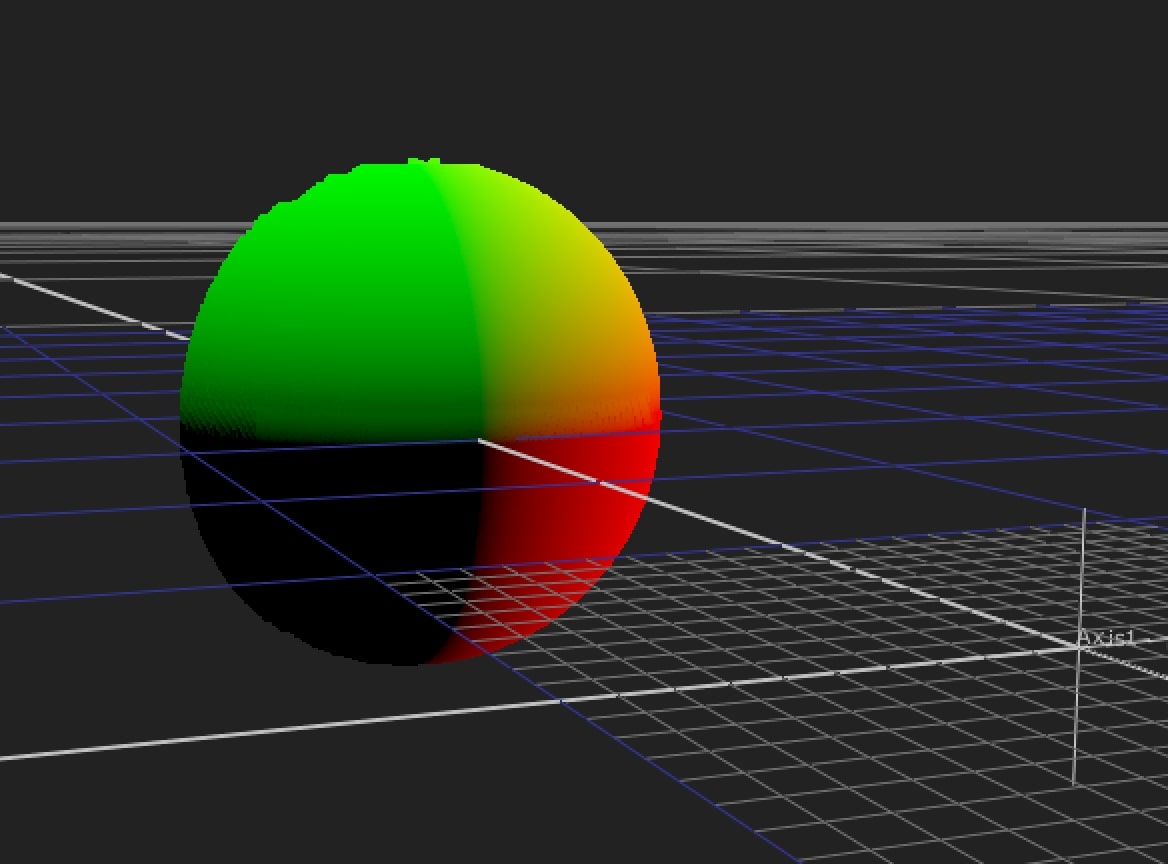
COORDINATES
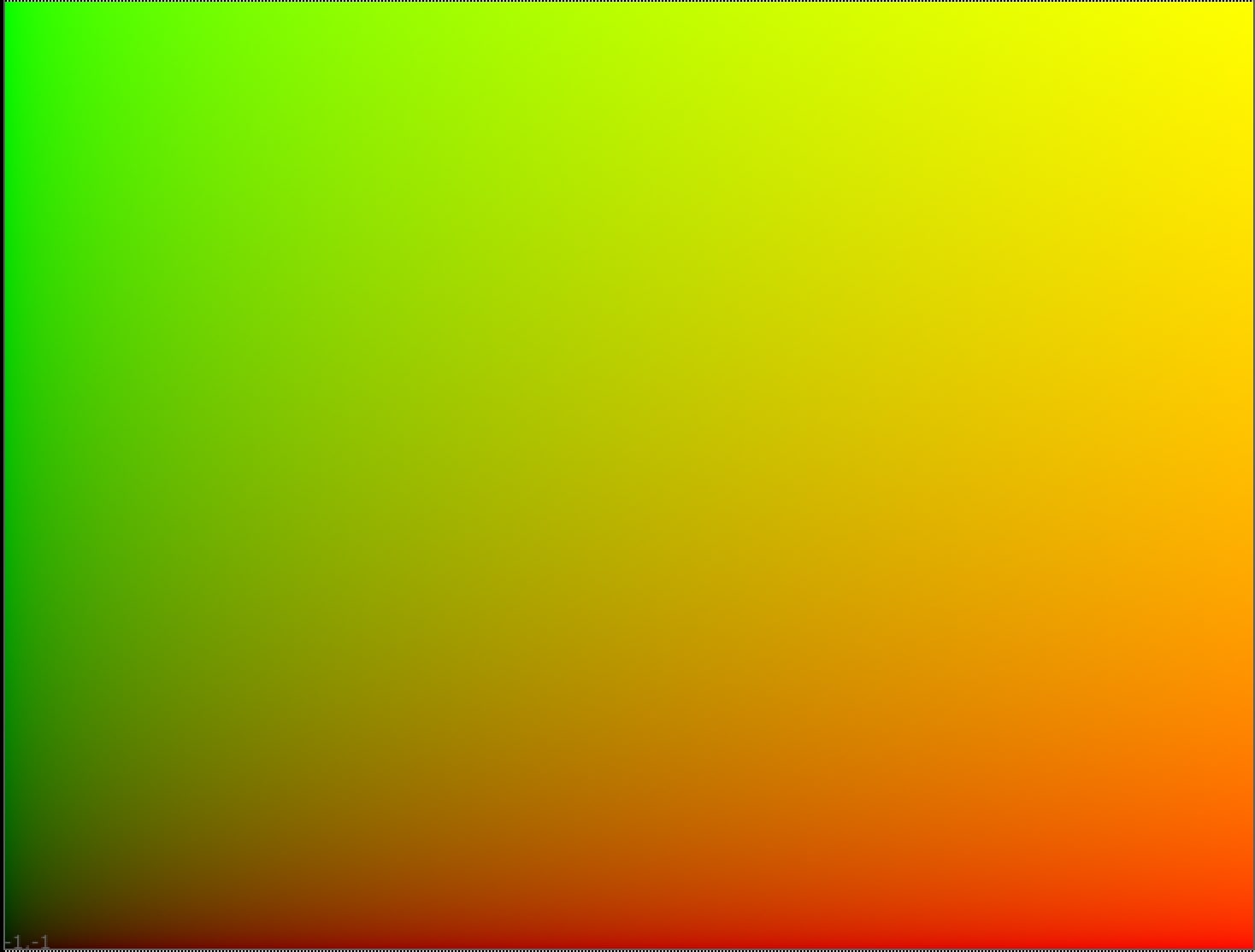
Create a map of coordinates.
C4x4
Matrix 4x4 to project the object in the 3D space and apply a distortion.
UV Map
Show/Hide node script
set cut_paste_input [stack 0]
version 10.5 v2
push $cut_paste_input
Group {
 name UV_Map
 help "Create an uvmap from the input format or the selected format that can be used for example for baking transformations and applying them through a STmap node.\nUse the overscan to create values outside of the viewing window and the 0-1 range."
 note_font "Bitstream Vera Sans"
 selected true
 xpos 1062
 ypos 295
 mapsize {0.15 0.15}
 addUserKnob {20 tab l "UV Map"}
 addUserKnob {41 format T Constant1.format}
 addUserKnob {41 scale l overscan T Reformat1.scale}
 addUserKnob {6 alpha l "alpha 1" +STARTLINE}
}
 Input {
  inputs 0
  name Input1
  xpos 620
  ypos -370
 }
 Shuffle {
  red black
  green black
  blue black
  alpha black
  name Shuffle1
  xpos 620
  ypos -309
 }
 Constant {
  inputs 0
  name Constant1
  xpos 479
  ypos -214
 }
 Switch {
  inputs 2
  which {{"\[exists parent.input0]"}}
  name Switch1
  xpos 620
  ypos -191
 }
 Reformat {
  type scale
  black_outside true
  pbb true
  name Reformat1
  xpos 620
  ypos -71
 }
 Reformat {
  type scale
  scale {{1/Reformat1.scale} {1/Reformat1.scale}}
  resize none
  black_outside true
  pbb true
  name Reformat2
  xpos 620
  ypos -37
 }
 Shuffle {
  alpha white
  name Shuffle13
  tile_color 0xffffff00
  label "\[value in]"
  xpos 620
  ypos 12
  disable {{!parent.alpha}}
 }
 Expression {
  expr0 (x+0.5)/width
  expr1 (y+0.5)/height
  name Expression2
  xpos 620
  ypos 75
 }
 Output {
  name Output1
  xpos 620
  ypos 127
 }
end_group