
3D Object
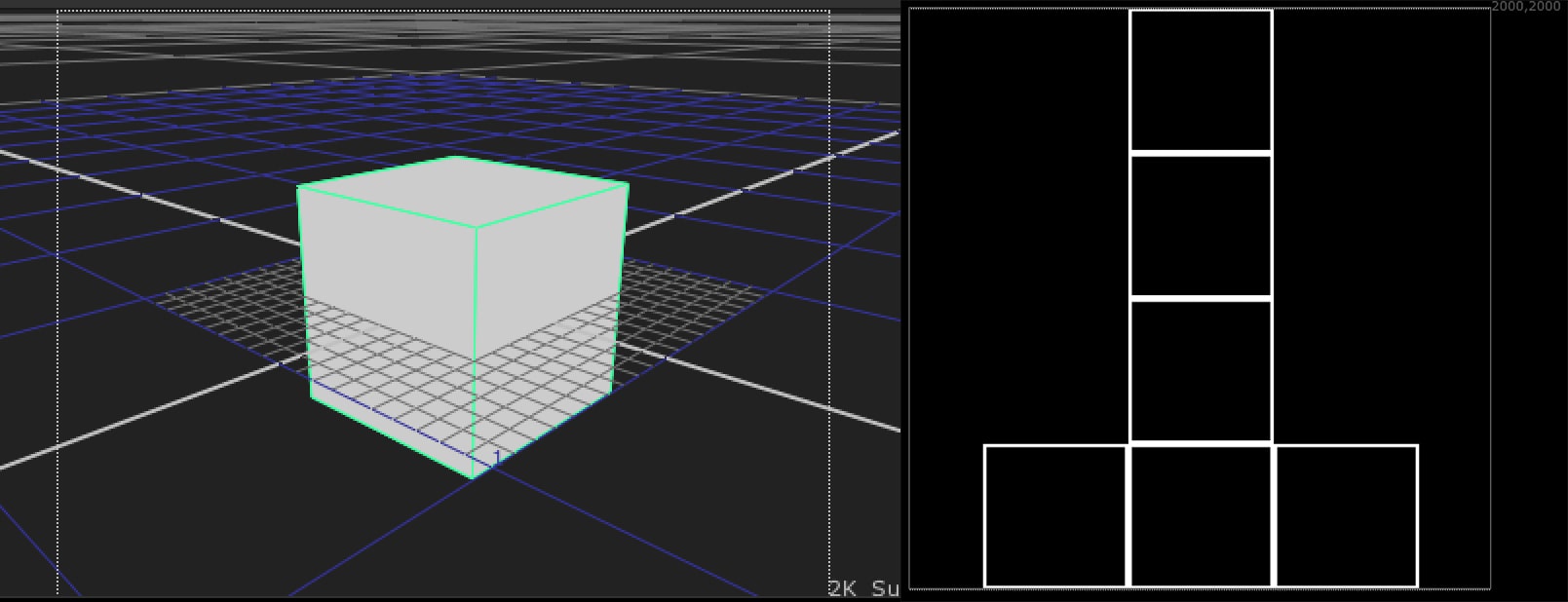
During my work at Trixter, I had to work every day with 3D and I always had trouble with the Cube and its UVs. Why is Nuke the only software with a Cube that has this kind of UVs?! So I decided to create a small collection of basic 3D objects from other software, plus some extra tools.
You can download the folder from the link below:
Download Complete Collection
Download Lite Version from Nukepedia
HOW TO INSTALL IT?
Installing the package is really easy, because all the paths and folders are already set up.
1. Extract the folder from the .zip file
2. Drag and drop the folder into your .nuke folder
#path would be something like this:
#Linux: /home/login name/.nuke
#Mac OS X: /Users/login name/.nuke
#Windows: drive letter:\Users\user name\.nuke
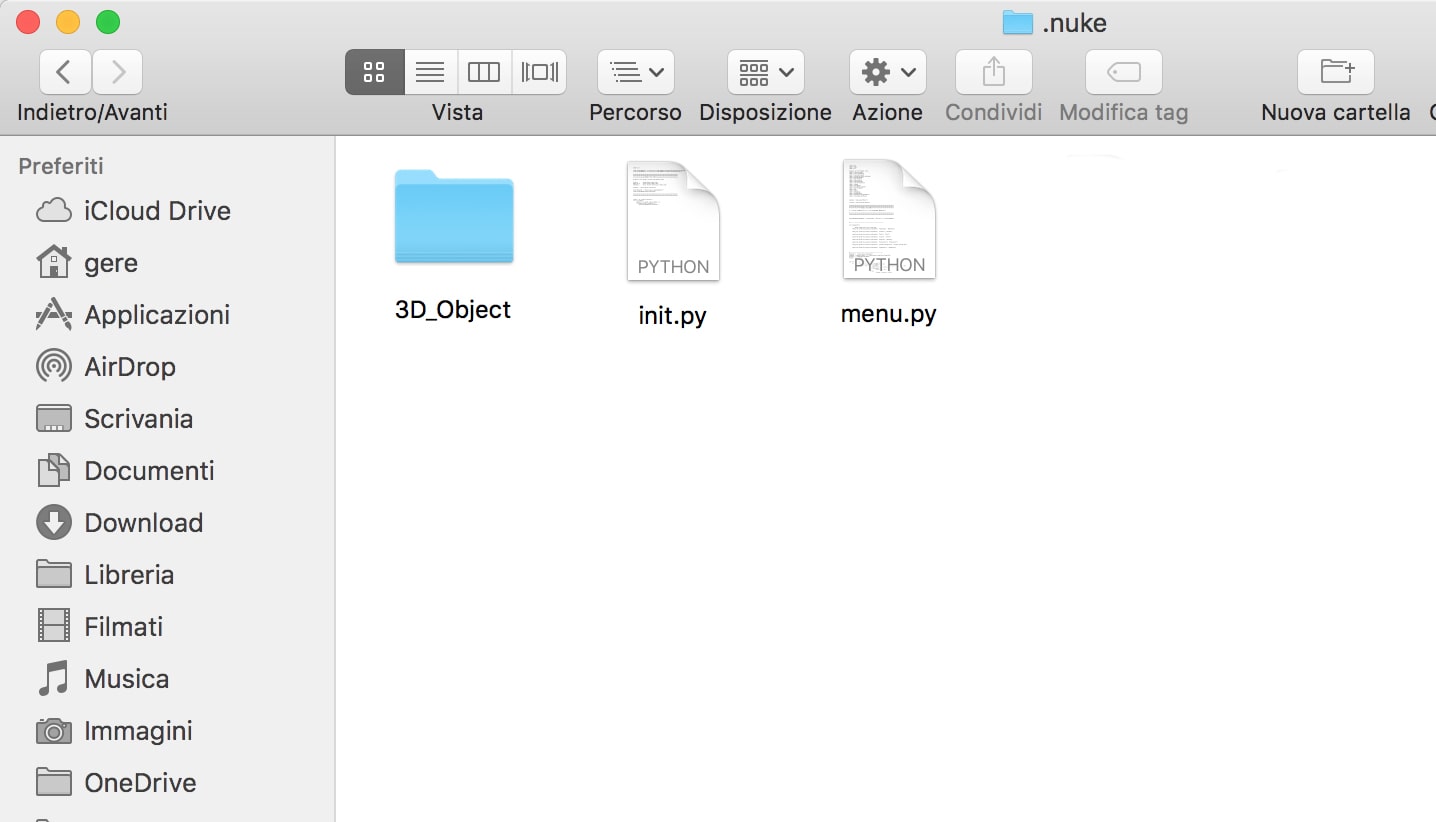
3. Add this code to your init.py file
Object3D_path = "/Users/yourPath/.nuke/3D_Object"
nuke.pluginAddPath(Object3D_path)
4. Run Nuke
Overview
Click on the links below to go directly to the section you want:
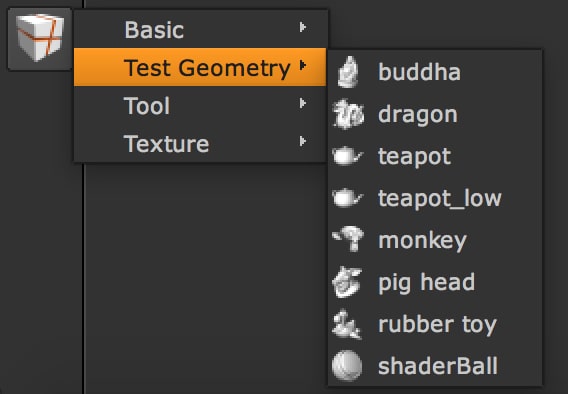
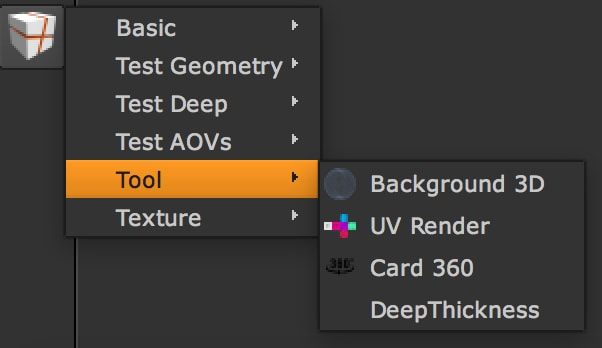
The folder contains these categories: Basic, Test Geometry, Tool, Texture.
- 01. Basic
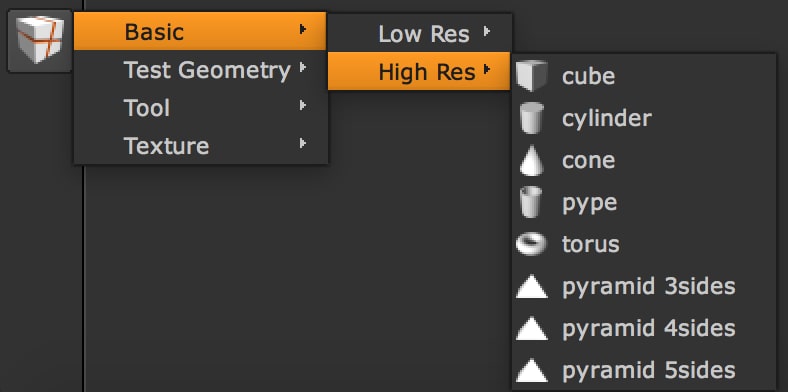
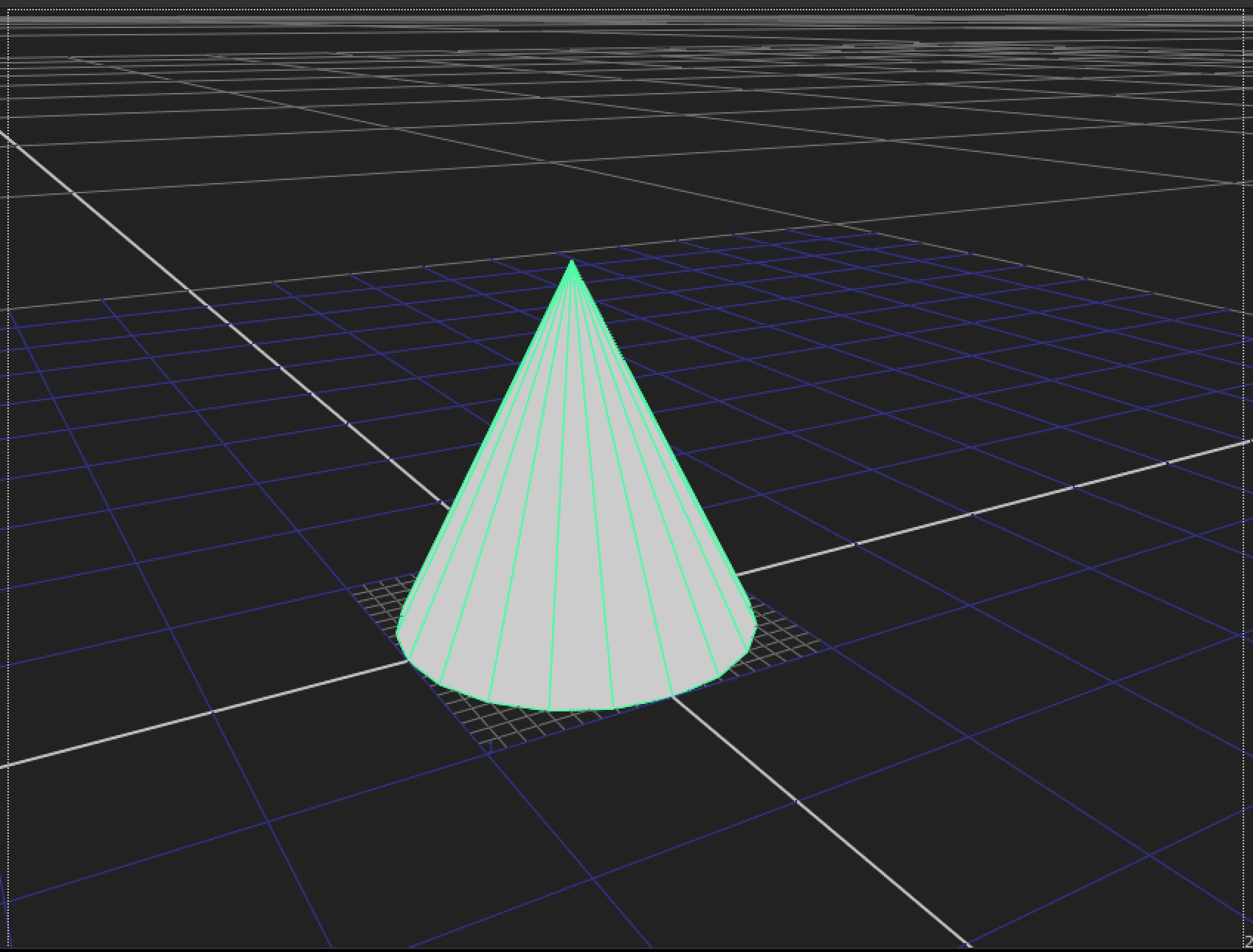
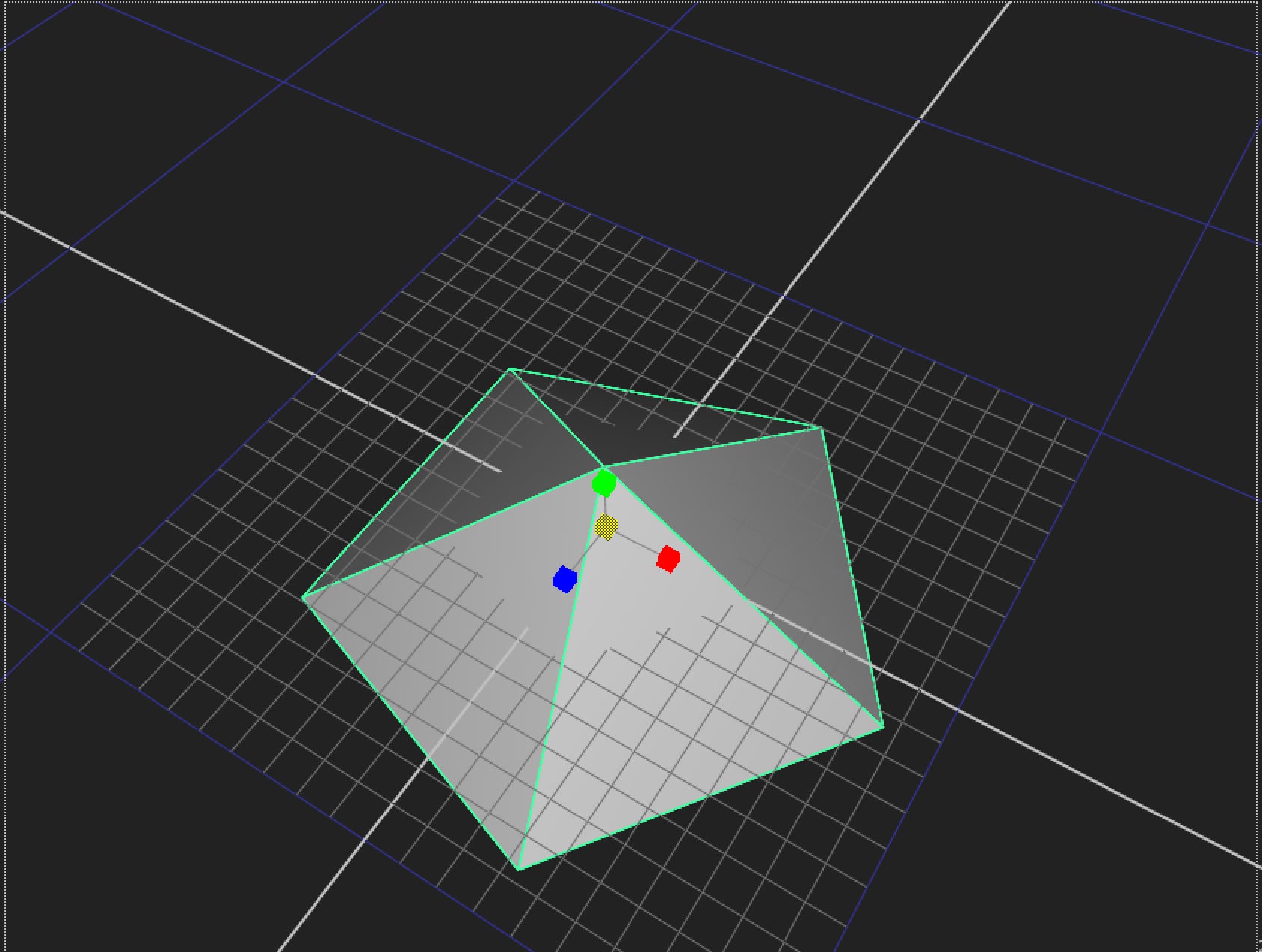
Basic contains basic models in low and high resolution, with their UVs:
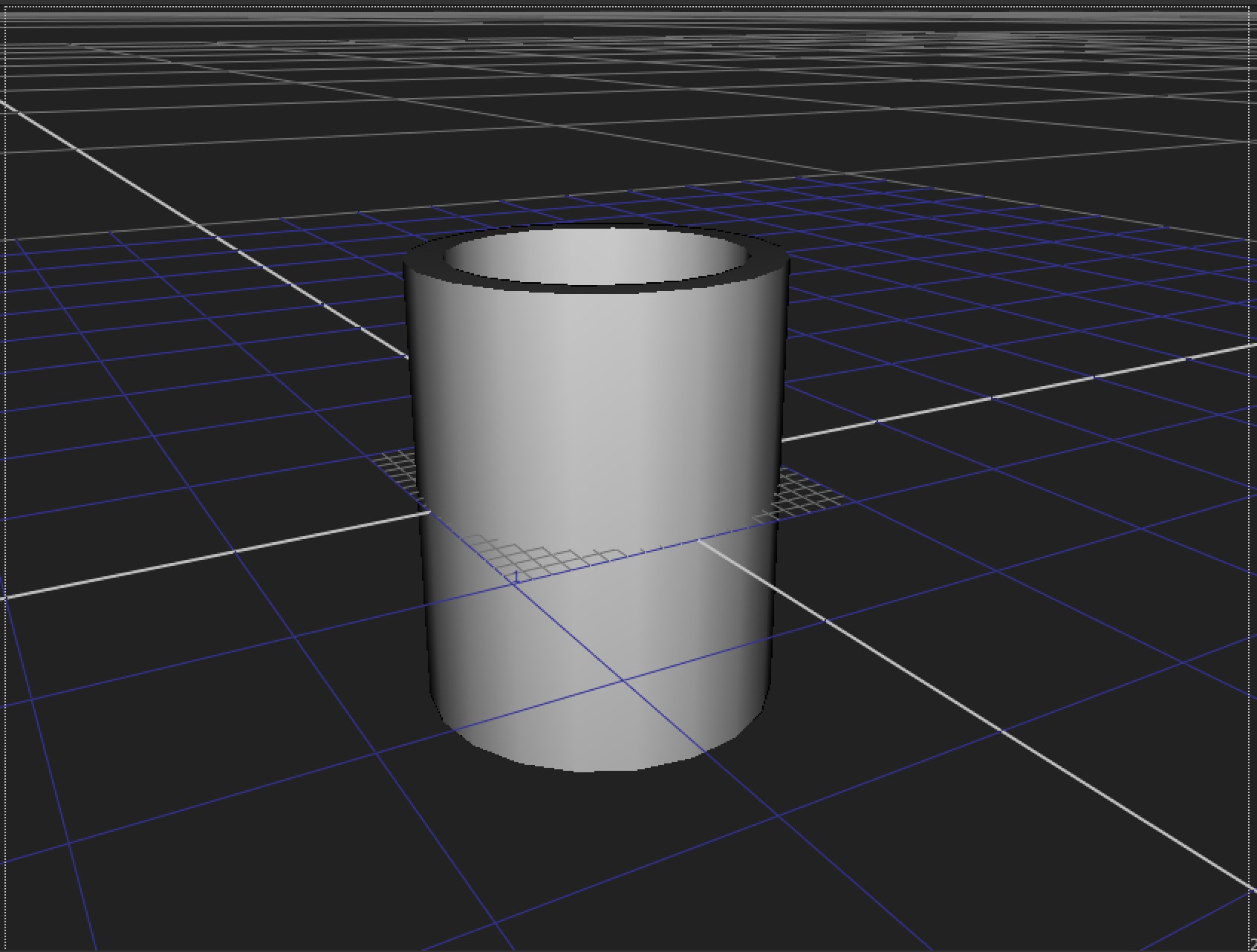
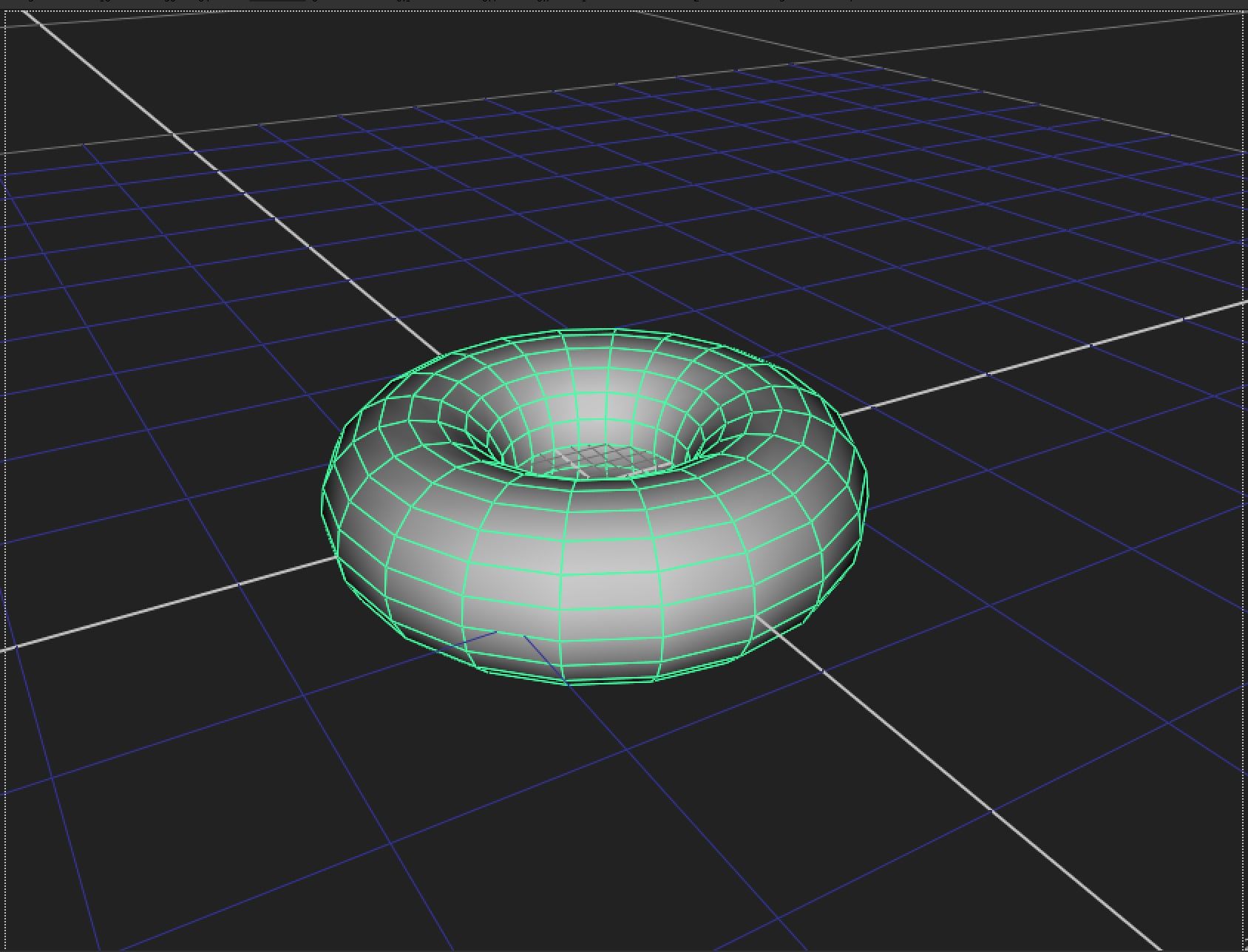
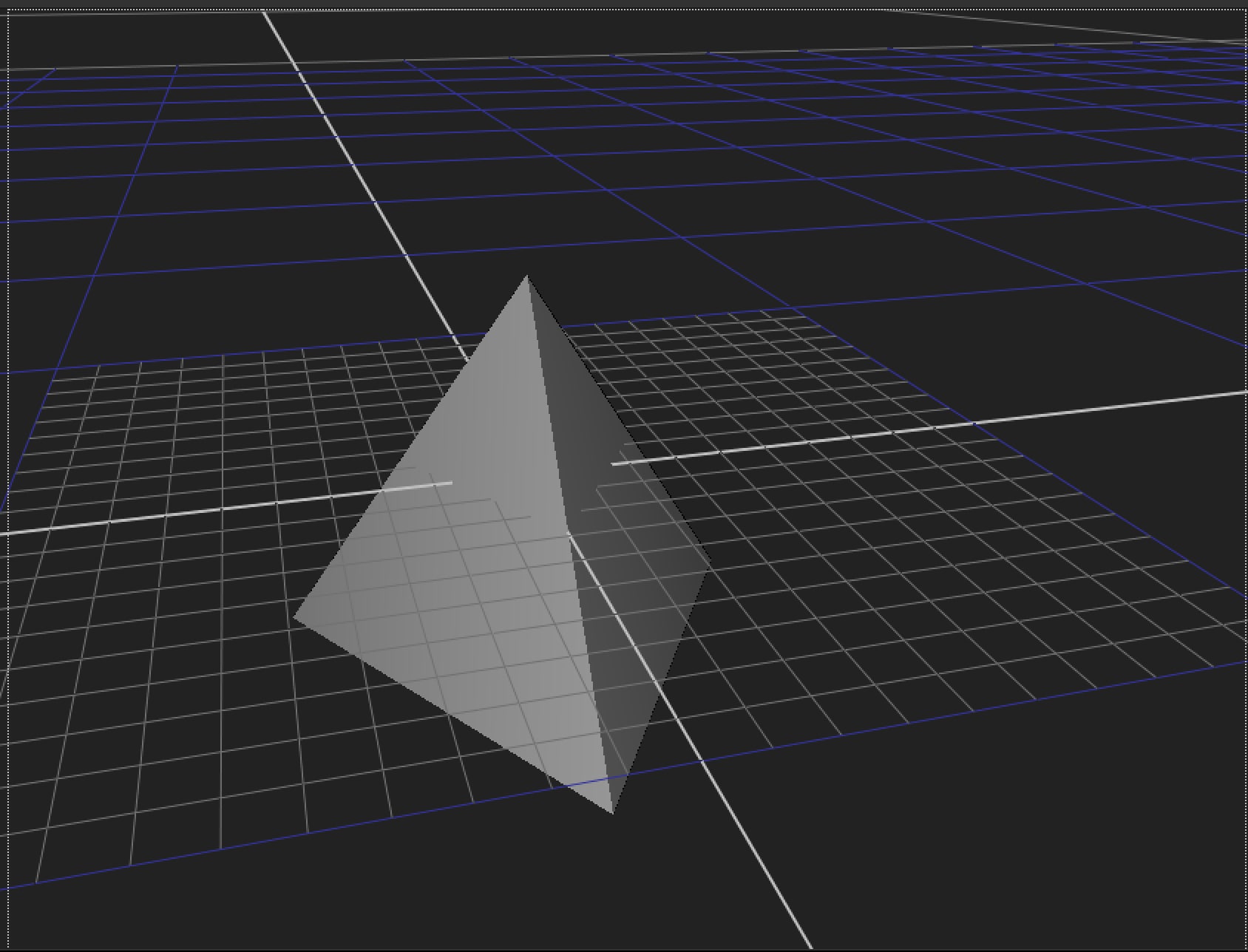
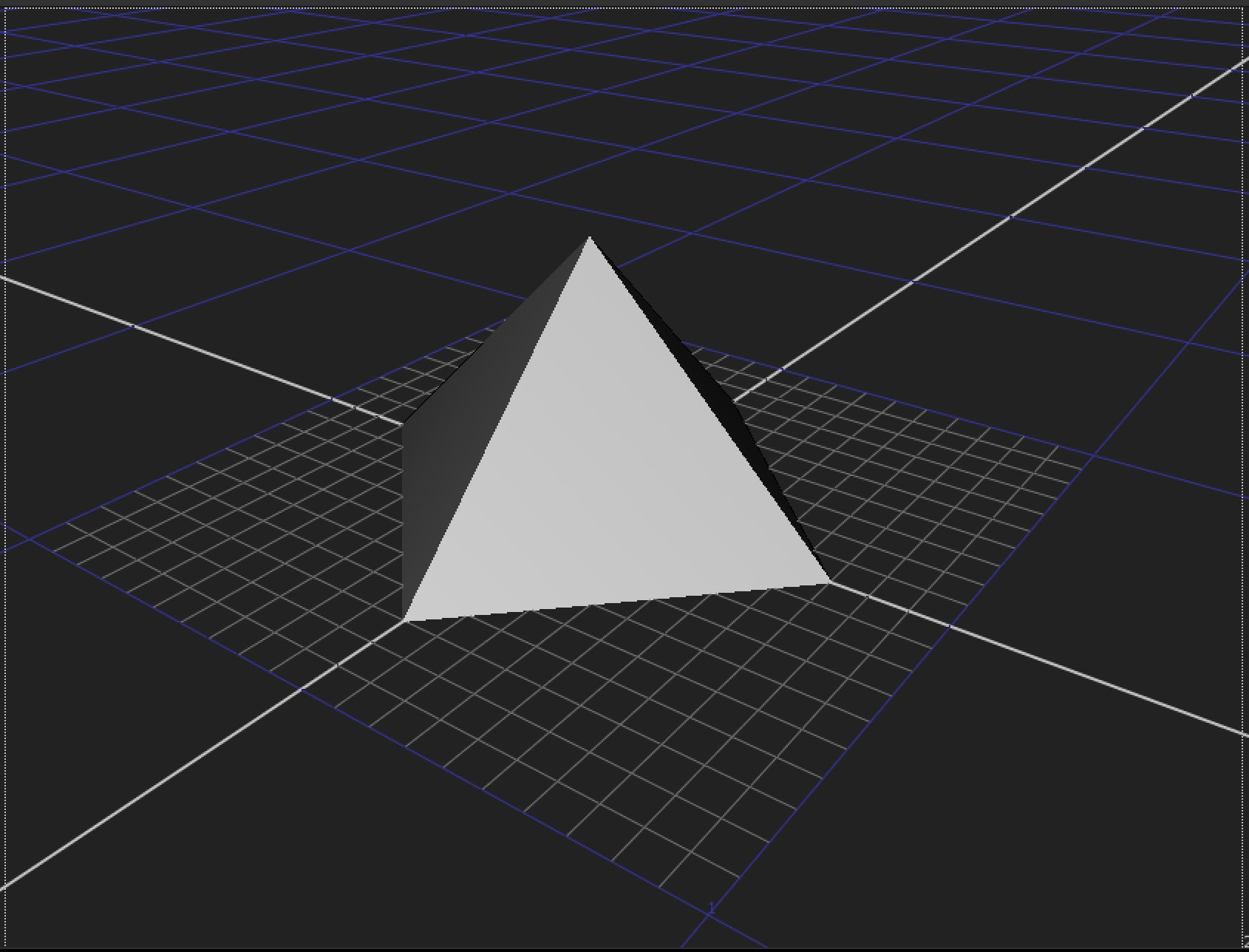
- 02. Test Geometry
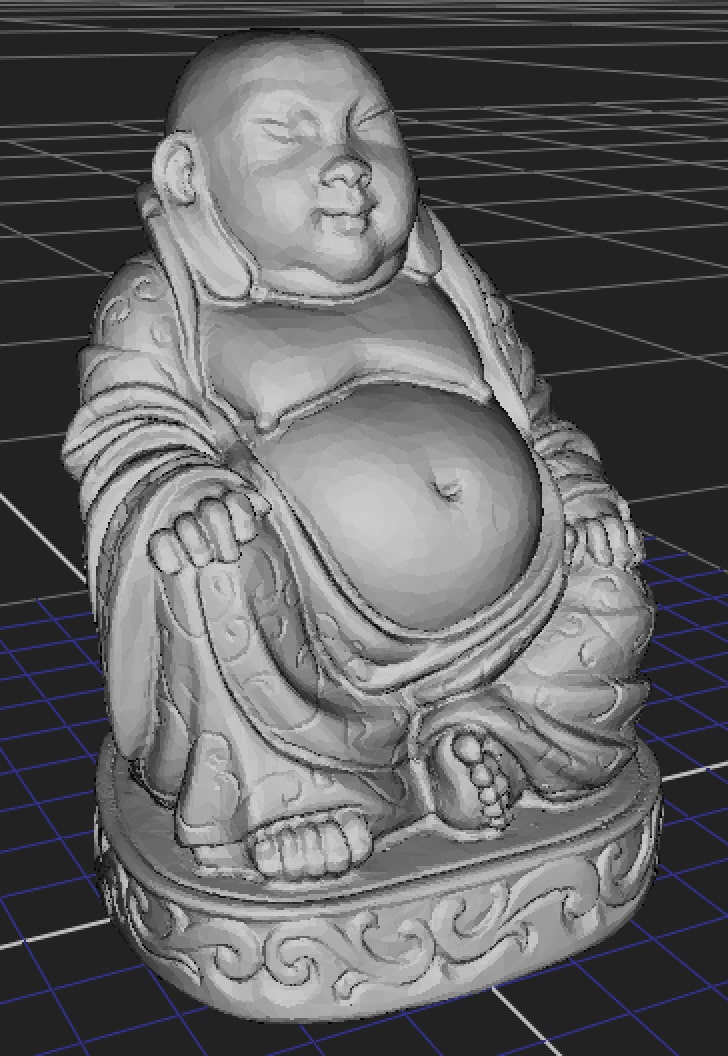
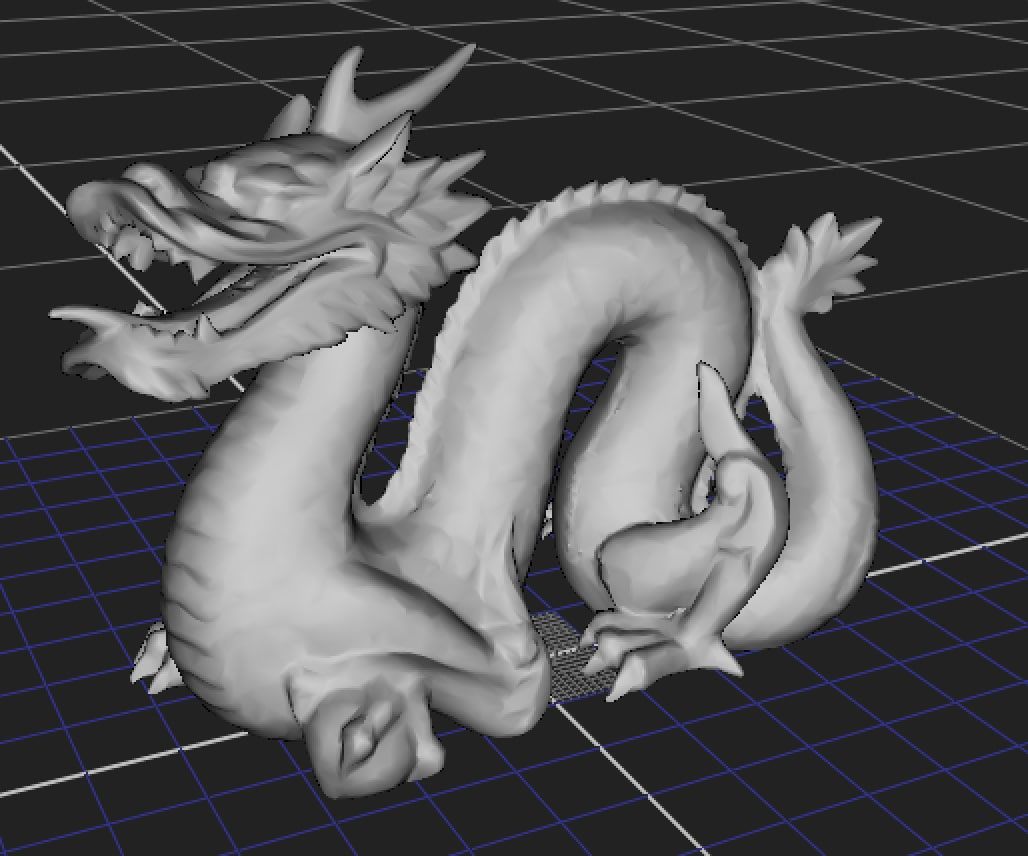
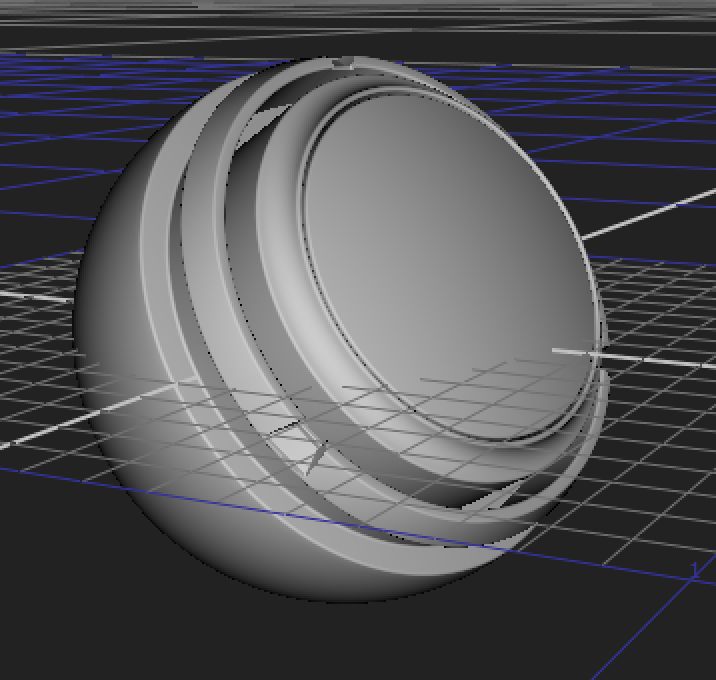
You can use the Test Geometries directly in your script like any other Geometry in Nuke:
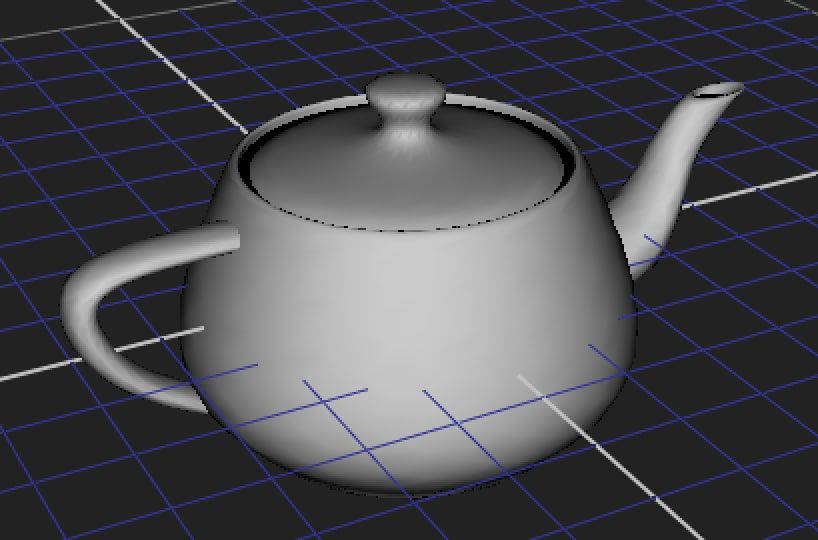
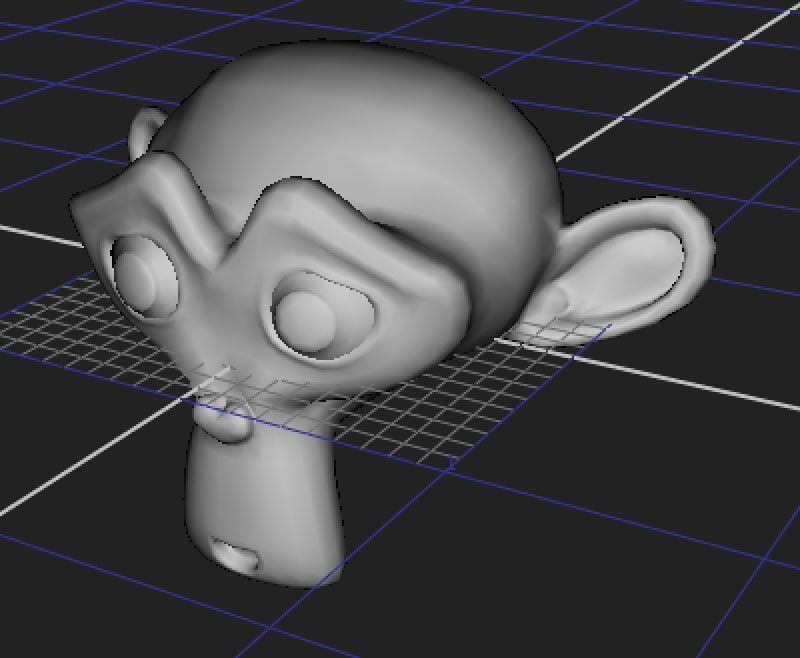
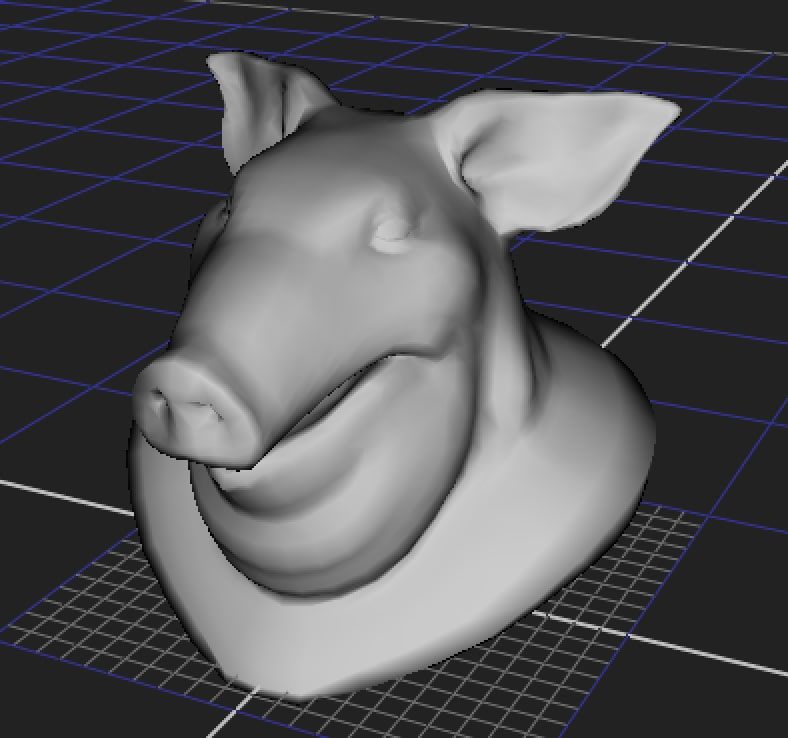
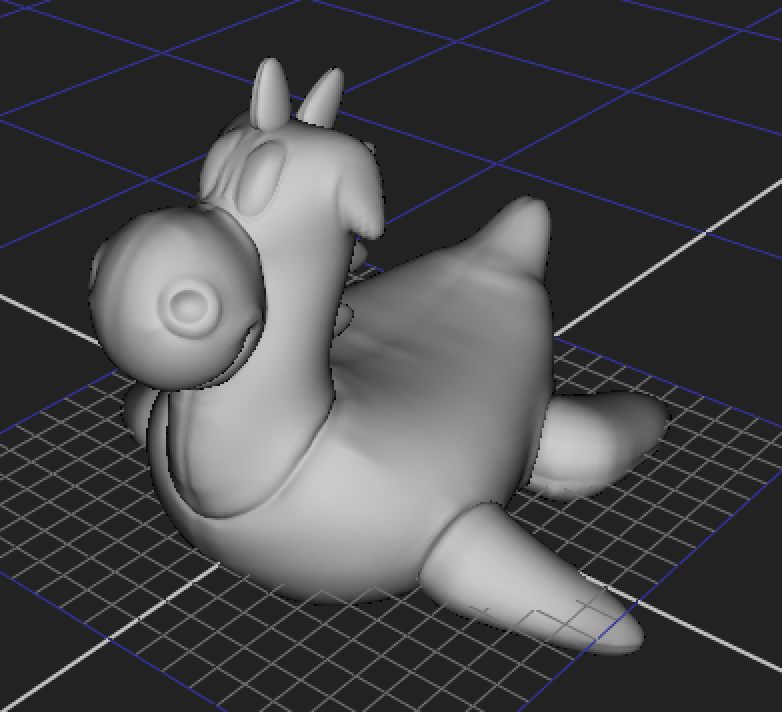
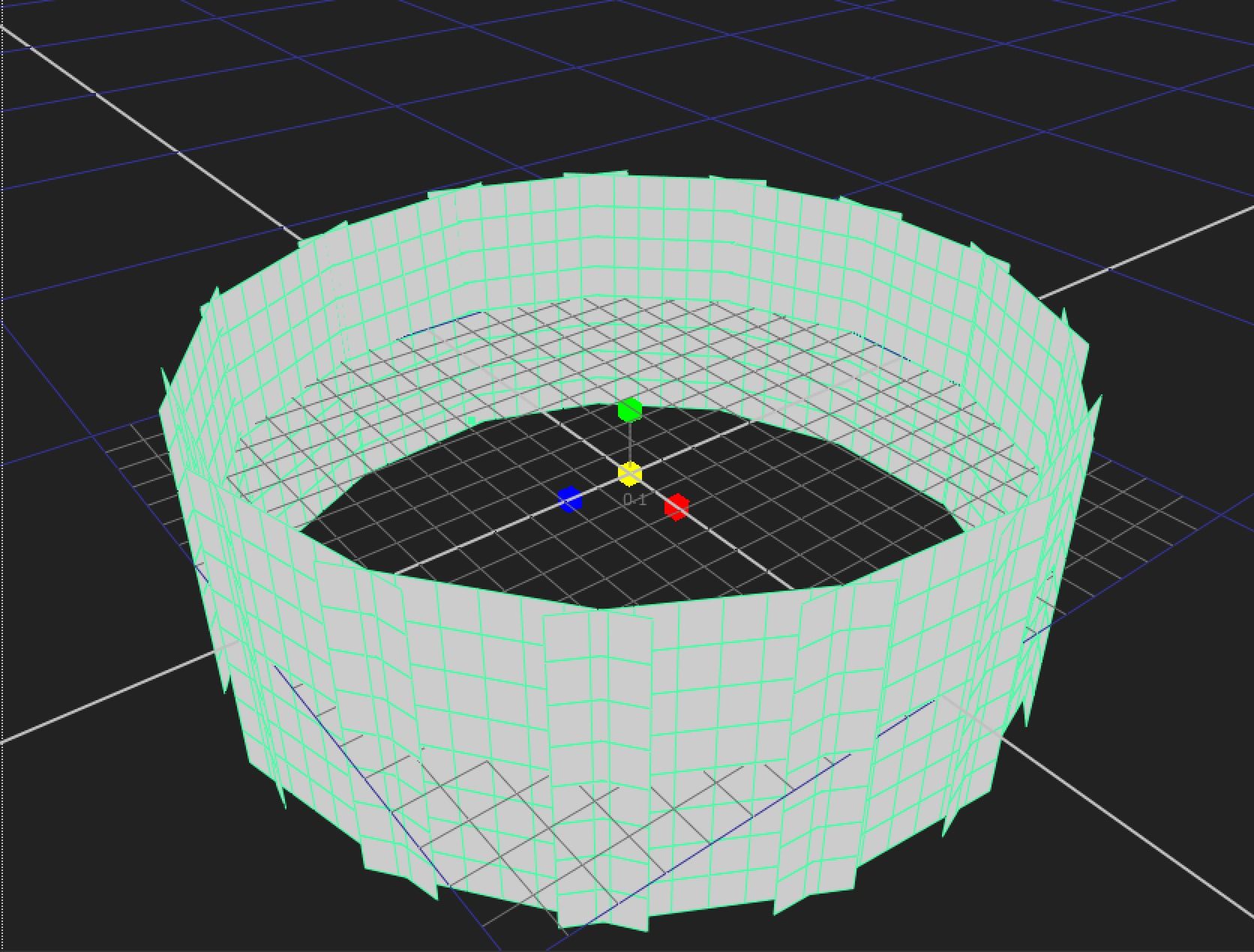
- 03. Tool
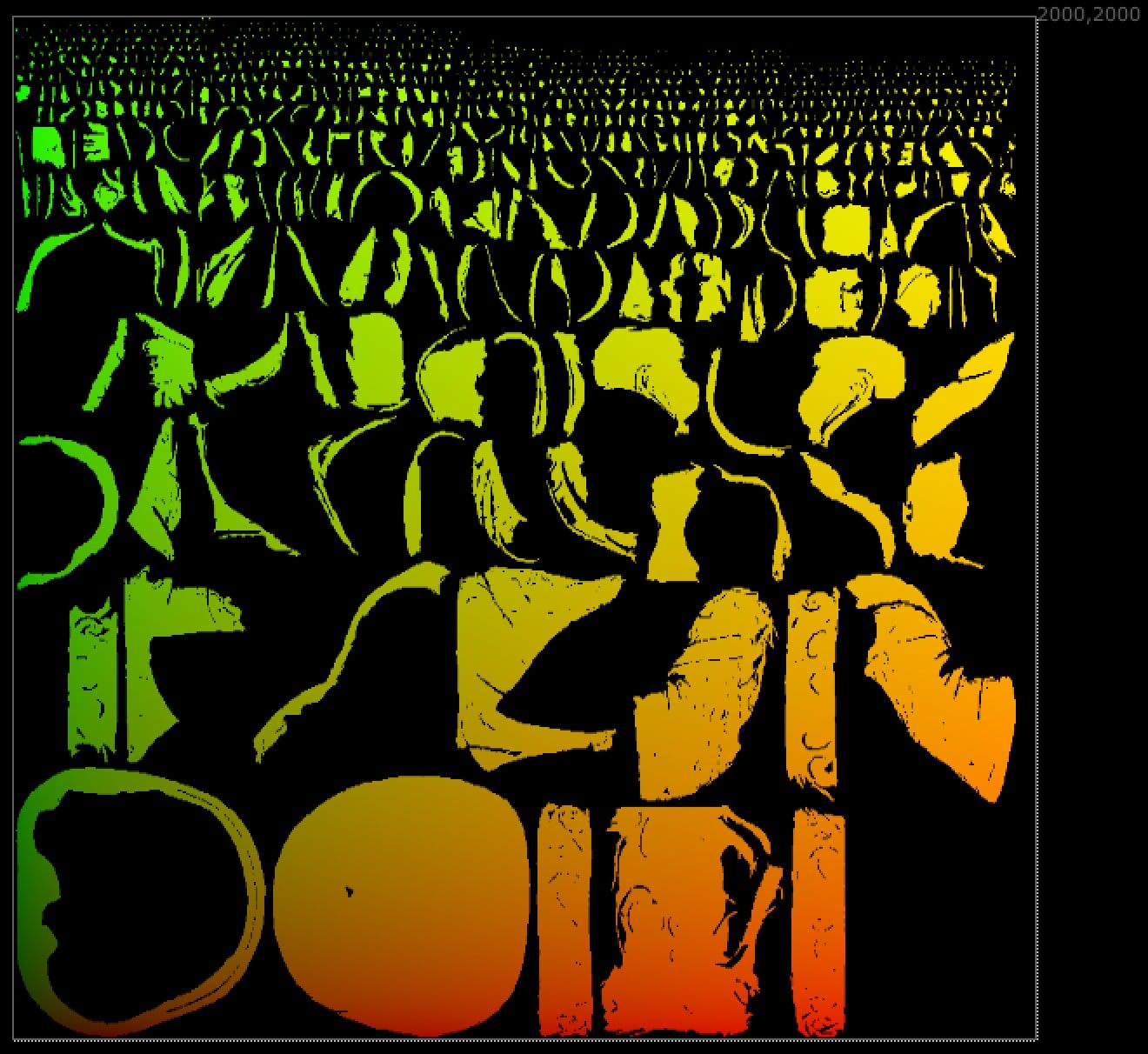
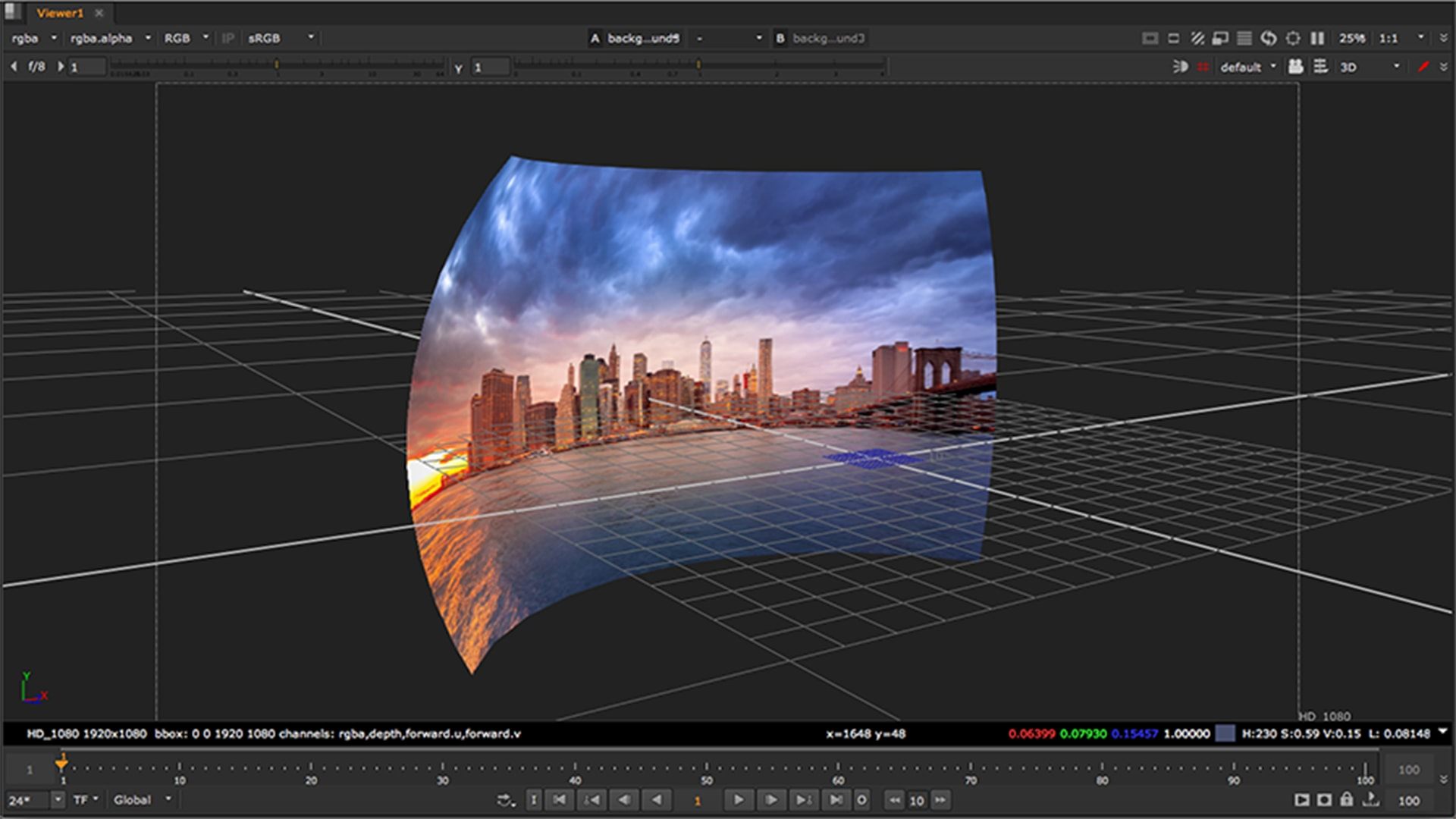
Here are some tools I made for 3D space:
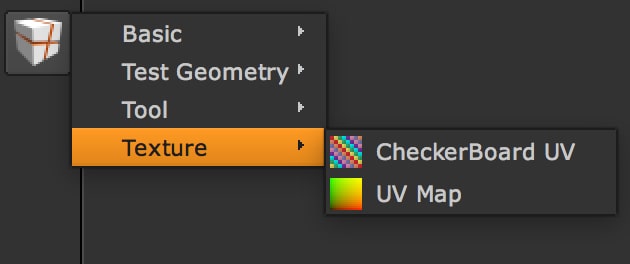
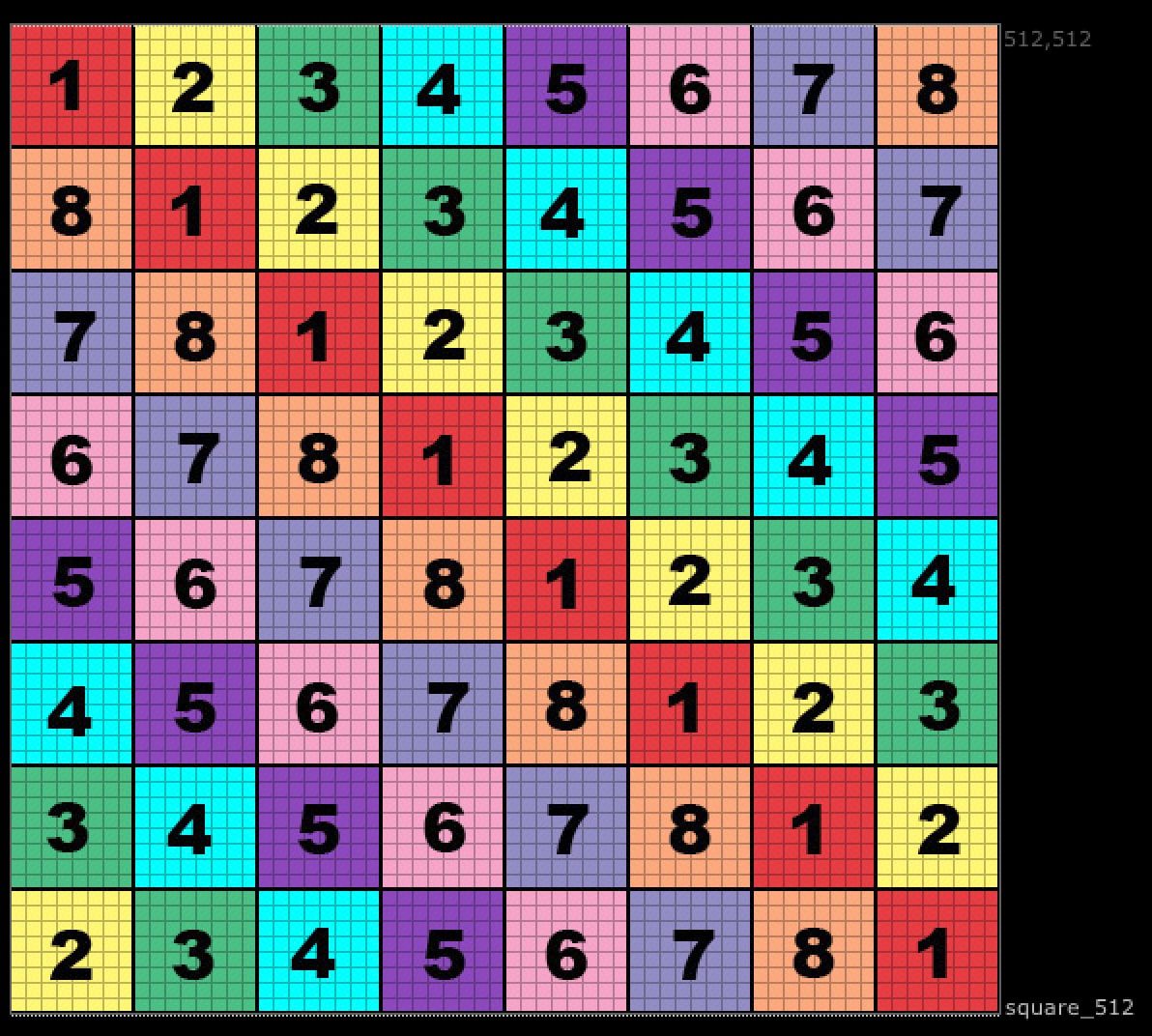
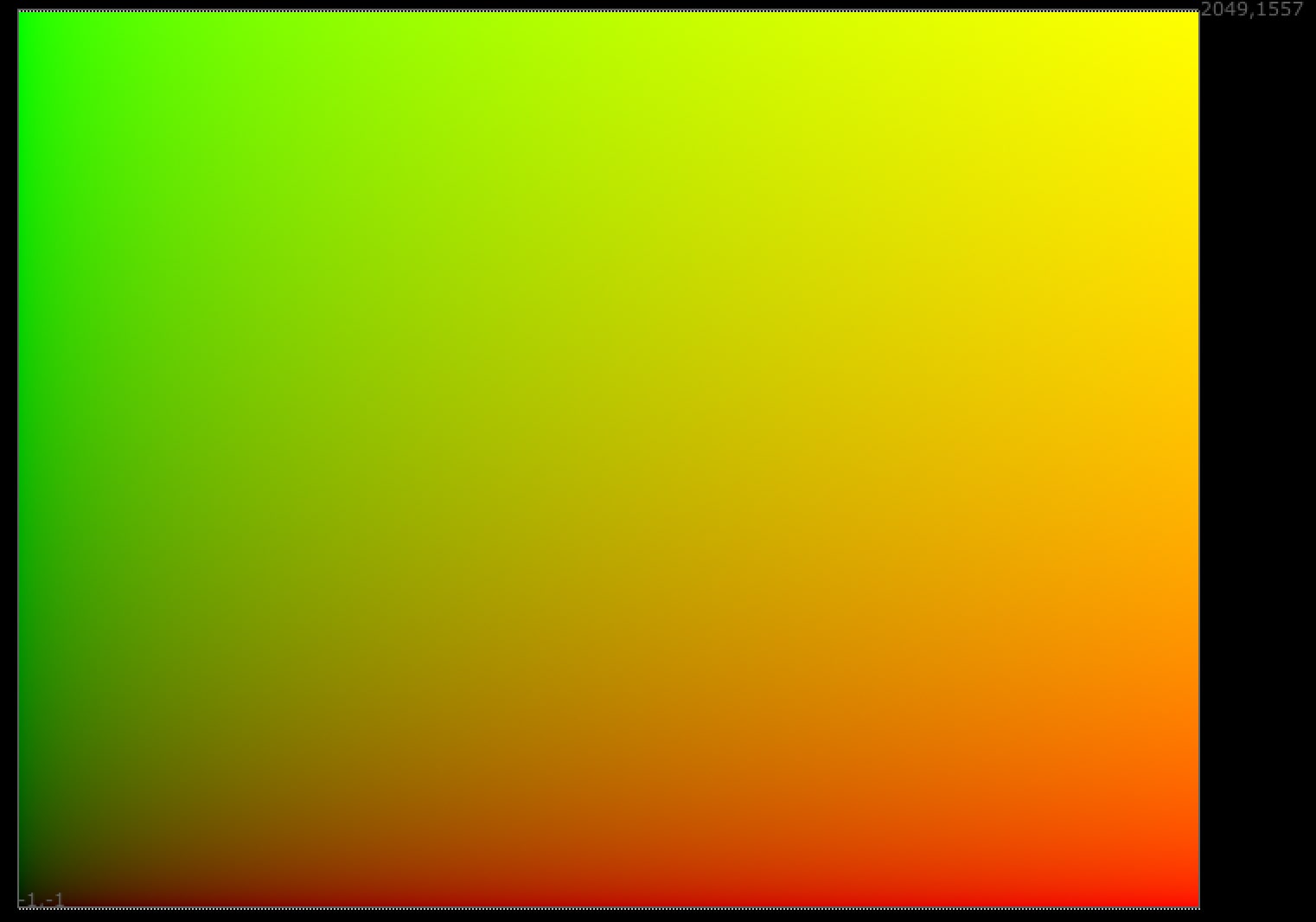
- 04. Texture
Here you can find some textures:
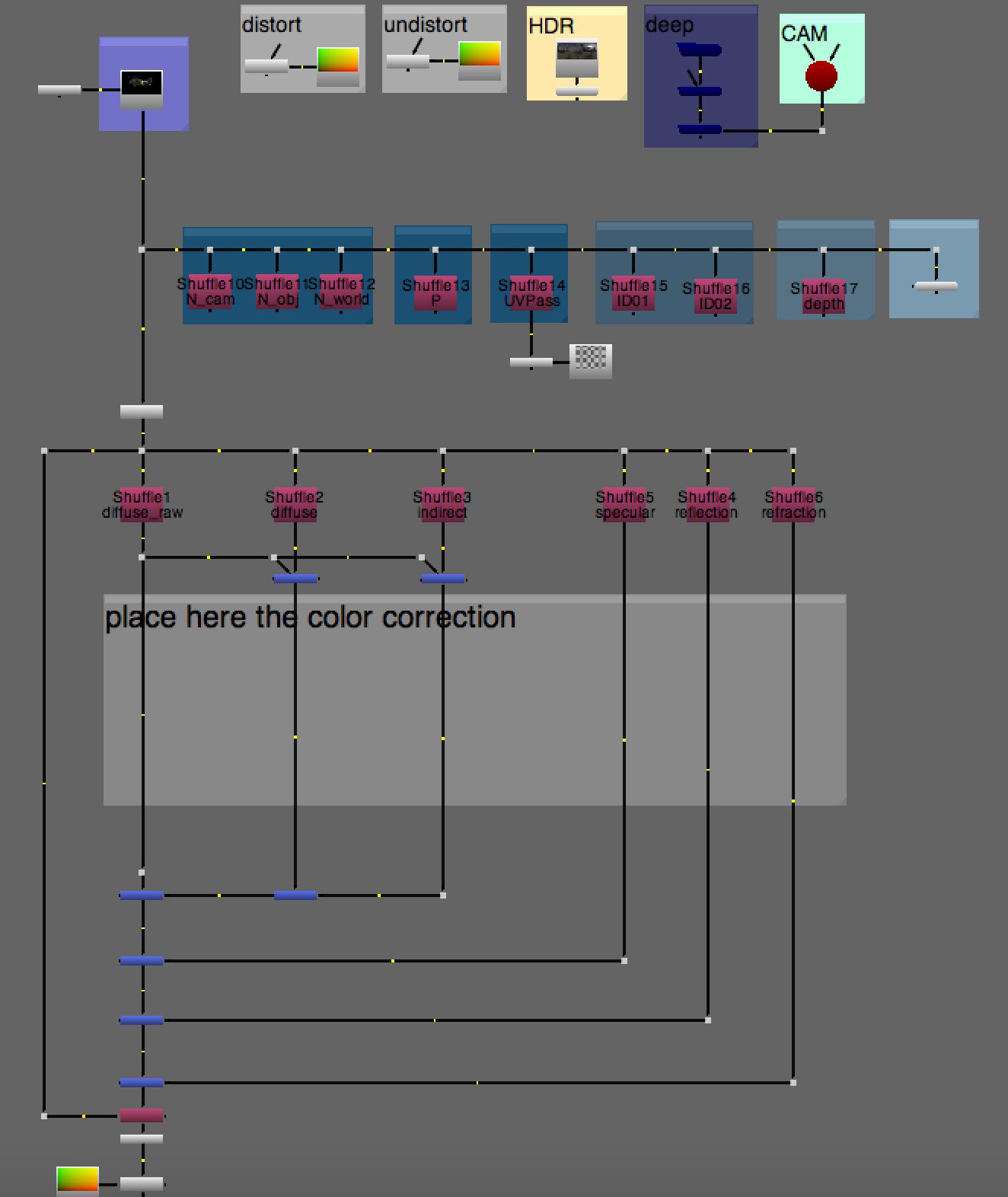
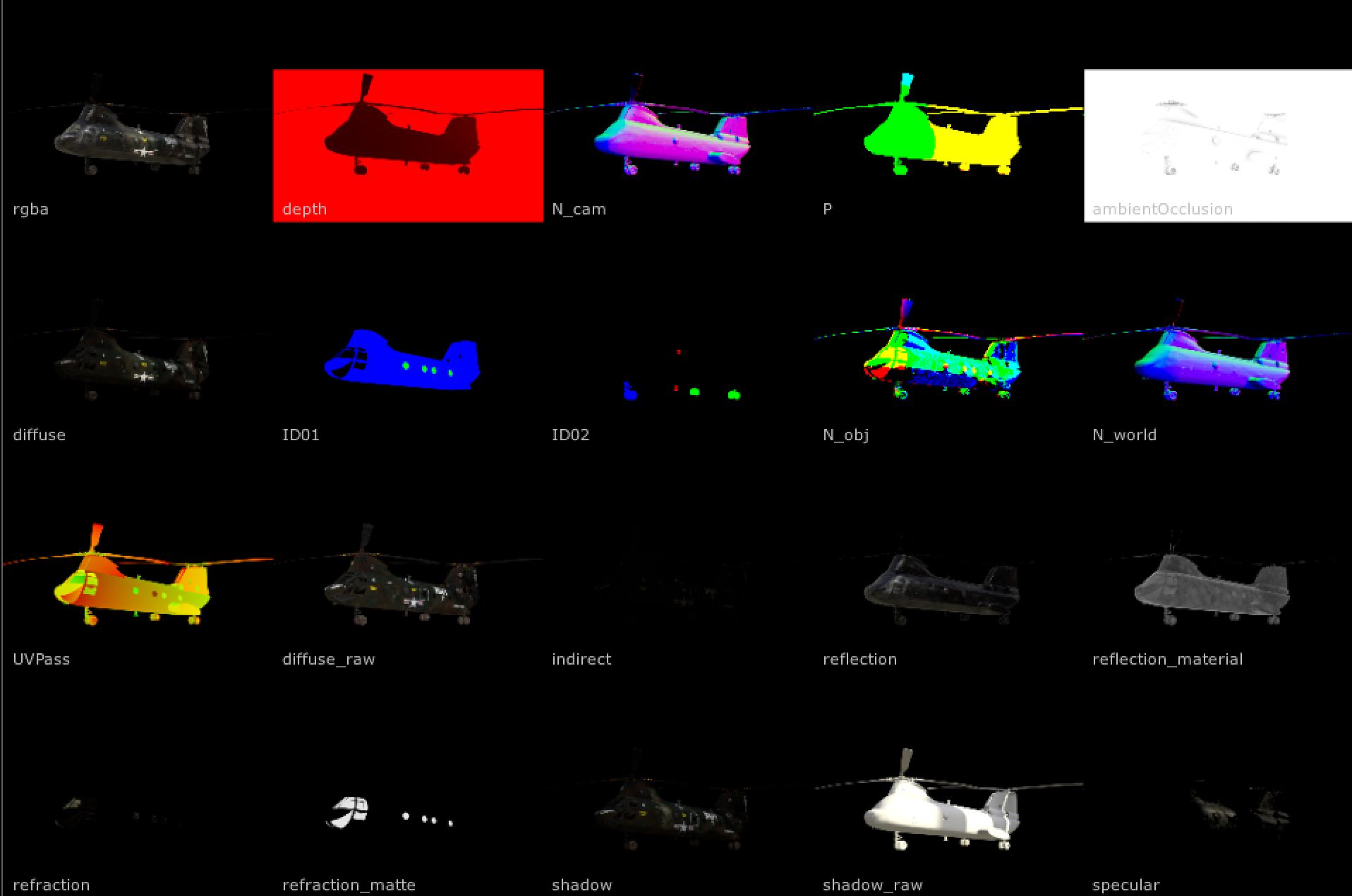
- 05. Test Scene AOVs
A complete render with background, CG ground and CG object. All the renders have the passes and deepEXR.

- 06. Test Images
Here are some extra 2D images you can quickly use for tests.